InfiRay Outdoor • Geni GL35R Series • Quick Start Guide www.infirayouordoor.com
All rights reserved and shall not be copied and distributed in any form without written permission
➢ Short press the Z (5) button to adjust
the reticle color: white, black, red and
green.
➢ Short press the C (3) button to select
the reticle pattern. There are 8
patterns for selection.
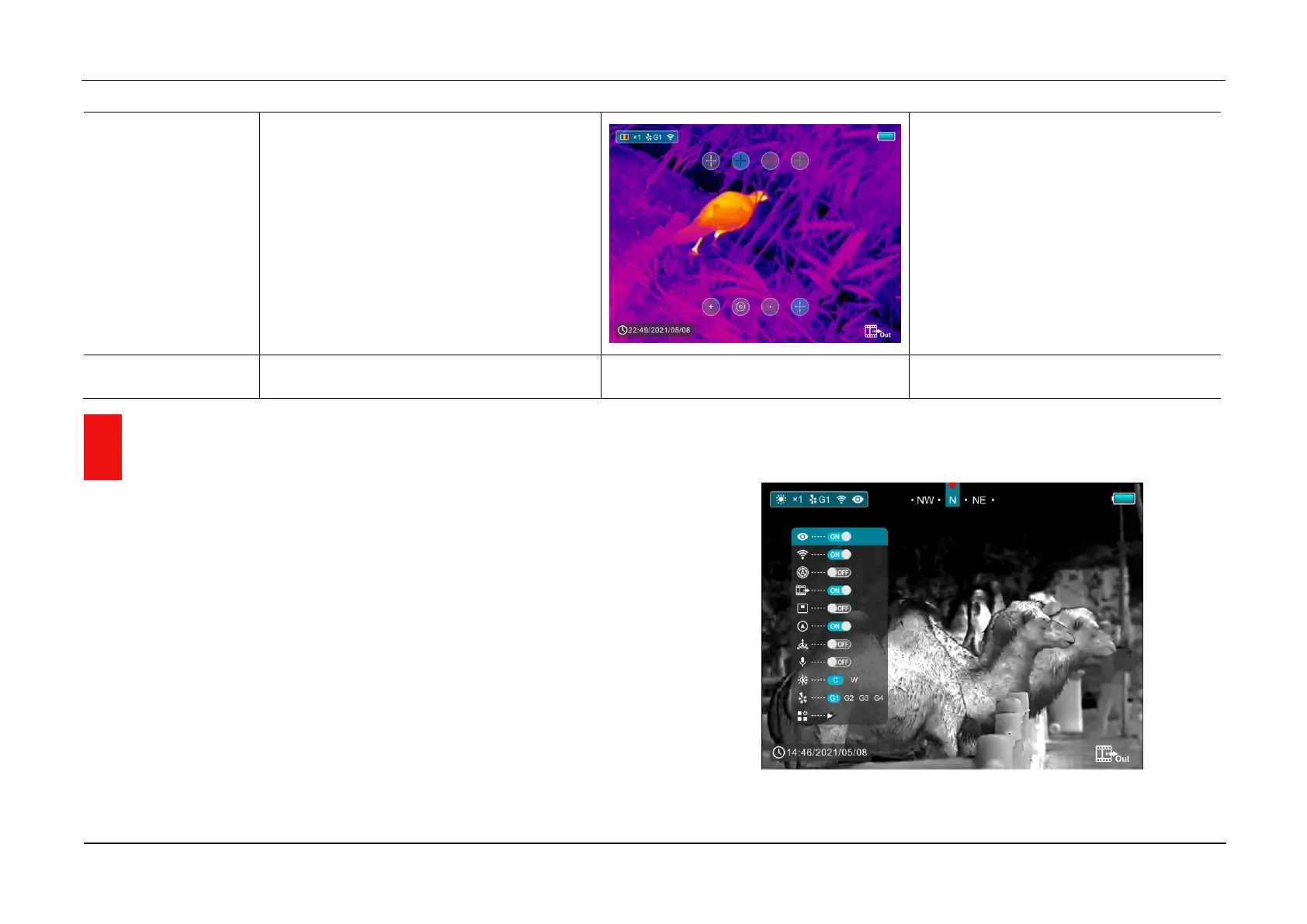
15 Main Menu
➢ In the home screen, press and hold the M (4) button to enter the main
menu, which including Ultraclear mode, Wi-Fi, auto shutter correction,
video output, PIP, compass, motion sensor, microphone, image hue,
zeroing type and more.
➢ Press the Z (5) / C (3)button to move through the main menu items.
➢ Press the M (4) button briefly to set up the item parameter or to enter the
function interface.
➢ Long press the M (4) button to exit the main menu.



 To Next Page