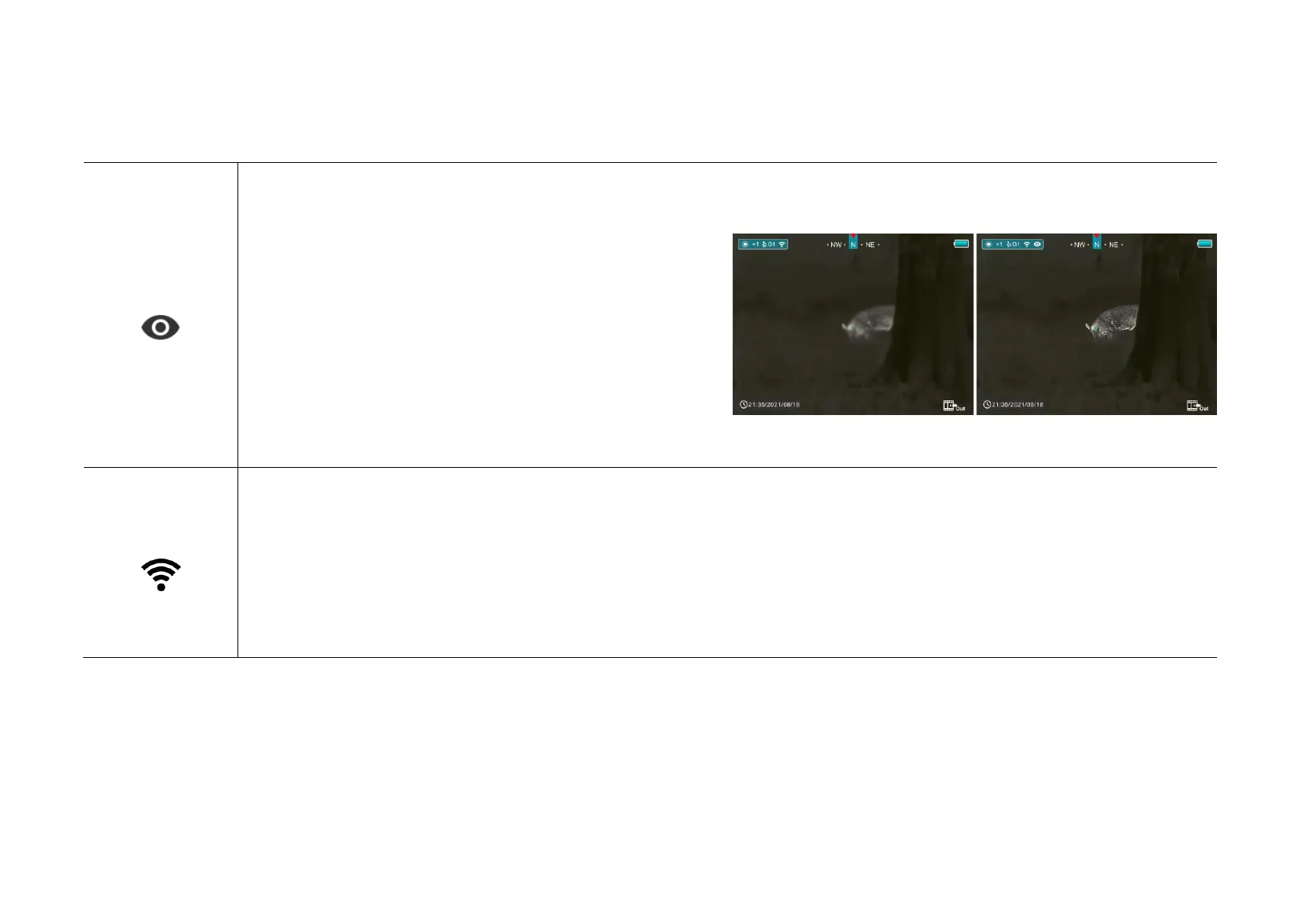
Turn Ultraclear mode on/off
➢ Press and hold down the M (4) button to enter the Main Menu.
➢ Select the Ultraclear menu option with the Z (5) / C (3) button.
➢ Turn Ultraclear mode on /off with a short press of M (4) button,
along with the sound of shutter calibration.
➢ The icon will be displayed on the status bar in the upper left
corner of the screen when the Ultraclear mode is on.
➢ Under heavy fog, rain or snow weather, Ultraclear Mode will show more image details.
Turn Wi-Fi function on/off
➢ Press and hold down the M (4) button to enter the Main Menu.
➢ Select the Wi-Fi menu option with the Z (5) / C (3) button.
➢ Turn Wi-Fi function on /off with a short press of M (4) button.
➢ The icon will be displayed on the status bar in the upper left corner of the screen when the wi-Fi is on.



 To Next Page