InfiRay Outdoor • Geni GL35R Series • Quick Start Guide www.infirayouordoor.com
All rights reserved and shall not be copied and distributed in any form without written permission
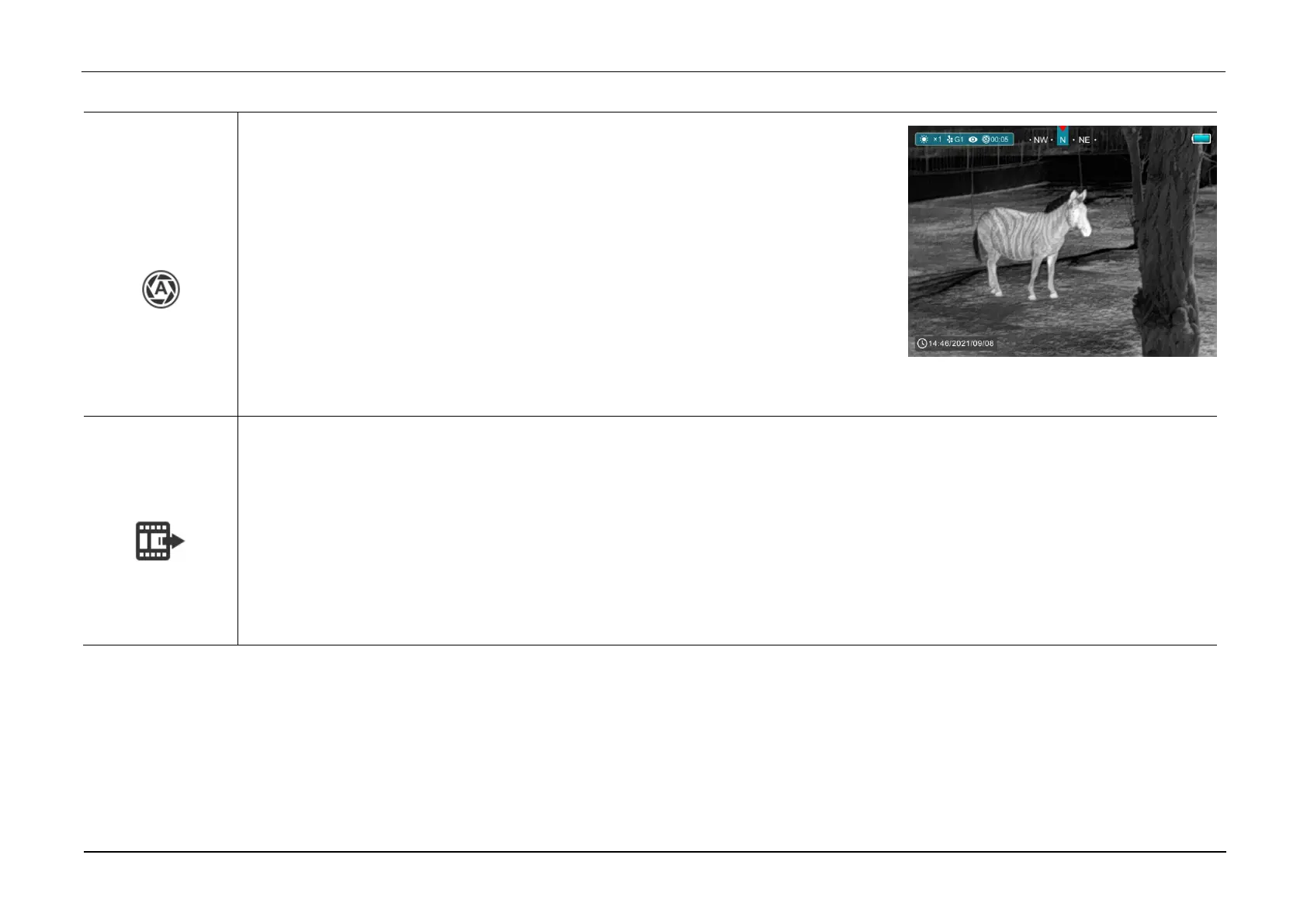
Turn the auto shutter correction on/off
➢ Press and hold down the M (4) button to enter the Main Menu.
➢ Select the Auto Shutter Correction menu option with the Z (5) / C (3)button.
➢ Briefly press of the M (4) button to turn the auto shutter correction on /off.
➢ The icon will be displayed on the status bar in the upper left corner of the screen when
the auto shutter correction is on.
➢ Before automatic calibration, there will be a 5 second countdown prompt behind the
shutter icon on the status bar, that can be to cancelled this calibration during countdown with a short press of the Power (3) button.
Turn video output on/off
➢ Press and hold down the M (4) button to enter the Main Menu.
➢ Select the Video Output option with the Z (5) / C (3) button.
➢ Briefly press of the M (4) button to turn video out on/off.
➢ The icon will be displayed on the lower right corner of the screen when the video output function is on.
➢ Video out function enable connectivity with an eternal display or recording device.



 To Next Page