InfiRay Outdoor • Geni GL35R Series • Quick Start Guide www.infirayouordoor.com
All rights reserved and shall not be copied and distributed in any form without written permission
➢ Click the "Setting" icon in the APP to enter the setting interface.
➢ In the text box, enter and submit the name (SSID) and password of the
new Wi-Fi.
➢ It needs to restart the device to take the new name and password effect.
18 Update and APP Technology
In order to continuously improve the product performance and provide
better user experience, the software program, as well as parameters and
operating instruction of the device will be constantly updated. Users can go
to the official website (www.infirayoutdoor.com) to download and update.
The Geni series support APP technology, and can be connected to a
smartphone or tablet PC via Wi-Fi for real-time image transmission, control
operations, and program updates.
About InfiRay Outdoor
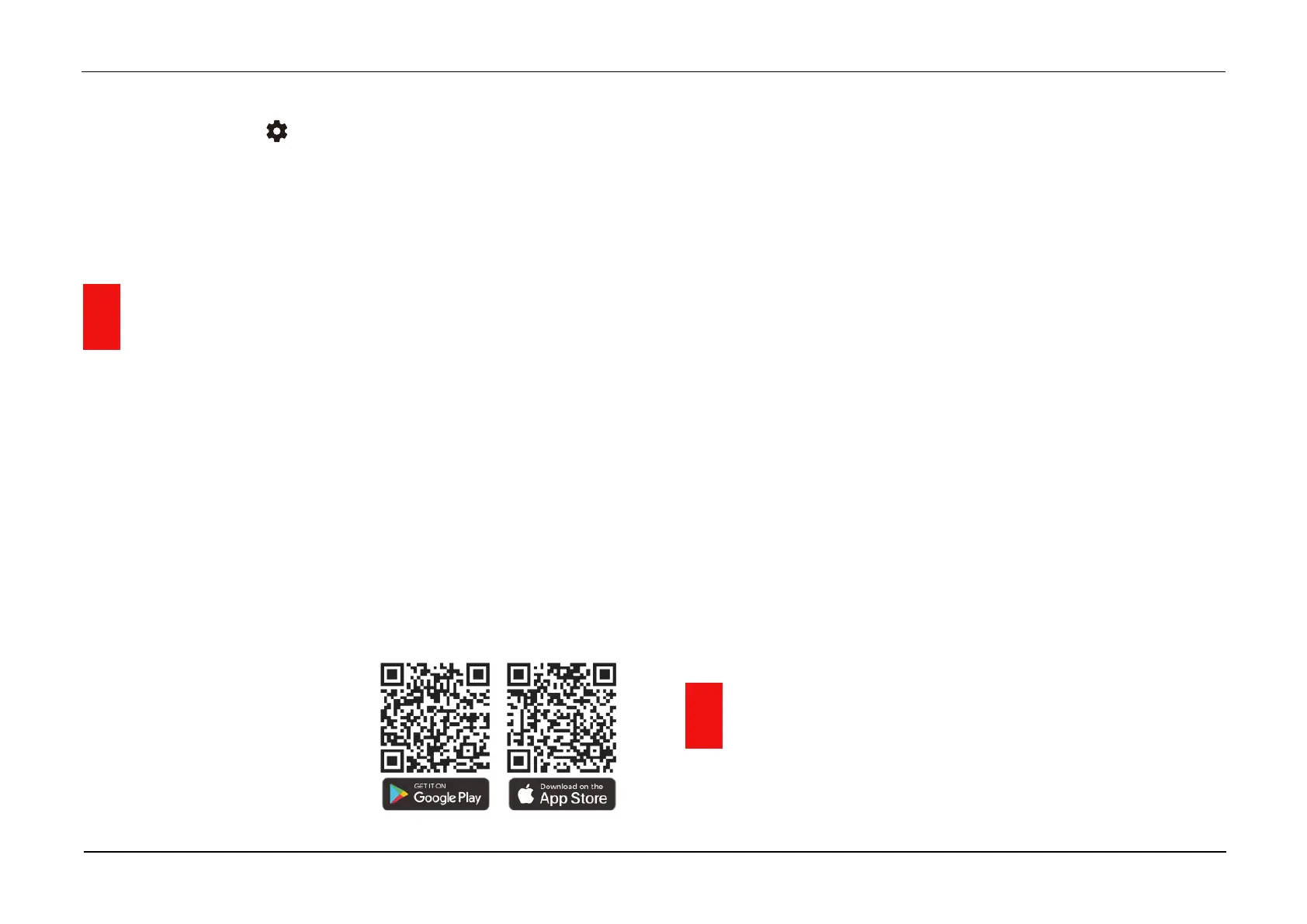
➢ You can download and install the
InfiRay Outdoor app on
www.infirayoutdoor.com or App
store. Otherwise, you can download the app by scanning the QR code.
➢ When installation completed, open InfiRay Outdoor application.
➢ If your device is already connected with a mobile device, please switch
on the mobile data in mobile device. After connection, the update
detection is performed automatically with a prompt in the application.
Click 'Now' to download the updates or click 'Later' to update later.
➢ InfiRay Outdoor will automatically store the last connected device. So,
if your device has not connected with your mobile device, but linked to
InfiRay Outdoor before, the update prompt will appear if there is an
update when turning on InfiRay Outdoor. You can download the update
first via mobile Wi-Fi and then connect your device with mobile device to
finish the update.
➢ After finishing the update, the device will root.
➢ Instructions for using InfiRay Outdoor can also be downloaded from the
official website.
19 Technical Inspection
A technical inspection of the device is recommended before use.


 To Next Page
 Loading...



