EasyManua.ls Logo

iRay Technology GL35R - 6 Description of Controls

Default Icon
31 pages
Print Icon
To Next Page IconTo Next Page
To Previous Page IconTo Previous Page
Loading...
InfiRay Outdoor Geni GL35R Series Quick Start Guide www.infirayouordoor.com
All rights reserved and shall not be copied and distributed in any form without written permission
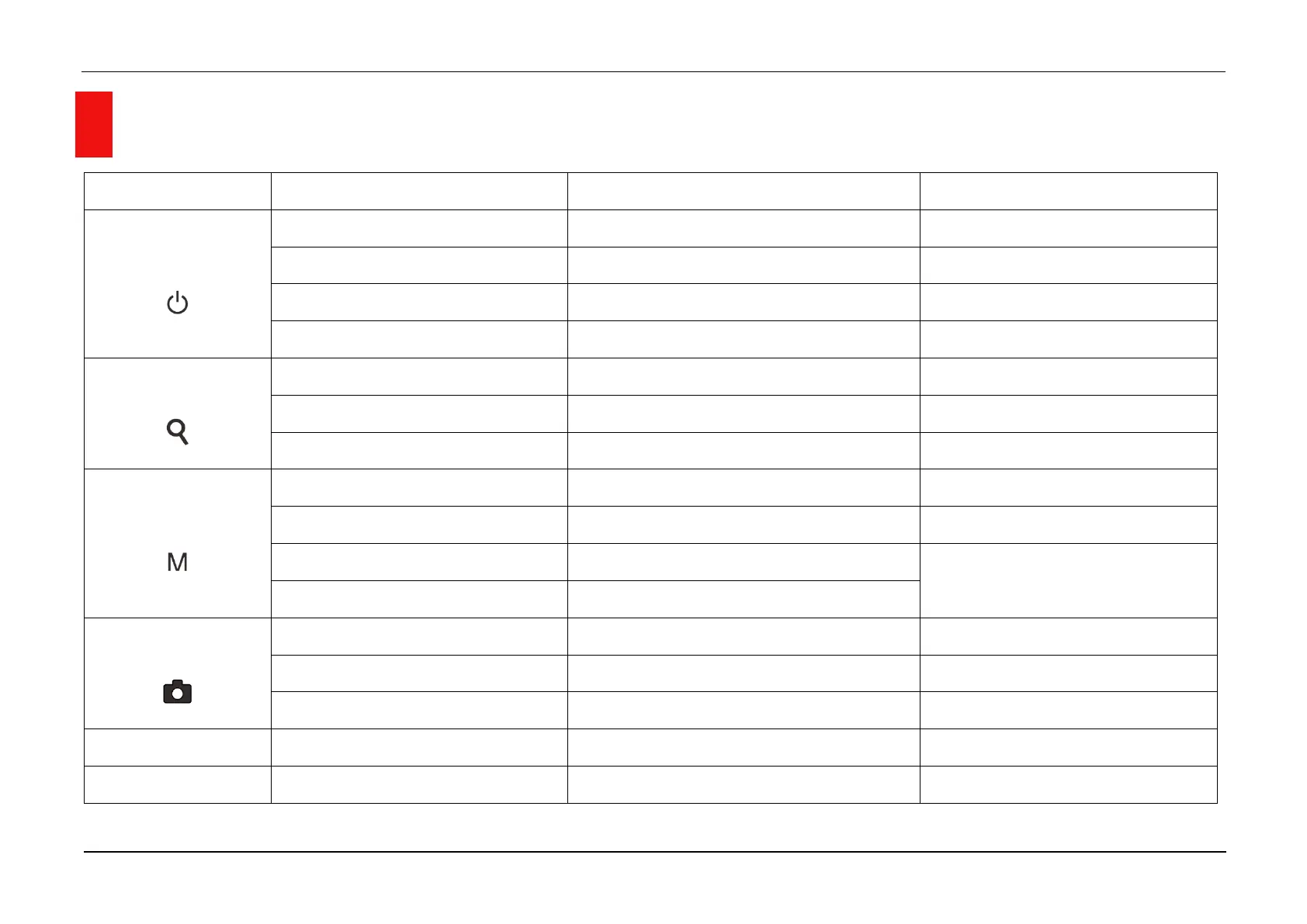
6 Description of Controls
Button
Status / Current Operation Mode
Short Press
Long Press
P (Power) Button
Device is off
——
Power on the device
Device is on
Turn the standby mode on/off
Power off the device
Rangefinder Mode
Exit and return to the home screen
——
Menu and function interface
Exit to the upper interface without saving
——
Z (Zoom) Button
Home Screen
Digital Zoom
Enter the rangefinder mode
Main menu / Shortcut menu interface
Navigation upwards
——
Single rangefinder Mode
Distance measurement
Switch rangefinder mode
M (Menu) Button
Home screen
Enter the shortcut menu
Enter the main menu
Shortcut menu
Switch to the next page of the shortcut menu
——
Main menu
Enter the submenu / Confirm selection
Save and exit to the upper interface
Defective pixel calibration
Switch the moving direction
C (Camera) Button
Home screen
Take a Photograph
Start video recording
Main menu / shortcut menu
Navigation downwards
——
Video recording
Take a Photograph
Stop and save video
M + C Buttons
Home screen
Shutter correction
Background correction
Z + M + C Buttons
Home screen
Switch the units between cm/m and inch/yard

——

Related product manuals