InfiRay Outdoor • MATE Series • User Manual www.infirayouordoor.com
All rights reserved and shall not be copied and distributed in any form without written permission
used as a monocular.
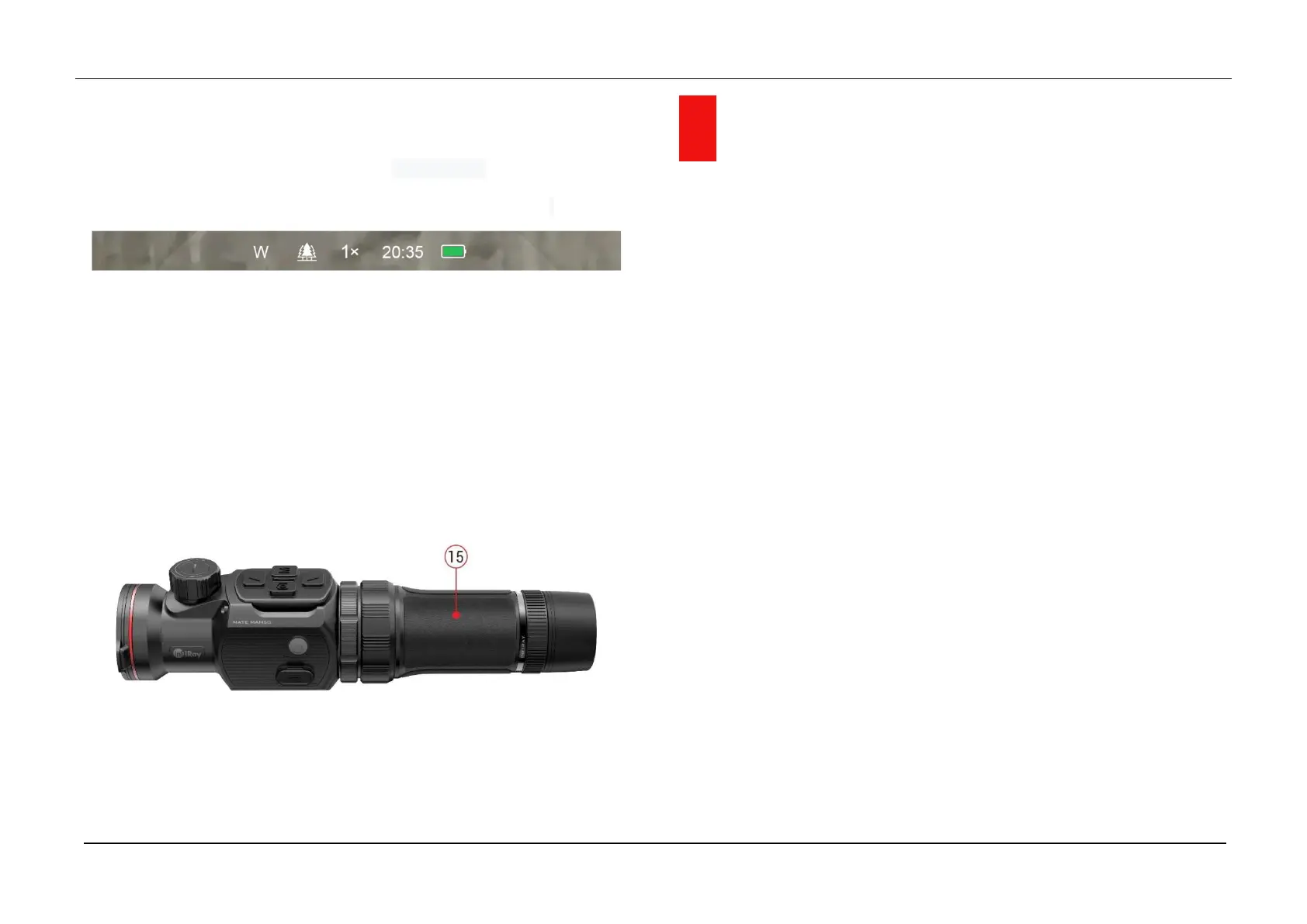
When used as a monocular, it needs to switch to the monocular mode, in
which the status bar at the top of the screen shows x1/ x2/ x4.
For a better observation experience, the InfiRay Monocular (15) is
suggested to use (bought separately from the InfiRay website).
Install the InfiRay Monocular (15) on the eyepiece of the MATE by thread
locking.
In monocular mode, the MATE supports up to 4x electronic zoom, and
with the 4x24 InfiRay Monocular (15), you will be able to obtain up to
16x amplification.
9 Operation
Open the lens cover (8).
Press and hold down the Power (10) button for 3s to power the device
on. Wait for 5s until thermal image appears on the display
Lens Focus Adjustment: rotate the lens focus ring (7) to focus on the
object being observed.
Calibration:
- Shutter correction:calibration the image with a short press of the
Down (3) button for shutter correction
- Background correction: long press the Down (3) button,the
display will appear the prompt for “Cover lens during calibration”
icon,then close the lens cover (8) to complete background
correction.
Image mode Settings: short press Up (6) button to change the image
mode from White hot / Black hot / Red hot / Color one by one.
Other image settings: short press the Menu (4) button to enter the
Shortcut Menu interface, to set electronic zoom (only for Monocular



 To Next Page