InfiRay Outdoor • MATE Series • User Manual www.infirayouordoor.com
All rights reserved and shall not be copied and distributed in any form without written permission
The number of the defect pixels changes each time adding or deleting pixels correction.
Repeat the above operations to continue selecting defect pixels.
When the correction is done, press and hold the Camera (5) + Menu (4) buttons until display shows “Do you want to save
these settings?” and “Yes” and “No” options. Select ‘Yes’ to save and exit, or select ‘No’ to cancel saving and exit.
Switch the selection with the Up (6) / Down (3) button, and confirm your selection with the Menu (4) button.
Date setting
Date setting
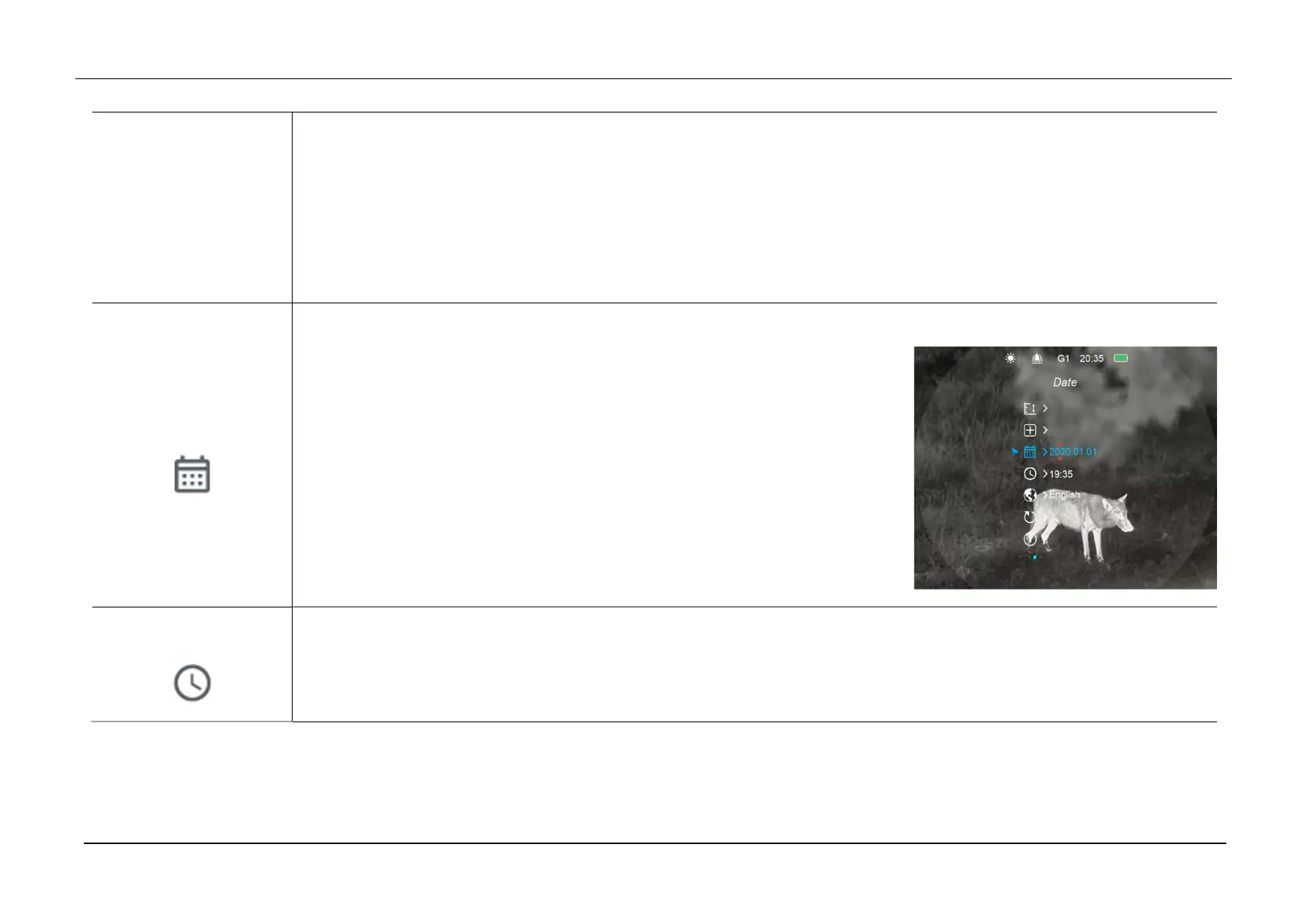
Press and hold down the Menu (4) button to enter the Main Menu.
Select the Date option with the Up (6) / Down (3) button. The date is displayed
in yy/mm/dd format.
Briefly press of the Menu (4) button to switch among Year, Month and Day
option, then press Up (6) / Down (3) button to set the date.
When the Date setting is done, press and hold Menu (4) button to exit the Date
setting interface.
Time setting
Time setting
Press and hold down the Menu (4) button to enter the Main Menu.
Select the Time option with the Up (6) / Down (3) button. The time is displayed in 24-hours format.



 To Next Page