InfiRay Outdoor • MATE Series • User Manual www.infirayouordoor.com
All rights reserved and shall not be copied and distributed in any form without written permission
complete, press the Menu (4) button briefly to return to the range notification interface.
The last one is custom, which can set the height and distance parameters. Press the Menu (4) button briefly to switch
among the selection of the height, distance and returning to the range notification interface.
Press and hold down the Menu (4) button to exit to the home screen.
Pixels Defect
Correction
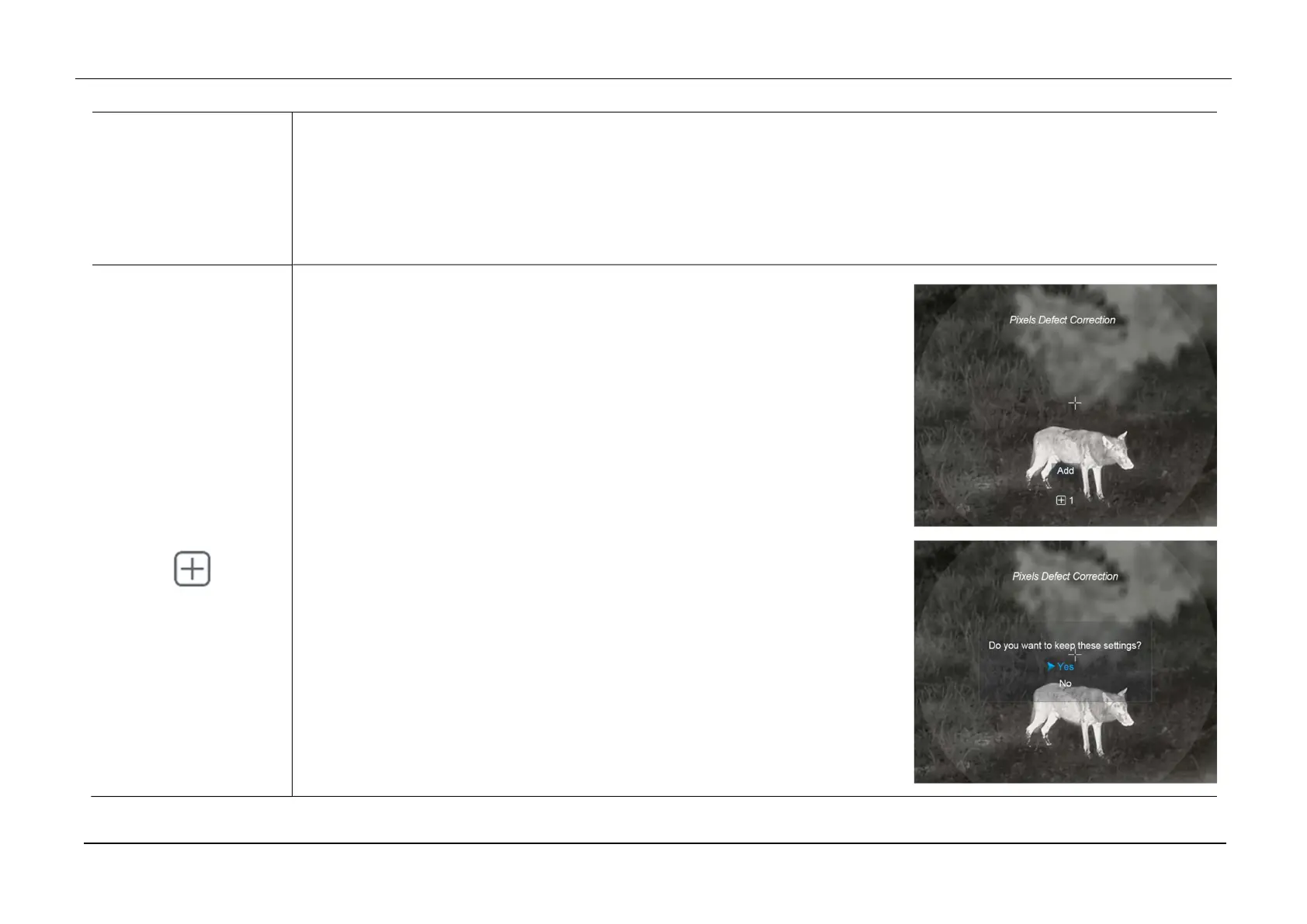
Pixels Defect Correction
Press and hold down the Menu (4) button to enter the Main Menu.
Select the Pixels Defect Correction option with the Up (6) / Down (3) button.
Briefly press of the Menu (4) button to enter the Pixels Defect Correction
Interface.
A reticle will appear in the center of the screen and the number of corrected
defect pixels will display at the bottom of the screen.
And then, moving the reticle to select the Defect Pixels by pressing the Up /
Down / Camera / Menu button.
After selecting the Defect Pixels, press and hold the Up (6) + Down (3) buttons
at the same time to correct the blind pixels. When the Add message appears
on the bottom of the screen for a short time, the correction is successful.
At the same position, press and hold the Up (6) + Down (3) buttons again to
cancel the correction with the Del massage appearing for a short time.



 To Next Page