InfiRay Outdoor • MATE Series • User Manual www.infirayouordoor.com
All rights reserved and shall not be copied and distributed in any form without written permission
- G1/G2/G3/G4: Recommended magnification of the day light optics for 1x-5x;
Briefly press of the Menu (4) button to Switch and select one zeroing type.
Zeroing
Zeroing (only for Attachment mode)
Press and hold down the Menu (4) button to enter the Main Menu.
Select the Zeroing option with the Up (6) / Down (3) button.
Briefly press of the Menu (4) button to enter the Zeroing interface.
In the zeroing interface, short press the Up / Down / Camera / Menu button briefly to move the position of infrared image.
For the details, please refer to Section 10 Zeroing.
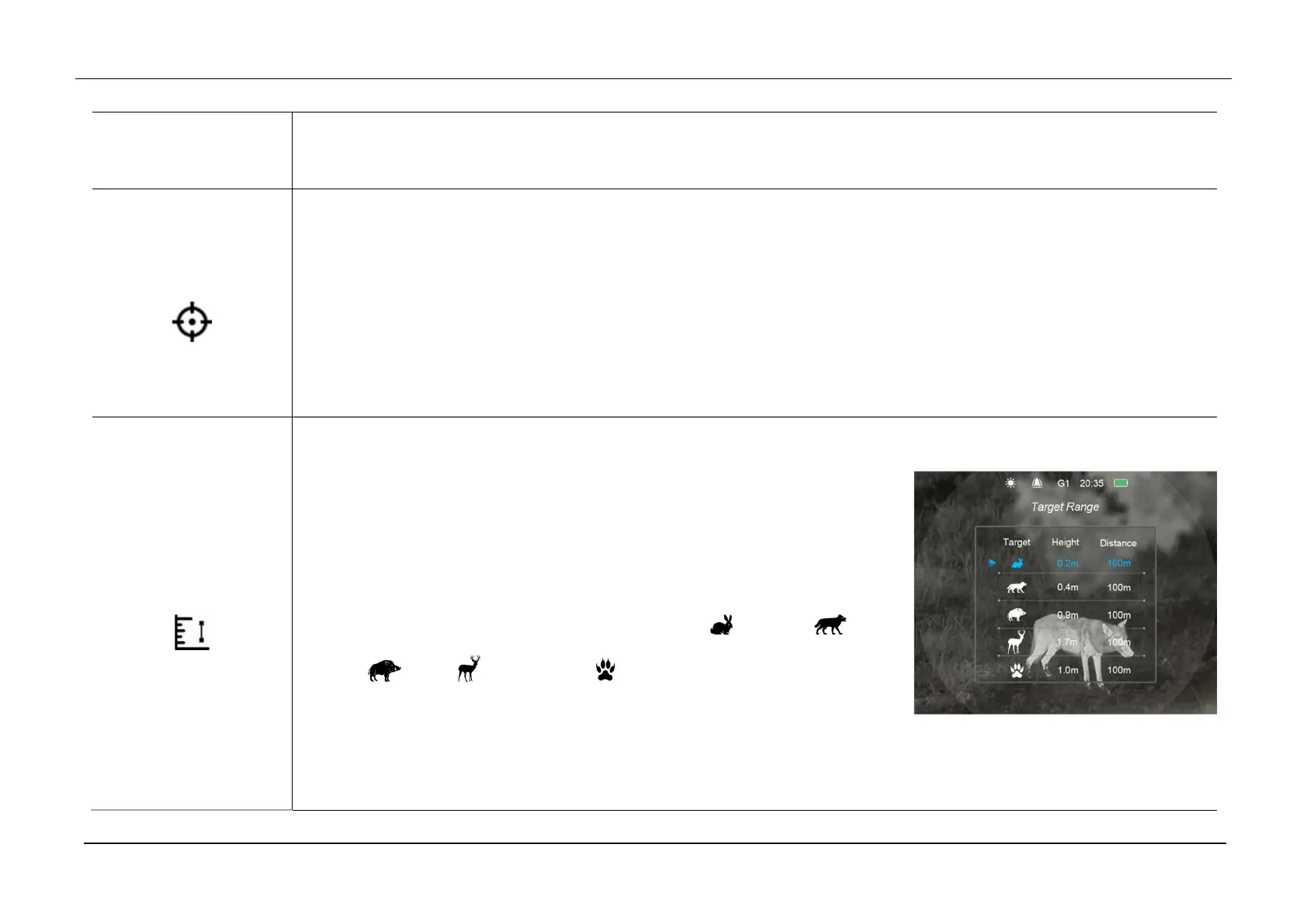
Range Notification
Range notification settings
Press and hold down the Menu (4) button to enter the Main Menu.
Select the Range Notification option with the Up (6) / Down (3) button.
Briefly press of the Menu (4) button to enter the Range Notification setting
interface.
There are five prey type for selection, including hare ( ), coyote ( ), wild
boar ( ), deer ( ), and custom ( ). Each prey type corresponds to a
default height with a default effective distance of 100m.
Switch the type option with the Up (6) / Down (3) button, and short press the Menu (4) button to active option.
The first four animal types can only set the distance parameter with the Up (6) / Down (3) button. When setting is



 To Next Page