InfiRay Outdoor • MATE Series • User Manual www.infirayouordoor.com
All rights reserved and shall not be copied and distributed in any form without written permission
Video output function enable connectivity with an eternal display or recording device.
Auto shutter
calibration
Turn the Auto shutter calibration on/off
Press and hold down the Menu (4) button to enter the Main Menu.
Select the Auto shutter calibration option with the Up (6) / Down (3) button.
Briefly press of the Menu (4) button to set the Auto shutter calibration mode on / off.
The icon will be displayed on the bottom status bar when the Auto shutter calibration is on.
When the Auto shutter calibration is on, the shutter will automatically when the Image quality deteriorates.
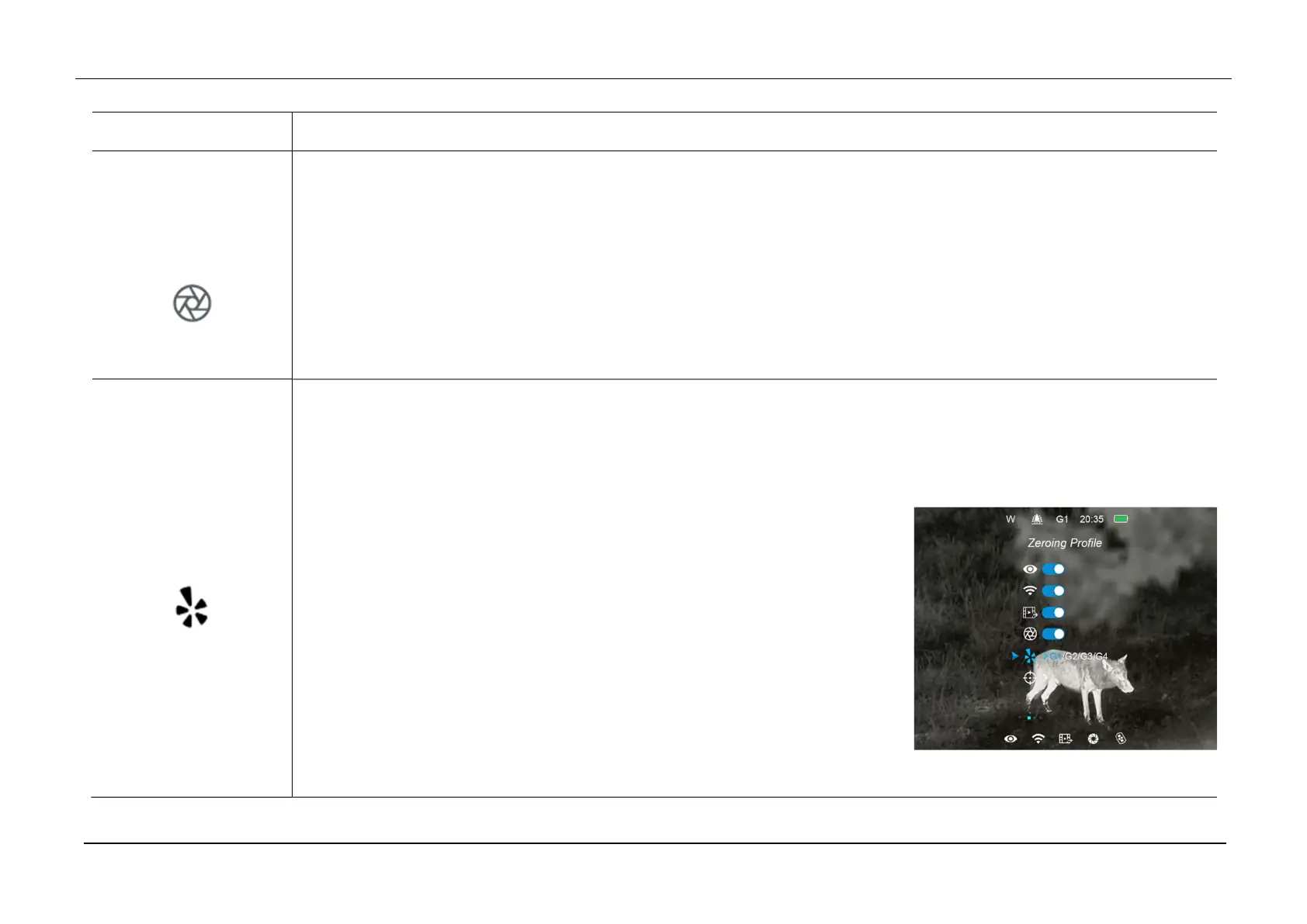
Zeroing Profile
Select the Zeroing Profile (only for Attachment mode)
Press and hold down the Menu (4) button to enter the Main Menu.
Select the Zeroing Profile option with the Up (6) / Down (3) button.
There are four types for selection: G1/G2/G3/G4.
For MAH50:
- G1/G2: Recommended magnification of the day light optics for 1x-5x;
- G3/G4: Recommended magnification of the day light optics for 6x-10x;
For MAL38:
- G1/G2: Recommended magnification of the day light optics for 1x-5x;
- G3/G4: Recommended magnification of the day light optics for 6x-8x;
For MAL25:



 To Next Page