InfiRay Outdoor • MATE Series • User Manual www.infirayouordoor.com
All rights reserved and shall not be copied and distributed in any form without written permission
Main Menu function description
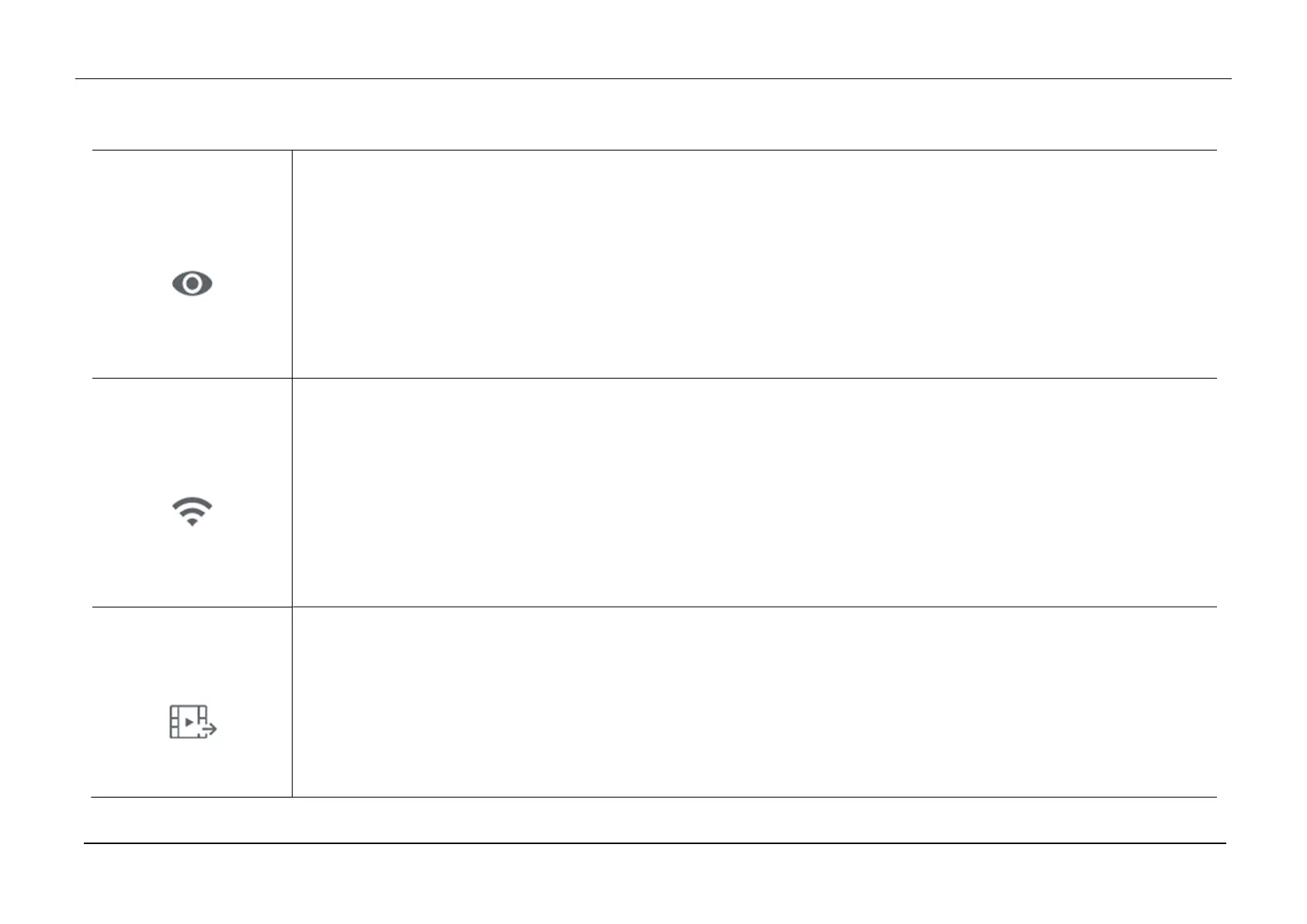
Ultraclear
Turn Ultraclear mode on/off
Press and hold down the Menu (4) button to enter the Main Menu.
Select the Ultraclear option with the Up (6) / Down (3) button.
Turn the Ultraclear mode on /off with a short press of Menu (4) button, along with the sound of shutter calibration.
The icon will be displayed on the bottom status bar when the Ultraclear mode is on.
Ultraclear Mode will show more image details under the cloudy, rainy, foggy and other harsh weather conditions.
Wi-Fi
Turn Wi-Fi function on/off
Press and hold down the Menu (4) button to enter the Main Menu.
Select the Wi-Fi option with the Up (6) / Down (3) button.
Turn the Wi-Fi function on /off with a short press of Menu (4) button.
The icon will be displayed on the bottom status bar when the Wi-Fi is on.
When Wi-Fi is on, it can be connected with the mobile phone APP.
Video Output
Turn video output on/off
Press and hold down the Menu (4) button to enter the Main Menu.
Select the Video Output option with the Up (6) / Down (3) button.
Briefly press of the Menu (4) button to turn video output on/off.
The icon will be displayed on the bottom status bar when the video output function is on.



 To Next Page