InfiRay Outdoor • MATE Series • User Manual www.infirayouordoor.com
All rights reserved and shall not be copied and distributed in any form without written permission
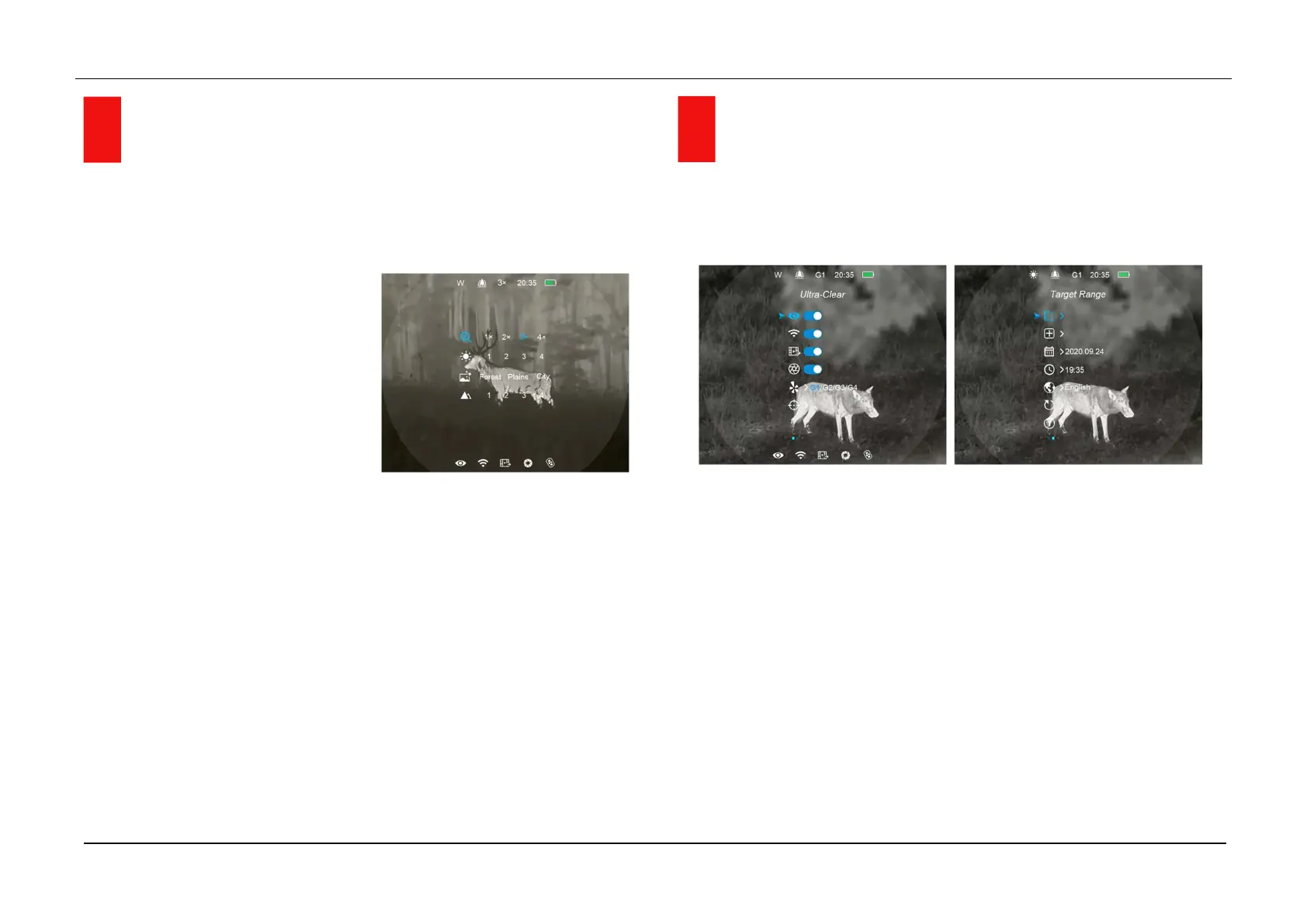
11 Shortcut Menu
In the home screen, press the Menu (4) button briefly to enter the
shortcut menu interface. The functions are as followings:
- Electronic zoom (only for
Monocular mode): short press
the Menu (4) button to E-zoom
the image from x1 to x4.
- Screen brightness: short press
the Menu (4) button to switch
the screen brightness from level 1 to level 4.
- Scene mode: short press the Menu (4) button to switch the scene
mode among Forest, Flatland and City.
- Image sharpness: short press the Menu (4) button to switch the
image sharpness from level 1 to level 4.
Press the Up (6) / Down (3) button briefly to switch the function options.
Press and hold the Menu (4) button to exit to the home screen or exit
automatically if no operation within 5s.
12 Main Menu
In the home screen, press and hold down the Menu (4) button for 3
seconds to enter the main Menu interface.
In the main Menu, press the Up (6) / Down (3) button briefly to switch the
menu option.
Press the Menu (4) button briefly to adjust the parameters of present
option or enter to the submenu.
Press and hold down Menu (4) button for 3 seconds to exit to the home
screen.
Press the Power (10) button briefly to save and exit to the upper interface.



 To Next Page