9
USING ZIOPATCH REMOVAL TRAVELING
8
FAQs TROUBLESHOOTING
TROUBLESHOOTING:
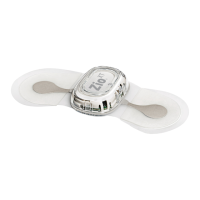
PATCH
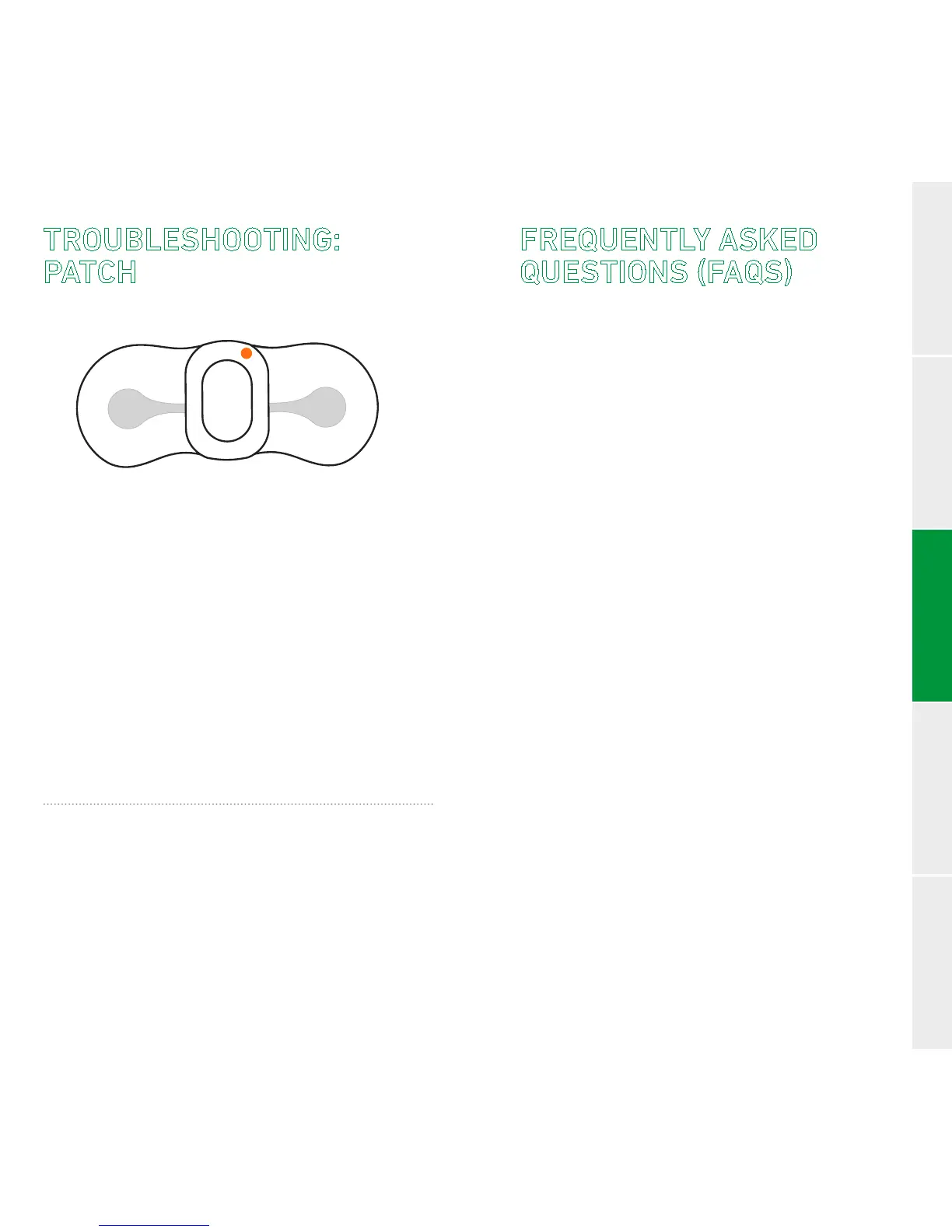
SLOW FLASHING
(once every 3 seconds):
Indicates that your patch is not making good
contact with your skin.
To correct this, press evenly on the wings of
the patch for 3 to 5 minutes.
Iforangeashingcontinues, call Customer
Service at 1.888.693.2401.
FAST FLASHING
(3 times per second):
Indicates that your patch is not recording. Call
Customer Service at 1.888.693.2401.
FREQUENTLY ASKED
QUESTIONS (FAQS)
The Zio® AT Monitoring System
What is the patch doing?
The patch is recording every heartbeat.
Your doctor will use the heart rhythm
data from the patch to determine the
right course of action.
What is the gateway doing?
The gateway wirelessly sends heart rhythm
data recorded by your patch to iRhythm.
iRhythm analyzes the data and provides a
report to your doctor.
How do I know the patch and the gateway
are working?
If you saw green ashes after turning on
the patch and gateway, both devices are
working. When they are working normally,
the patch and gateway do not ash or
make noise.
Do I need to do anything after pressing the
patch button to send heart rhythm data
wirelessly?
Do your best to keep the gateway in front of
you and within 10 feet as much as possible.
The gateway should also be kept in a place
with good cellular connection.


 To Next Page