13
➡ ➡
➡ ➡
➡ ➡
➡ ➡
➡ ➡
➡ ➡
➡ ➡
➡ ➡
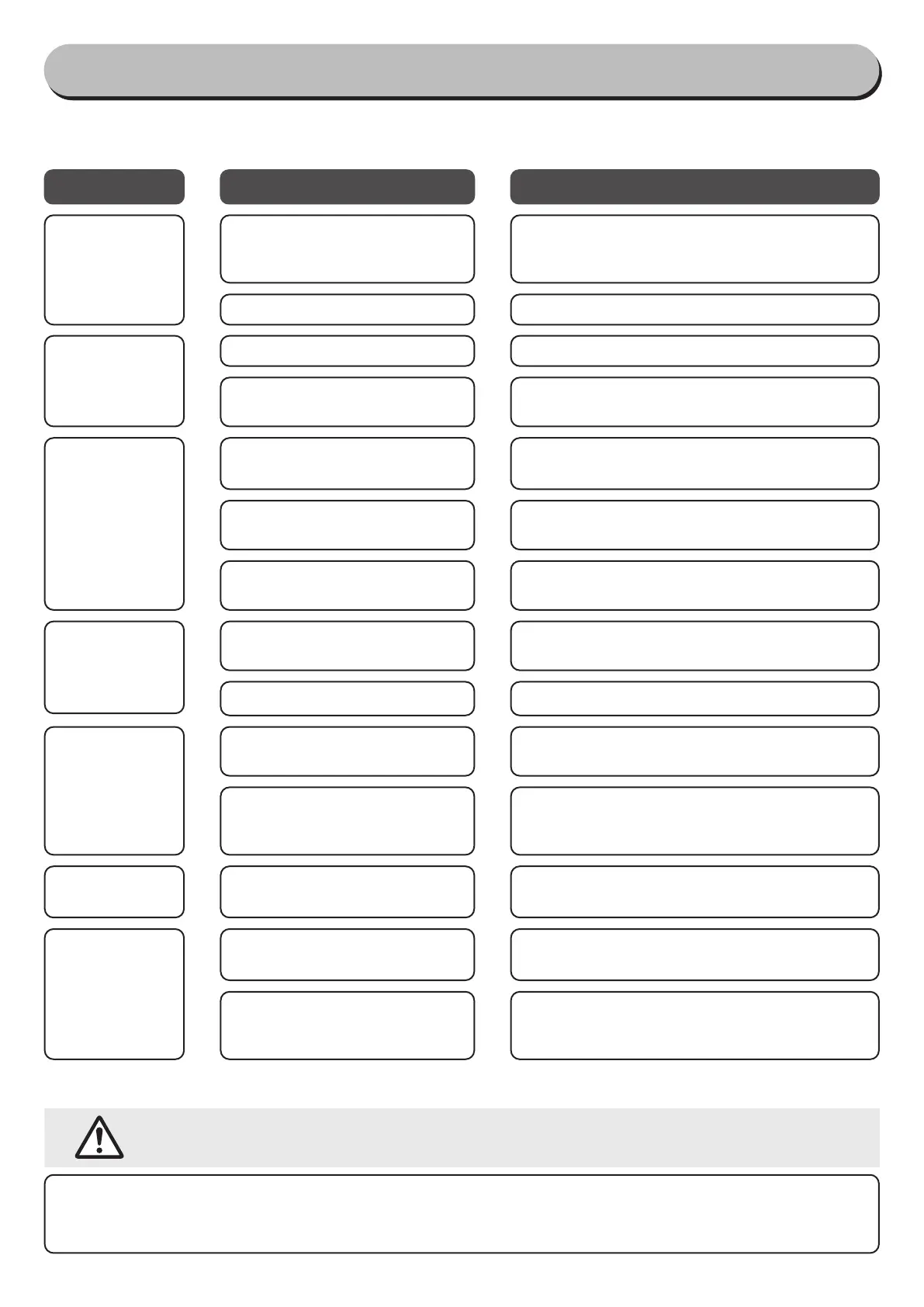
Status
Possible causes
Solutions
following problems before calling for repairs.
Troubleshooting
The power does
not turn on
Does not move
or perform any
operations even
after pressing
the button
➡ ➡
●
There is no remaining power
●
→
●
The safety setting is turned on
●
Clean out any trash or debris that has gotten
stuck in the power spin board→
●
The power is "OFF"
●
Push down the Swivel on the Mop Head, turn the
power to "ON," and press the "start" button.
During opera-
tion, movements
are slow or de-
layed
Water does not
spray out
Water leaks out
Leaves a residue
of water on the
●
The remaining power in the
charger is low
●
T
he mop pads is excessively wet
●
There is no water in the water
reservoir
●
The Water Reservoir cap is not
attached correctly
●
The charging plug
plug into the charging port on the
mop head
●
The mop pads is dirty
●
The mop pads is wet
●
→
●
Use dry mop pads.
●
Fill up Reservoir with water.
●
Close the water reservoir cap tightly.
●
plugged into the charging port on the back of the
mop head.
●
Wash the mop pads and dry out before using.
➡ ➡
●
The nozzle is spraying out too
wet
●
you should increase or decrease the number of
times you use the nozzle.
➡ ➡
●
Connect the charging adapter
●
First remove the charging adapter, and then try
operating.
If you still cannot solve the problem even after trying all of the solutions described above, contact the store
where you purchased the product, or contact the IRIS customer service center.
●
Do not disassemble, repair or modify the product by yourself.
Cannot charge
➡ ➡
●
The battery is fully charged
●
F
irst remove the charging adapter, and then try using.
➡ ➡
●
The battery for the button is
dead
●
Change the battery for the button.
➡ ➡
●
There is dust, dirt or other trash
and debris clogging up the noz-
zle
●
Clean out any trash or debris by using the pin
that is for cleaning out the nozzle.
(
→
)
Disposal
●
regulations.


 To Next Page