6
Parts
Continued
■
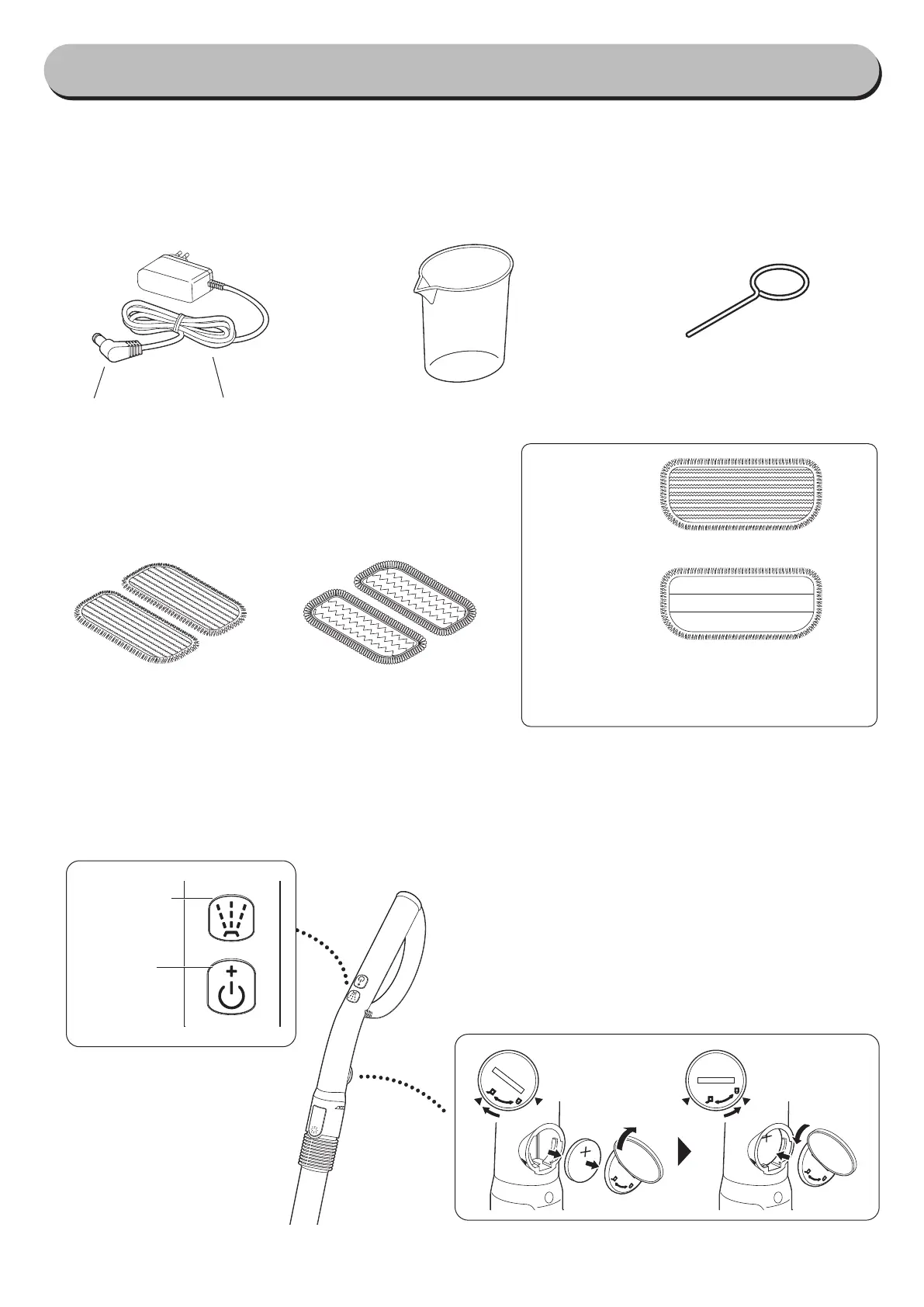
Accessories
■
Operating handle
Replacing the handle battery
※
If power button does not turn on the machine, the han-
dle battery may have ran out. Replacement of battery
may be necessary.
!
Using a small coin, turn clockwise to open the
cover.
#
-
er-clockwise to close the cover.
Cleaning side
Attaching side
※
Place the pads on the ground with cleaning
side facing down. Then, place the machine
Measuring cup
Charging adapter
Charging cordCharging plug
Soft pads
Scrubby pads
Pin for cleaning the
nozzle
Water spray
button
Power
button


 To Next Page