18
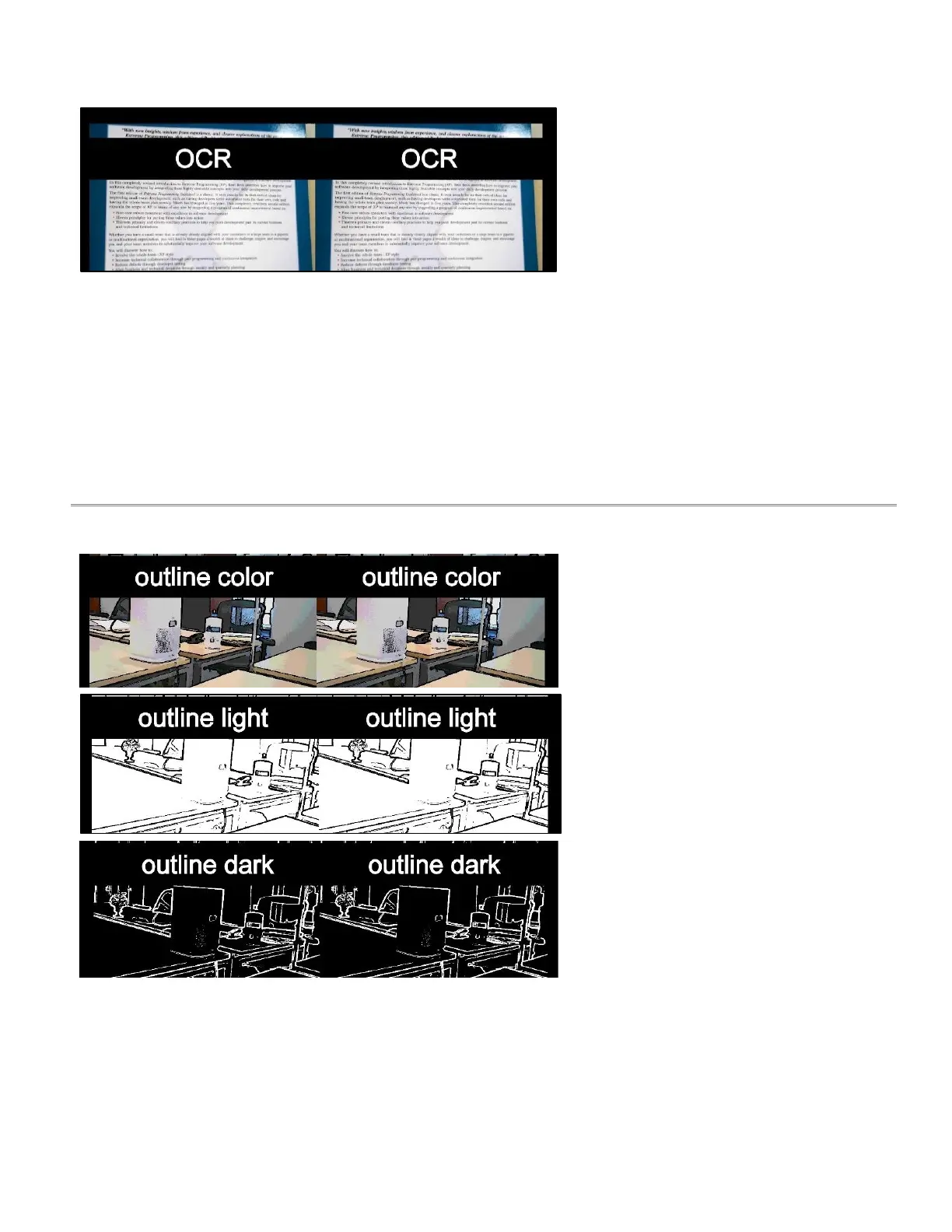
The OCR view allows the user to take a
photo of printed text. The photo is then
converted to digital text and read aloud as
it is displayed on the screen.
● voice command
● take picture – (selecting
“take picture” navigates
you to the OCR
readout).
● zoom
● flashlight on/off
● brightness
● contrast
● field of view
● reset view
2.5.9 Outline
This view provides a customizable outline
of the objects to help the user identify their
surroundings.
Menu Options:
● voice command
● color options:
o outline light
o outline dark
o outline color
● flashlight on/off
● brightness
● outline size
● sensitivity
● field of view
● zoom
● reset view



 To Next Page