8
2.3 Inspire Phone, Headset & Remote Control
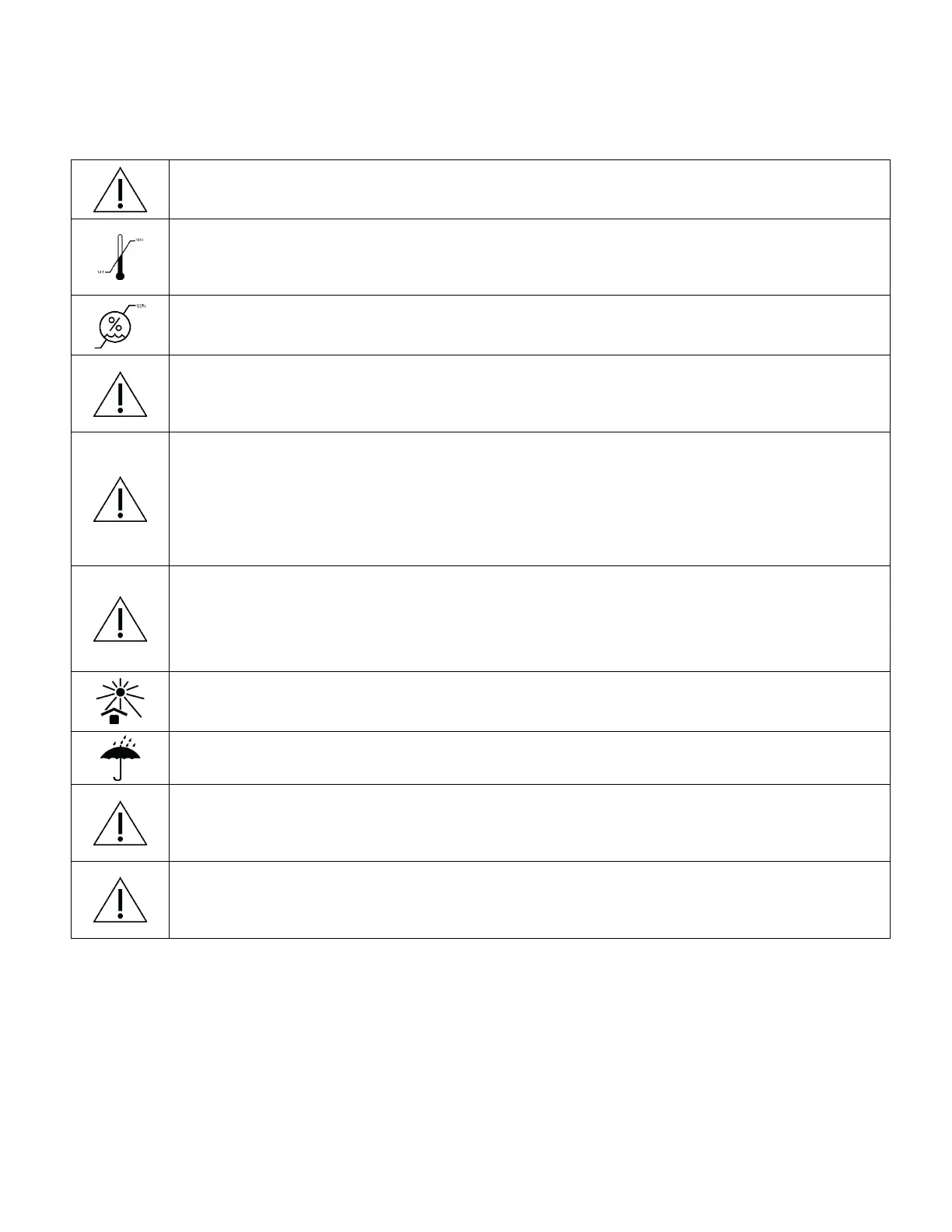
Disconnect the headset from the phone when not in use.
Recommended temperature range for operating device is 14°F
to 104° F.
Recommended humidity is < 80%.
Do not walk, drive, or engage in any other type of activity that
requires movement while wearing this device.
The phone can transmit radio waves that may interfere with the
operation of nearby electronic devices. If the user wears a heart
pacemaker or other implantable medical device, please consult
a doctor before use.
Do not cover the lens with any hard or sharp objects, use soft
material to wipe with, and do not use organic solvents to wipe
the lens clean.
Avoid leaving Inspire device in direct sunlight.
Avoid exposure to water.
Gently slide the side arms of the headset from the top of your
head into place to avoid damage.
Always place the headset on a flat surface and never face
down as it can damage the LCD unit within the headset.



 To Next Page