14
2.5 Inspire Views & Settings
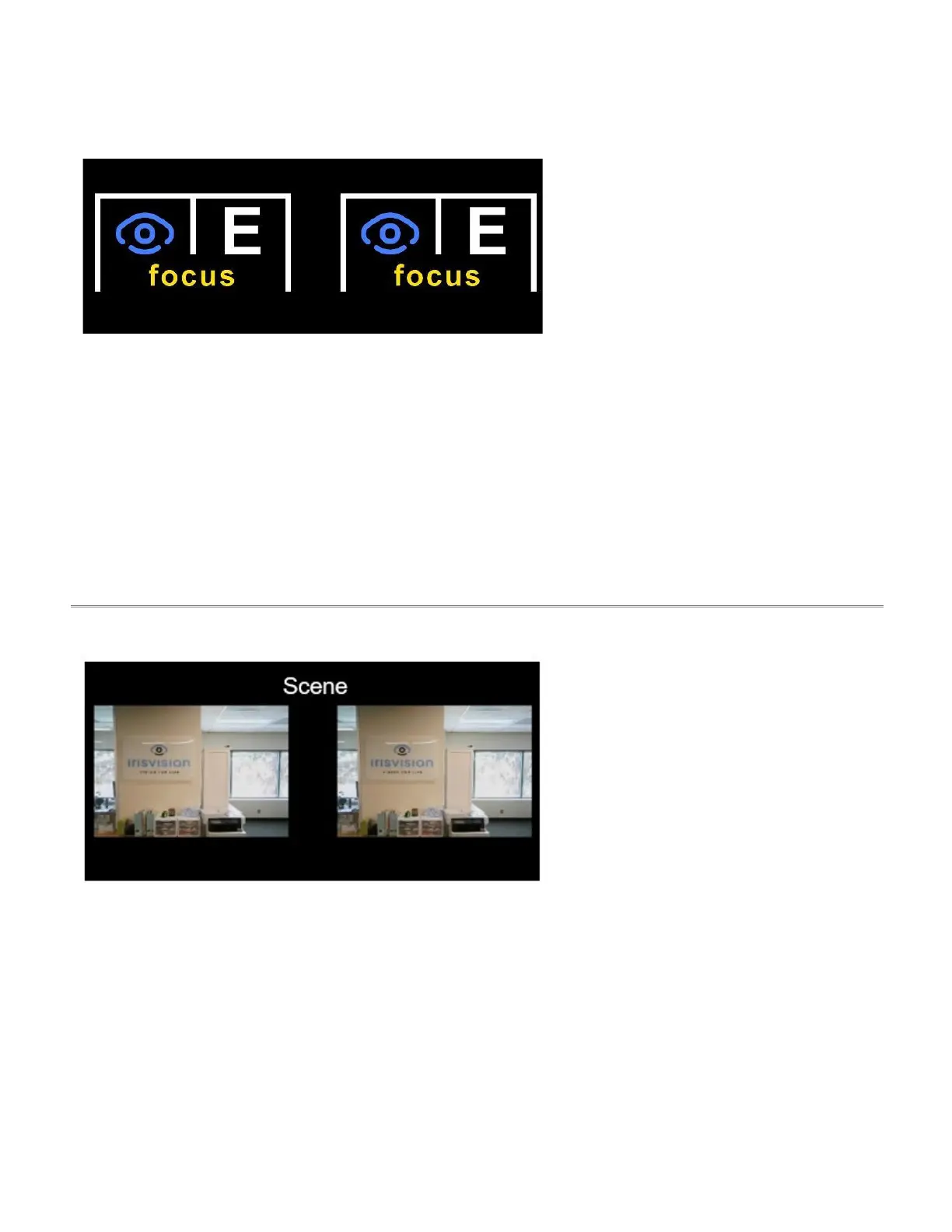
The Welcome view is ideal for adjusting
the focus sliders located under each lens.
IrisVision coaches may assess the user’s
visual field here during the initial coaching
session.
Menu Options:
● voice command
● volume
● brightness
● field of view
● IPD
● lens options:
o right lens off
o left lens off
o both lenses on
● focus a / b – (2 different
image options to adjust
your focus)
2.5.2 Scene
Scene is a full-color, general-purpose
view (mode) designed for viewing people,
places, and everyday objects.
Menu Options:
● voice command
● flashlight on/off
● brightness
● contrast
● field of view
● zoom
● reset view



 To Next Page