15
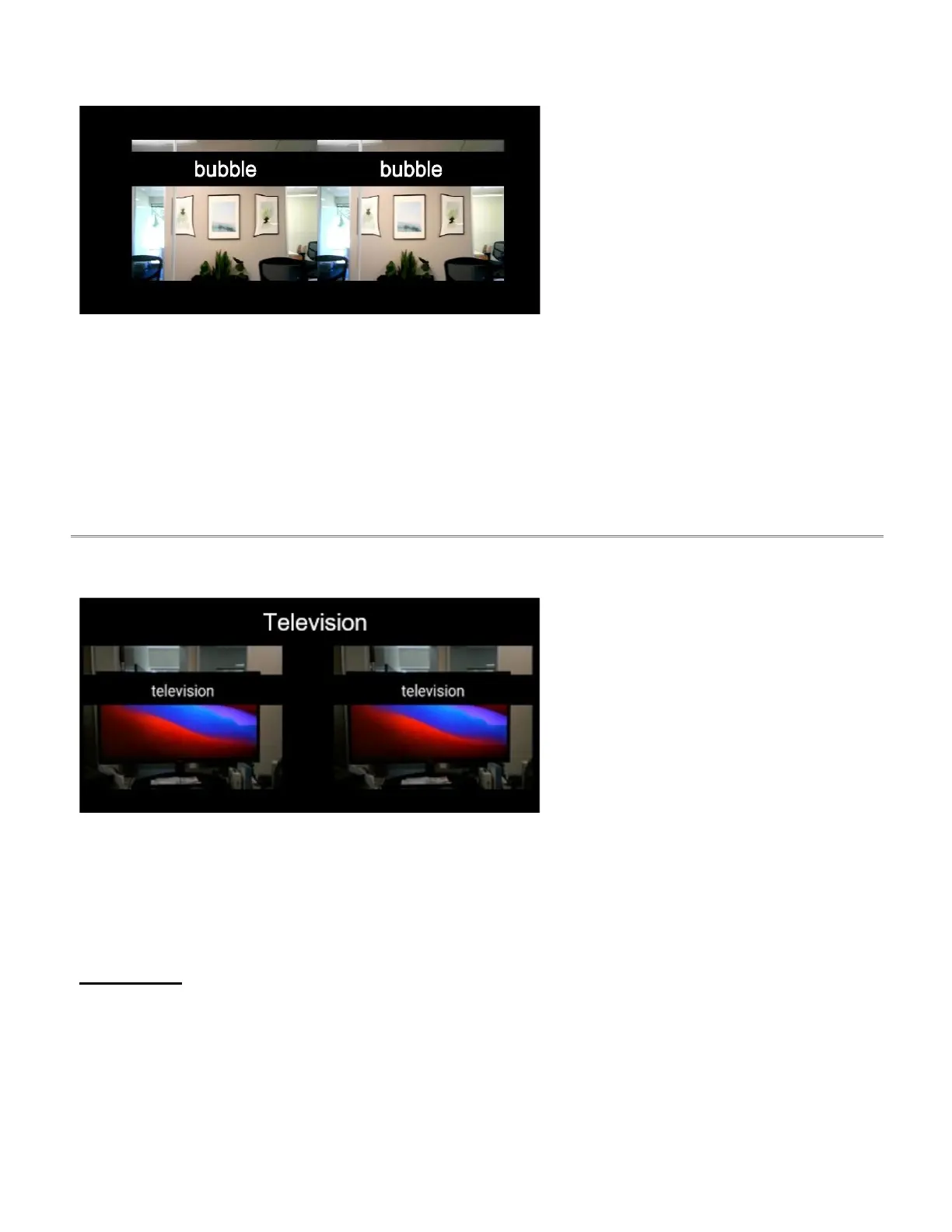
Bubble is similar to the scene view with
the addition of a circular magnifier or
“bubble”. The bubble allows the user to
magnify particular objects while
maintaining the context of the surrounding
area at normal size.
● voice command
● bubble position
● bubble size
● flashlight on/off
● brightness
● contrast
● field of view
● zoom
● reset view
2.5.4 Television
Television view is optimized for viewing
electronic screens, including TVs,
computers, tablets, and cell phones.
Television view (mode) features an
exposure adjustment setting.
Menu Options:
● voice command
● exposure
● brightness
● contrast
● field of view
● zoom
● reset view



 To Next Page