16
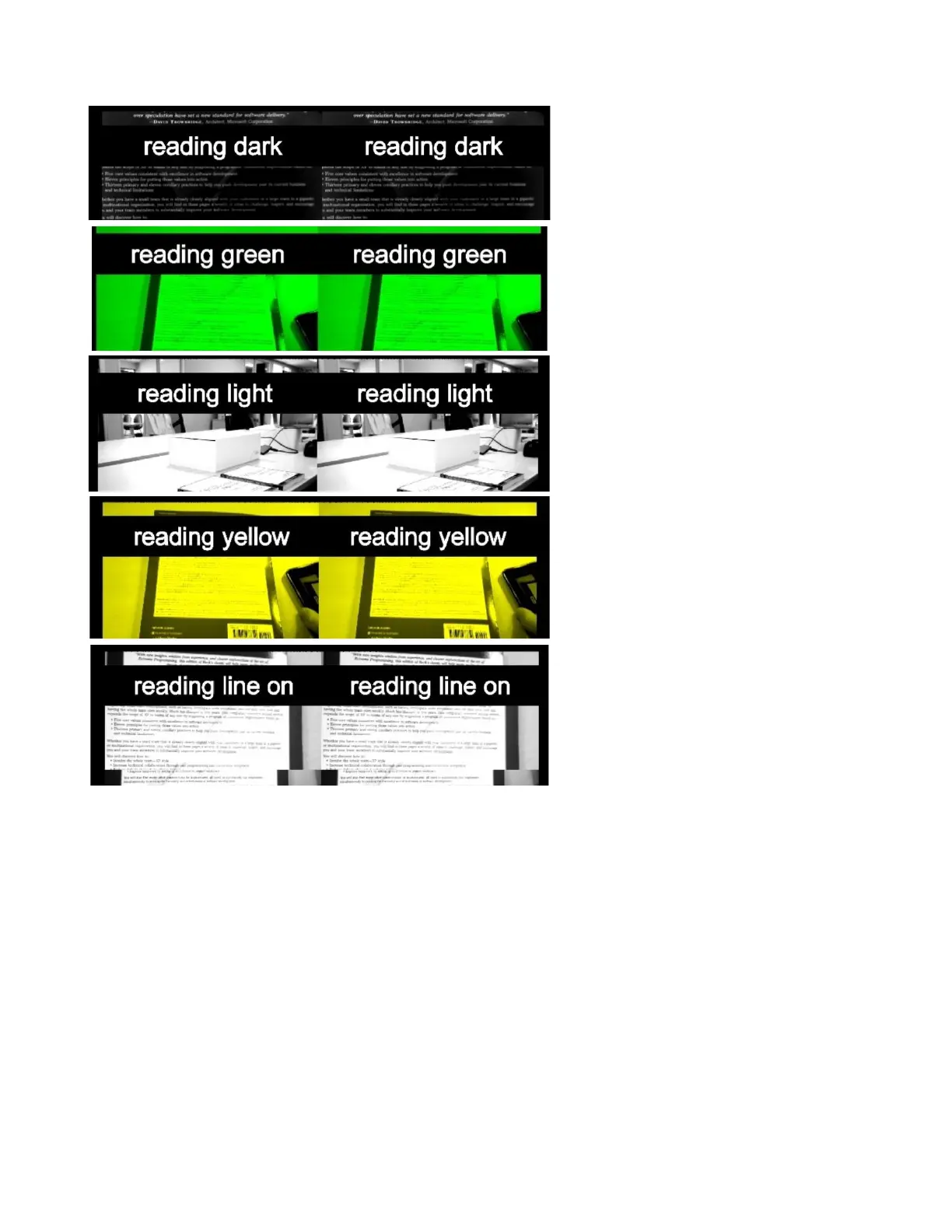
Reading is a high contrast, black and white
view optimized for black and white printed
documents. This view features four
additional settings: dark (inverted), green,
yellow, and a reading line (bar magnifier).
● voice command
● color options:
o reading light
o reading dark
o reading green
o reading yellow
● reading line on/off –
(when on, it provides a
magnification line in the
center of screen to
magnify text)
● line size – (only
available when reading
line is on)
● flashlight on/off
● brightness
● contrast
● field of view
● zoom
● reset view



 To Next Page