59
Reading
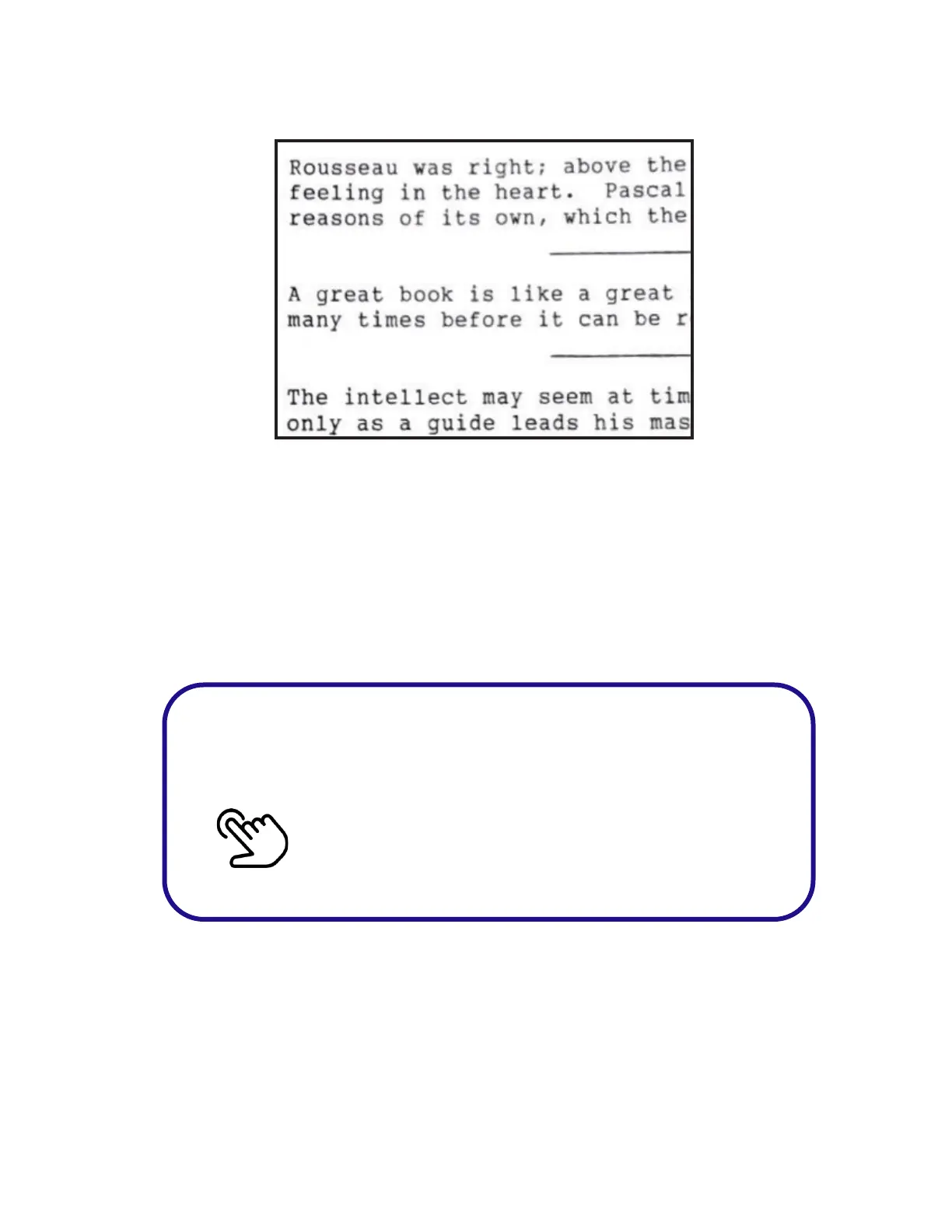
Reading mode presents reading material with black letters
on a white background. It is best for reading text material
such as books or papers without color.
NOTE: For reading magazines or materials with color, it is
best to return to Scene mode.
Wait for the beep or microphone to appear
before saying the word or phrase.
Double Tap on the Touchpad
• Say “Reading”



 To Next Page