60
Reading Inverted
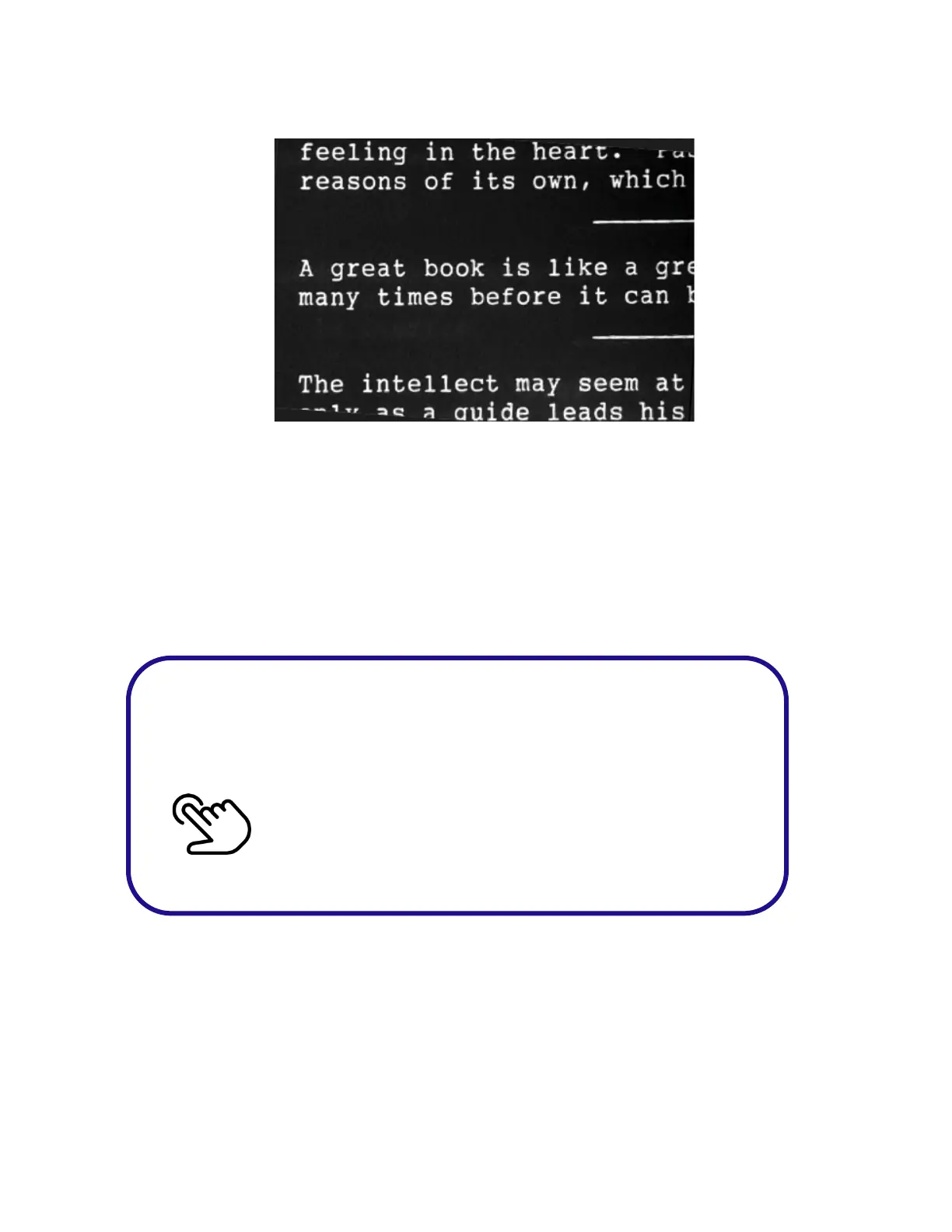
Reading Inverted mode is a variation of Reading mode
which provides white letters on a black background.
This enhances the contrast and provides reduced glare on the
screen, which can be helpful to those overwhelmed by bright
scenes.
Wait for the beep or microphone to appear before
saying the
word or phrase.
Double Tap on the Touchpad



 To Next Page