61
Reading Line
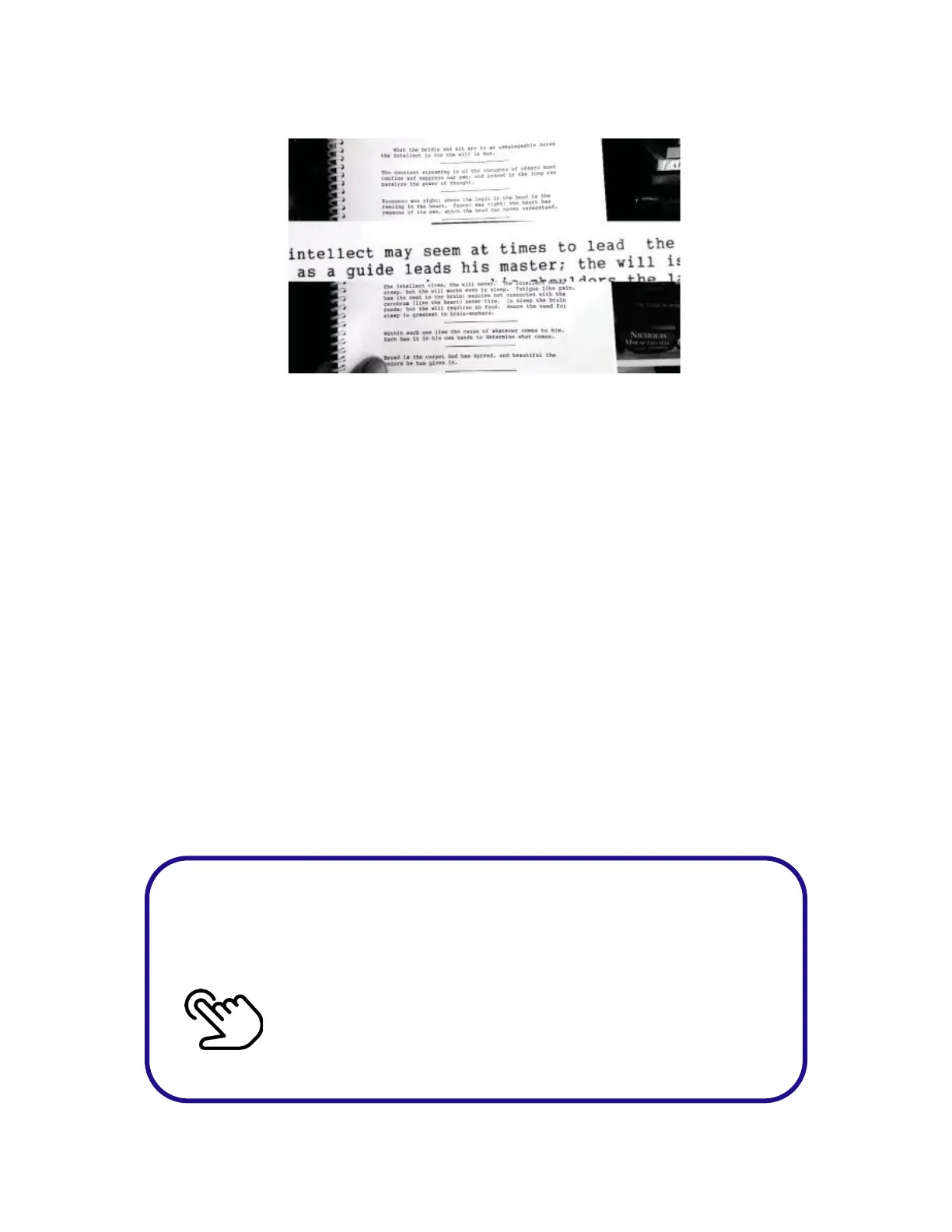
Reading Line mode presents text in black letters on a white
background. It also provides a magnification bar in the
center of the screen to magnify one or more lines of text
while allowing a normal view above and below the bar.
Increase the size of the reading line by slowly swiping up on
the touchpad. Swipe down on the touchpad to decrease the
size of the reading line.
1. It is best to make the reading line window large at first.
Make the text large enough to read it by swiping
towards your ear to zoom in.
2. Try adjusting the size of the window to isolate 1 line or
2 lines of text. This prevents common reading mistakes
such as reading the same line twice or skipping a line.
Wait for the beep or microphone to appear before
saying the
word or phrase.
Double Tap on the Touchpad



 To Next Page