Confidential and Proprietary Information
IriShield
TM
-USB MK 2120U Basic User’s Guide
8.6.3 Enroll/Unenroll Admin User
8.6.3.1 Enroll Admin User
1) If at least one Admin user exists in the system, an Admin user must login first.
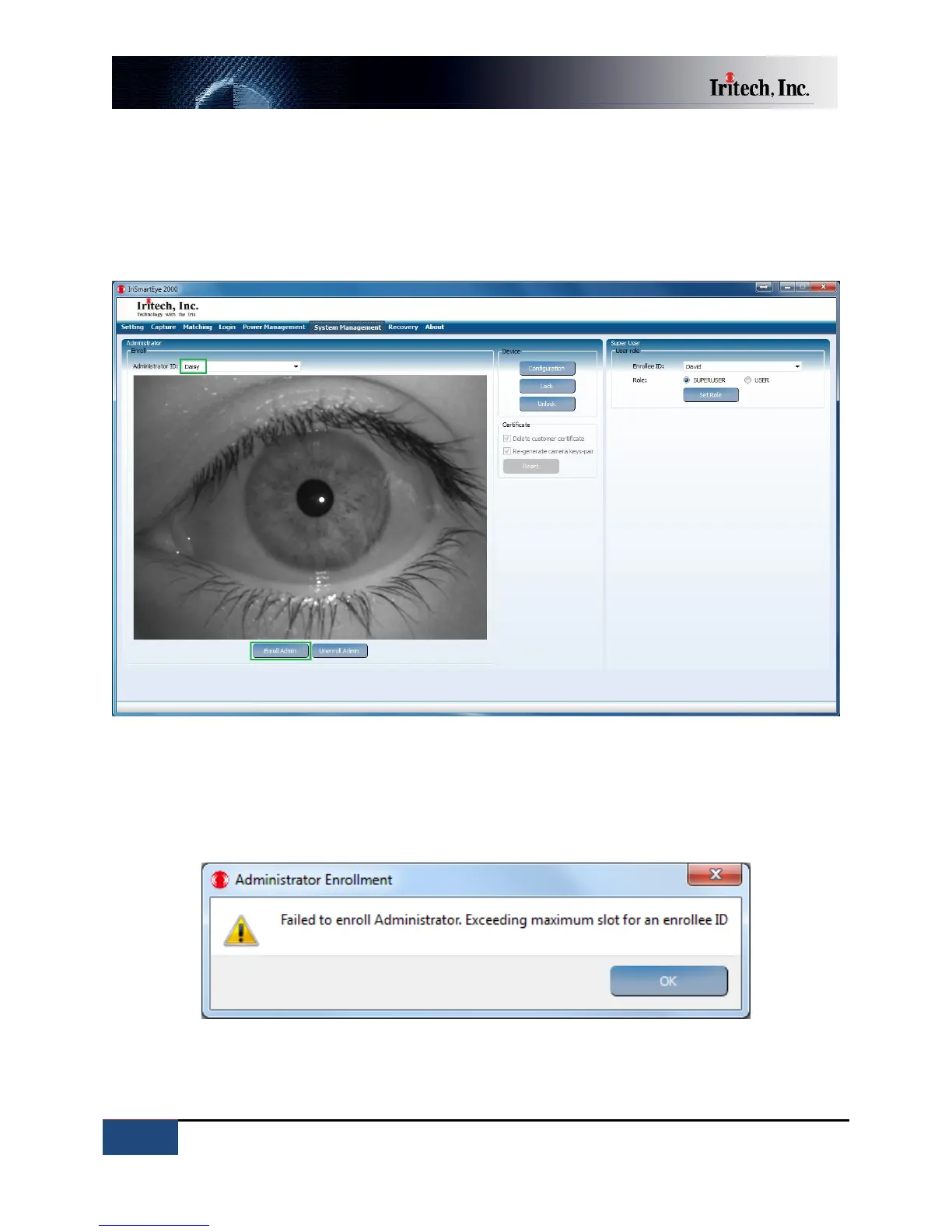
2) Capture an iris image of the target user who will be registered as an Admin user.
3) Type an ID in the Admin ID box and click “Enroll Admin” to enroll an Admin user.
Note: The Administrator’s template gallery can store up to five Admin IDs (Each ID can contain up to 8
templates). If the number of Administrator’s templates exceeds the limit, an error message will be
shown as below.



 To Next Page