EasyManua.ls Logo

IRiver E10 - Page 9

IRiver E10
38 pages
Print Icon
To Next Page IconTo Next Page
To Previous Page IconTo Previous Page
Loading...
08
Charging
the
Battery
*
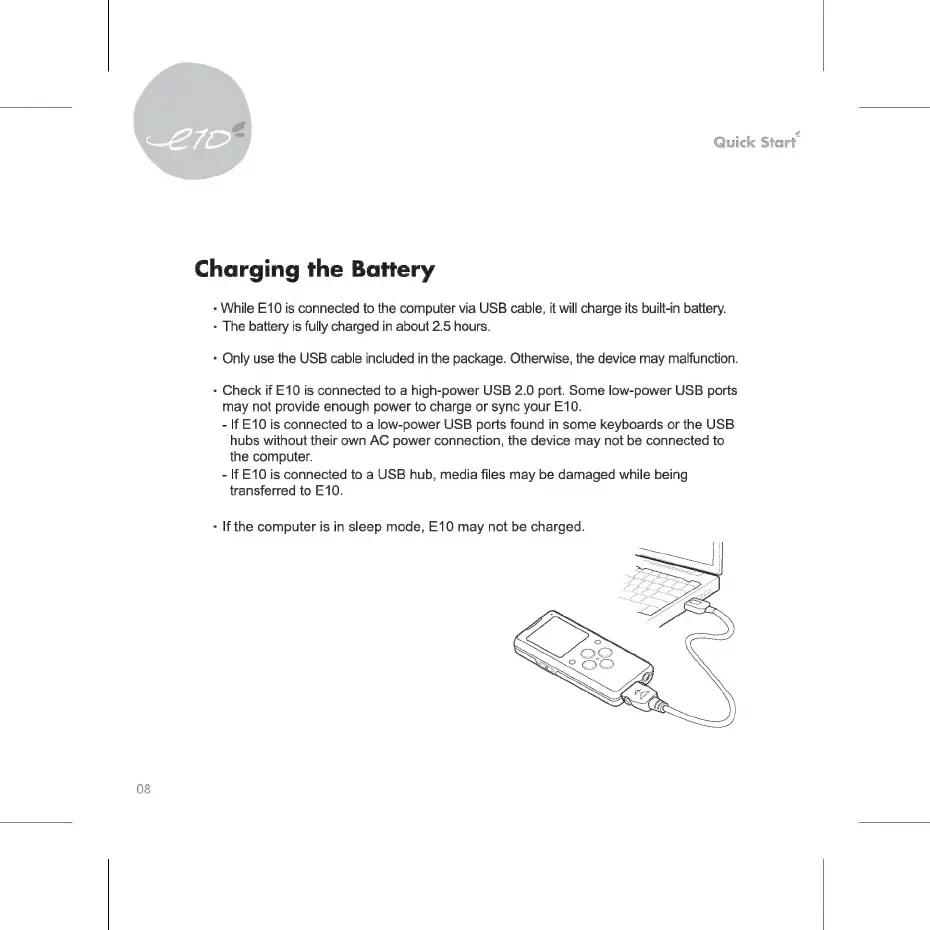
While
E10
is
connected
to
the
computer
via
USB
cable,
it
will
charge
its
built-in
battery.
*
The
battery
is
fully
charged
in
about
2.5
hours.
*
Only
use
the
USB
cable
included
in
the
package.
Otherwise,
the
device
may
malfunction.
*
Check
if
E10
is
connected
to
a
high-power
USB
2.0
port.
Some
low-power
USB
ports
may
not
provide
enough
power
to
charge
or
sync
your
E10.
-
If
E10
is
connected
to
a
low-power
USB
ports
found
in
some
keyboards
or
the
USB
hubs
without
their
own
AC
power
connection,
the
device
may
not
be
connected
to
the
computer.
-
If
E10
is
connected
to
a
USB
hub,
media
files
may
be
damaged
while
being
transferred
to
E10.
+
If
the
computer
is
in
sleep
mode,
E10
may
not
be
charged.

Related product manuals