Using the Device
15
User Guide
FM Radio
Mode
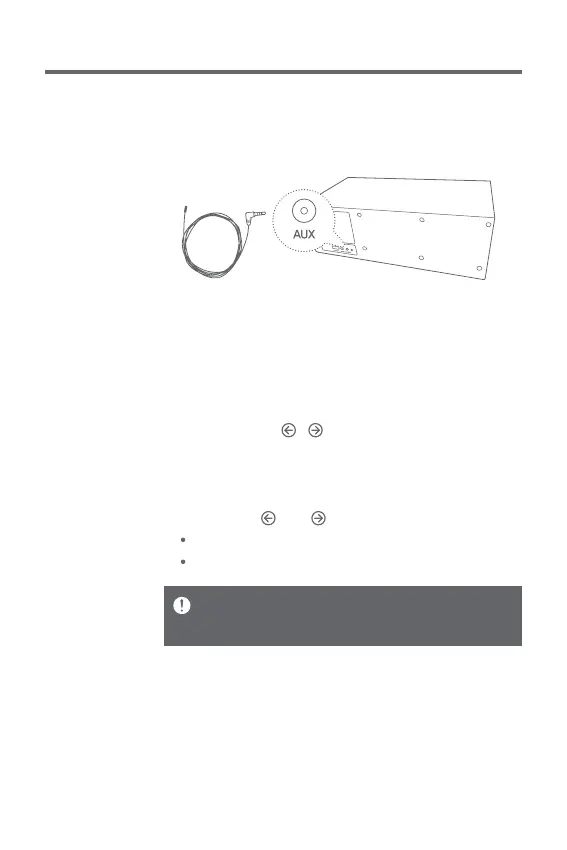
Connecting an antenna
1. Connect an FM antenna cable to the device’s [FM
Antenna Cable Connection Port].
Setting up FM radio frequency bandwidth
In order for the FM radio to work properly, you need to set
up the FM radio frequency bandwidth.
1. Select [FM] by turning the [Power/Menu] knob.
2. If you press the [ / ] button on the upper side of the
device for 3 seconds, you will see a message [Set] on
the LED screen.
3. Select a frequency bandwidth you want from FM1/FM2
by pressing [ ] or [ ].
FM1 (Korea/CN/USA/EU): 87.5-108 MHz
FM2 (Japan): 76-90 MHz
Bandwidth selection must be made within 10 seconds.
The LS150 may not work properly in areas where bandwidth
of about 50 kHz is used.


 To Next Page