Getting Started
05
User Guide
Previous Track/Previous Channel
While music is played: Moves to the previous song or to
the start of the same song
While listening to FM radio: Moves to the previous channel
Replay/Pause/Phone Call
While music is played: Play/pause
While listening to FM radio: Mute
While connecting to smartphone through Bluetooth:
Takes/terminates the phone call
Next Track/Next Channel
While music is played: Plays the next song.
While listening to FM radio: Moves to the next channel.
Bluetooth Pairing/WPS/FM Scan
Bluetooth Mode: Pairs with a Bluetooth device.
Wi-Fi Mode: Connects to Wi-Fi.
FM Radio Mode: Saves a radio channel currently on air.
NFC Connection: If you tag an NFC-enabled smartphone
to this part, you can connect with the NFC input mode.
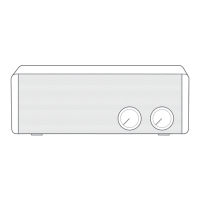
Choose Power/Menu: You can turn on/off power or select
menus by turning the knob.
Control Volume: You can turn the volume wheel to adjust
the volume. USB Output for Recharging: You can recharge
the device by connecting it with the speaker through a
USB charging cable. (DC 5V/1A)
Aux Input Port: Gets the sound of external devices out to
the speaker by connecting through an audio cable.
FM Antenna Cable Connection Port: Connects the antenna cable.
DC Input Port: Supplies power to the device by connecting
a DC 9V/2.5A power adaptor.


 To Next Page