Using the Device
09
User Guide
Listening to Music
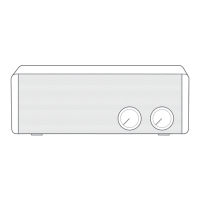
Adjust the volume by turning the [Volume] knob of the
device.
If you press the [ ] button on the upper side of the
device while replaying, it will pause. If you press it again,
it will replay.
If you press the [ / ] button on the upper side of
the device while replaying, it will play the previous/next
song.
Taking Incoming Phone Calls
To take an incoming call while replaying music, you can
press the [ ] button on the upper side of the device.
LED: Incoming phone call
If you press the [ ] button on the upper side of the
device while talking, the phone call will be terminated.
LED: Hanging up the phone call


 To Next Page