4 For more information, visit global.irobot.com
EN
Cleaning
• Cleaning Pattern: Your robot will automatically explore and clean your home
in neat rows, avoiding obstacles by using its front-facing camera. It will return
to the charging station at the end of a cleaning job and whenever it needs to
recharge or empty the bin.
• When your robot detects an especially dirty area, it will engage Dirt Detect™
mode, moving in a forward/backward motion to clean the area more
Your robot is able to recognize and avoid objects. However,
it is still recommended to remove excess obstacles before
cleaning.
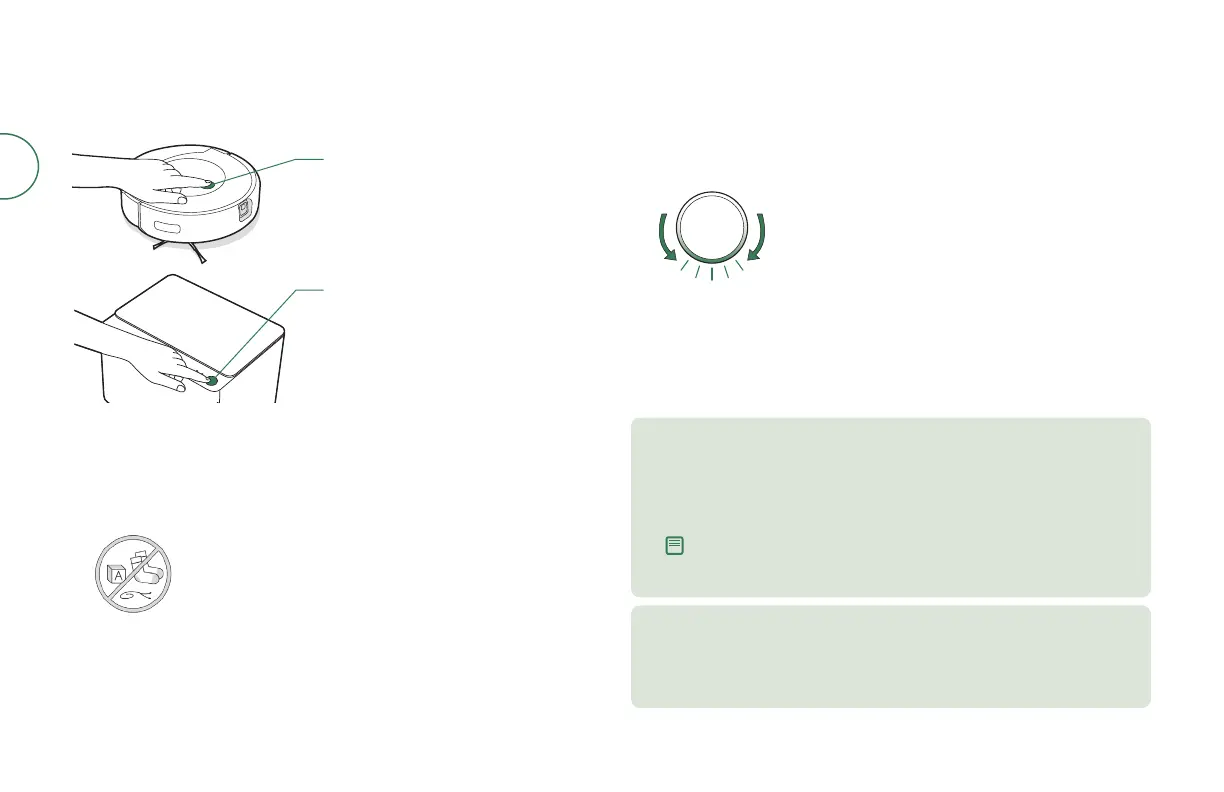
Press the New Job Button on your Clean
Base® Auto-Fill Dock to start a job
Press the Clean Button on your Roomba
Combo™ Robot Vacuum & Mop
Tap to Start / Pause / Resume
Hold for 2-5 seconds to end a job
thoroughly. The light ring indicator will flash blue.
• To end a job and send the robot back to its charging station, hold the Clean
Button on the robot down for 2-5 seconds. A blue light ring pattern will
indicate that the robot is seeking the charging station.
When your robot senses that its bin needs
to be emptied, the light ring indicator
will illuminate in a red sweeping motion
toward the rear.
STARTING A VACCUM ONLY CLEANING JOB FROM YOUR ROBOT
Vacuuming
• While cleaning, your robot will automatically return to the Clean Base to
empty its bin and recharge as needed.
• The Clean Base’s Error LED Indicator will turn solid red when a new bag is
needed.
• Empty the robot tank and detach the mopping pad before starting
a vacuum mission. Place on the floor and press the Clean Button
on the robot.
STARTING A VACCUM ONLY CLEANING JOB FROM YOUR
CLEAN BASE® Auto-Fill Dock
Note: If you place your robot on the Clean Base by hand, it will not empty the
dust bin or fill the water tank automatically. In this case, use the iRobot Home
App or hold the New Job Button down for 2-5 seconds.
• Empty the robot tank and detach the mopping pad before starting a
vacuum job. Return the robot to the Auto-Fill Dock and press the New
Job Button.



 To Next Page