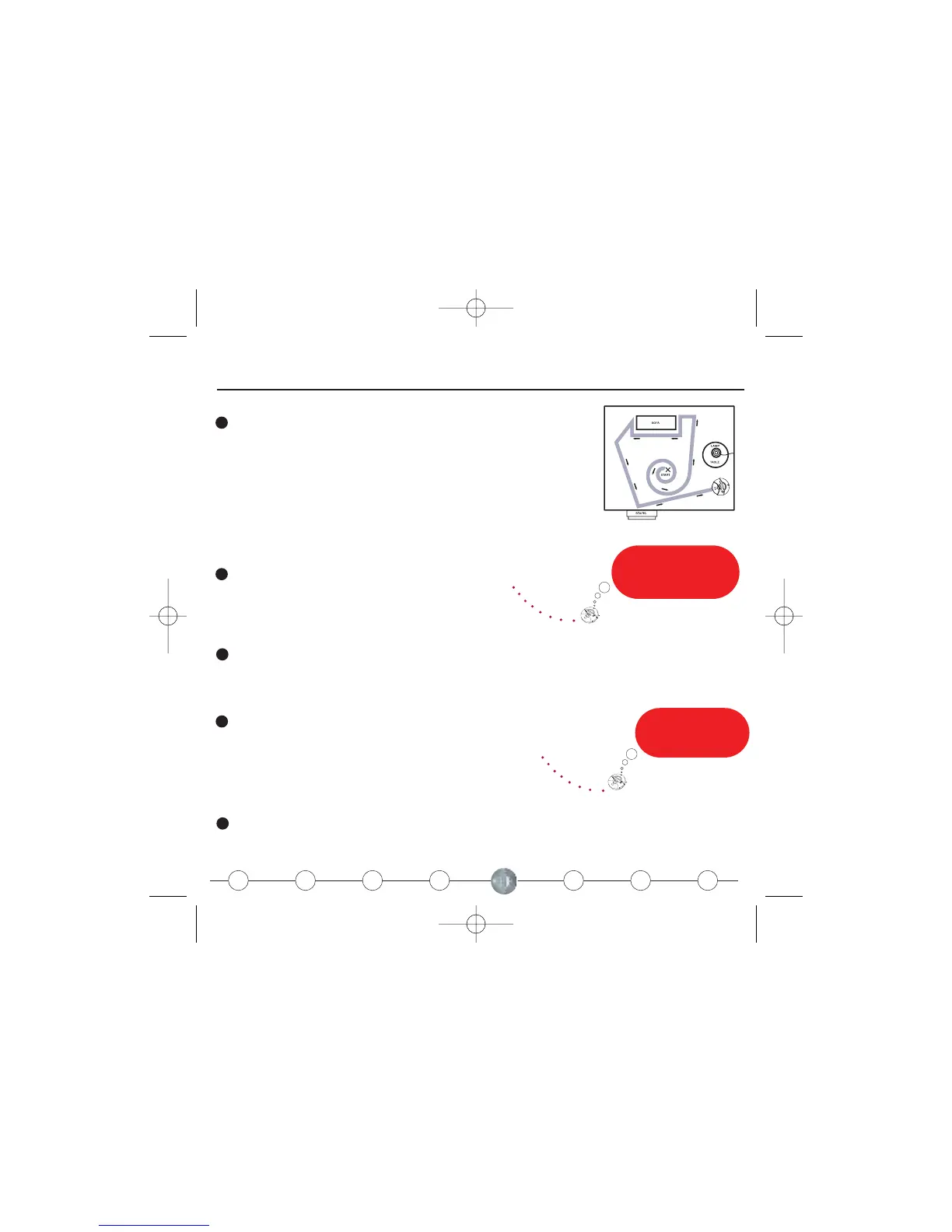
Roomba at Work
1
Place Roomba in the center of the room and press “Clean.”
Roomba will automatically calculate how long it needs to clean your
entire room.
5
To pause Roomba, hit any button on the panel. To stop, pick it up.
or
2
4
Spot works
great on spills or in
high traffic areas.
In dirtier
areas, I increase my
cleaning intensity.
3
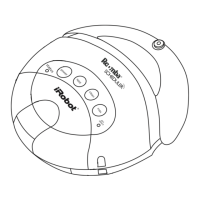
Use “Max” for extended cleaning time. Roomba will clean for up to 120 minutes before
shutting off.
“Dirt Alert” will illuminate when Roomba has detected dirt that
requires special attention. When the dirt is gone, Roomba will
continue in its standard cleaning mode.
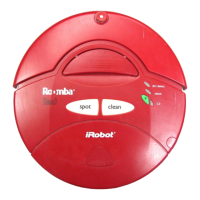
Use “Spot” to intensively clean a 3 ft. diameter area.











 To Next Page