Roomba at Work
6
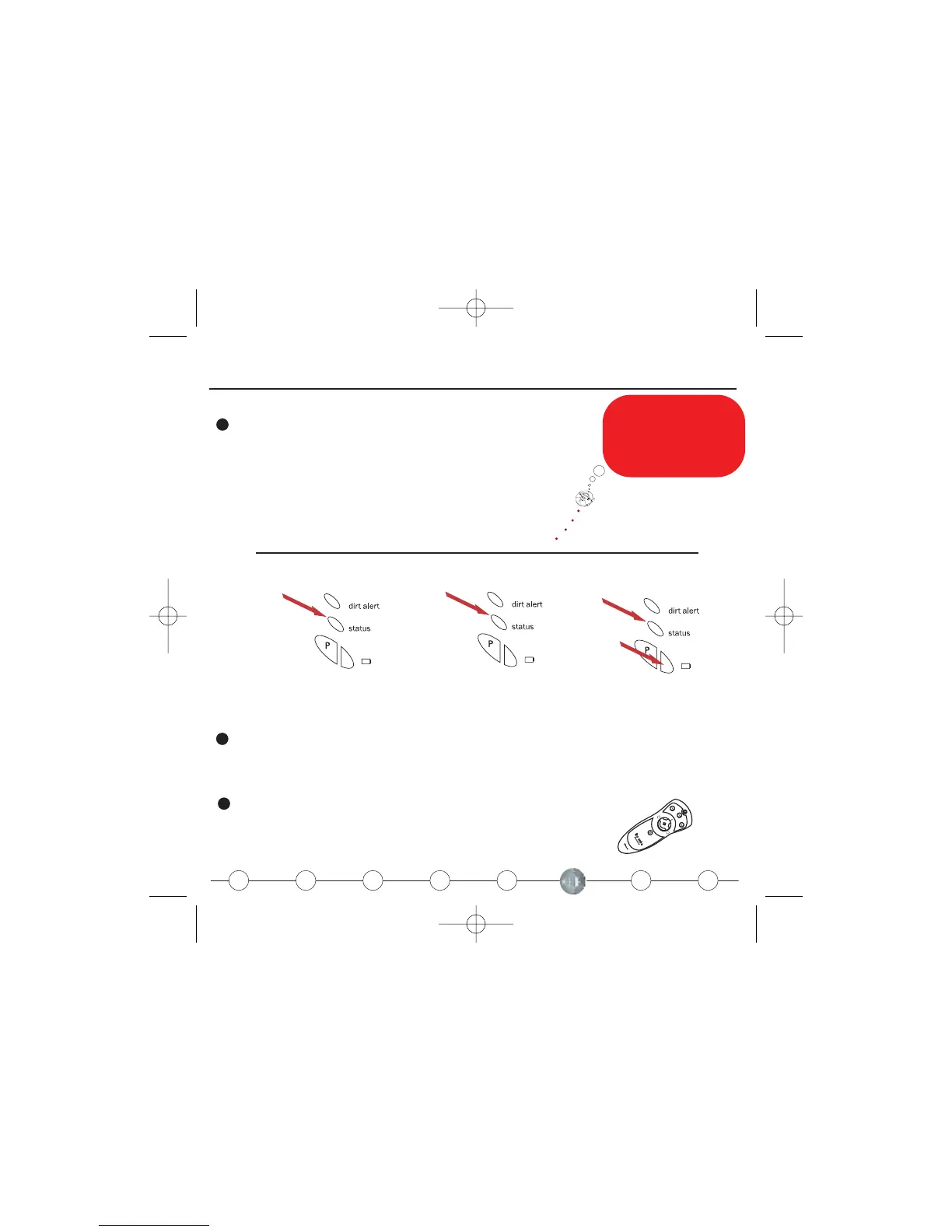
When Roomba stops, check the indicator light.
8
When Roomba is not cleaning it is recommended that you keep it plugged in. That will help
the battery stay in peak condition.
7
Use your remote to power up, start a cleaning cycle, or direct Roomba to
the dirt.
If my mission is
abandoned, pick me up
and examine my brushes.
Remove any obstructions
before restarting.
Roomba stops for 3 reasons
Mission Complete
Mission Abandoned
Battery Depleted
Green
Yellow
Yellow
Red











 To Next Page