EasyManua.ls Logo

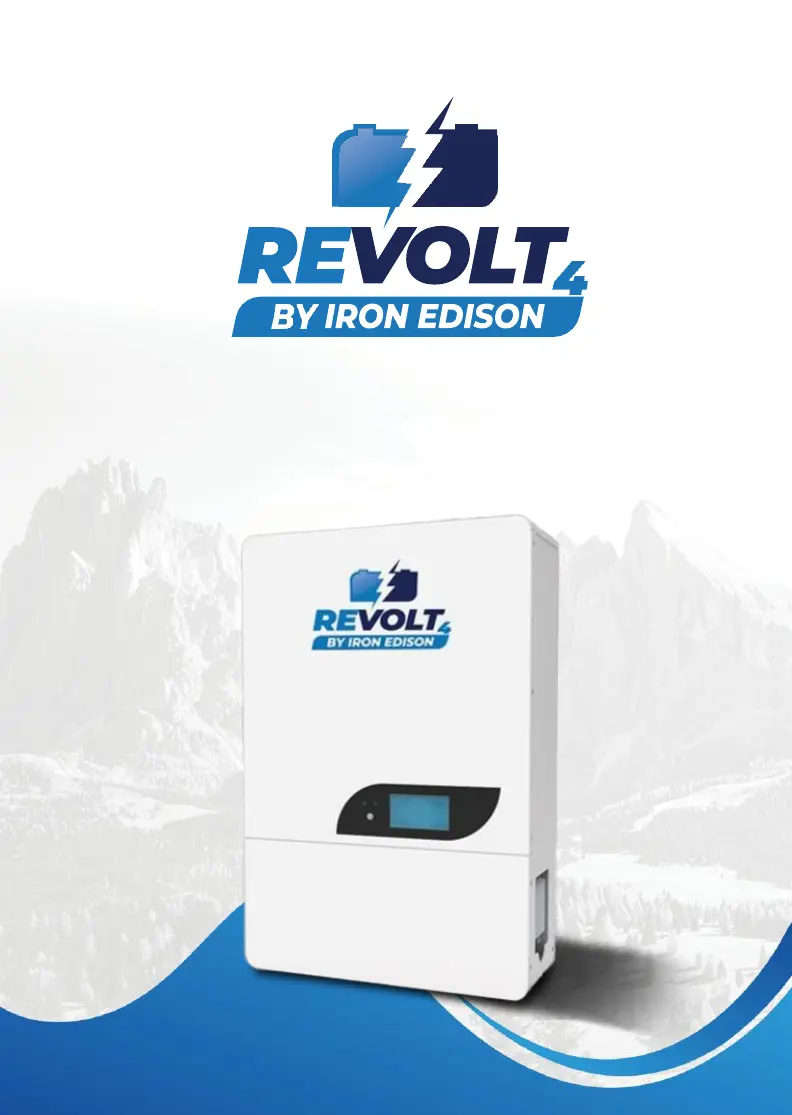
Iron Edison REVOLT4 - User Manual

Default Icon
29 pages
Print Icon
To Next Page IconTo Next Page
Loading...
User’s Guide
IE51100RV4
1

Questions and Answers

  • E
    Elizabeth RamosSep 6, 2025
    What to do if my Iron Edison REVOLT4 Inverter battery shows low temperature?
    • M
      Michael WilliamsSep 6, 2025
      If your Iron Edison Inverter battery is too cold, stop charging or discharging it until the battery temperature rises above the recovery temperature.
  • R
    Renee RuizAug 22, 2025
    What to do if my Iron Edison Inverter battery shows high voltage?
    • K
      Kyle TranAug 22, 2025
      If your Iron Edison Inverter battery indicates a high voltage, the suggested solution is to reduce the charge voltage or stop charging the battery.
  • S
    sgraySep 3, 2025
    What to do if my Iron Edison REVOLT4 battery shows high temperature?
    • S
      Stephanie WattsSep 4, 2025
      If your Iron Edison Inverter battery is overheating, stop charging or discharging it until the battery temperature falls below the recovery temperature.
  • Q
    qbellSep 2, 2025
    What should I check if my Iron Edison Inverter cannot charge the battery?
    • E
      Erica HicksSep 2, 2025
      If the Iron Edison Inverter is unable to charge the battery, check the power and communication wires to the inverter. Also, verify the inverter's specifications, ensuring its charge voltage is suitable for the battery type, referring to section 2.2 Battery Specifications.
  • C
    cpowellSep 1, 2025
    What does it mean when my Iron Edison REVOLT4 battery module cannot start the INVERTER?
    • S
      Stacey MercerSep 1, 2025
      If the Iron Edison Inverter battery module fails to start the inverter, check the power and communication wires connected to the inverter. You may need to contact the inverter manufacturer for further assistance.
  • L
    Lisa GonzalezAug 30, 2025
    What to do if my Iron Edison REVOLT4 Inverter's charge cycle stopped with HV LED?
    • S
      Steven RossAug 30, 2025
      If your Iron Edison Inverter's charge cycle has stopped and the HV LED is illuminated, it indicates high voltage protection. Stop the charge cycle and begin discharging. Adjust the charge control/inverter settings for Absorb, Bulk, Float, and Equalize as detailed in section 6.1.3.
  • S
    samanthakaneAug 29, 2025
    What to do if my Iron Edison REVOLT4 battery shows low voltage?
    • K
      Kayla HayesAug 29, 2025
      If your Iron Edison Inverter battery indicates low voltage, stop discharging it and charge the battery within 15 days.
  • D
    Dennis ButlerAug 27, 2025
    What does it mean if the ALM LED is flashing (2hz) on my Iron Edison Inverter?
    • G
      garciadustinAug 28, 2025
      If the ALM LED on your Iron Edison Inverter is flashing at 2Hz, it indicates a battery address duplication. To resolve this, check the dip switch settings as described in section 5.2.2.
  • S
    savagecherylAug 27, 2025
    What to do if my Iron Edison Inverter shows external COM error with RUN LED?
    • A
      Anita LeblancAug 27, 2025
      If your Iron Edison Inverter displays an external COM error with the RUN LED, check the communication cable between the battery and the inverter. Also, verify the inverter selection in the app as per section 7.0, or use V Logic as per section 5.2.3.
  • B
    Benjamin StoneAug 25, 2025
    What to do if my Iron Edison REVOLT4 Inverter battery charge/discharge shows over current?
    • M
      Megan PerezAug 26, 2025
      If your Iron Edison Inverter battery is showing an overcurrent during charge or discharge, reduce the charging or discharging current. The battery will automatically release in 1 minute.

Iron Edison REVOLT4 Specifications

General IconGeneral
BrandIron Edison
ModelREVOLT4
CategoryInverter
LanguageEnglish