9
XEBEX TREADMILL
CONSOLE PROGRAMS
Allows user to specify a distance that and ength of time
to complete the distance within. The console will track
your pace and let you know whether you are on pace or
need to increase your speed to meet your target distance
within the specied amount of time.
4. Target Distance within Target Time
Program
Start: Press the TARGET PROGRAMS key to
launch program. Use the UP/DOWN keys to select
“Target Distance + Target Time”. Press ENTER or
START key to conrm your selection.
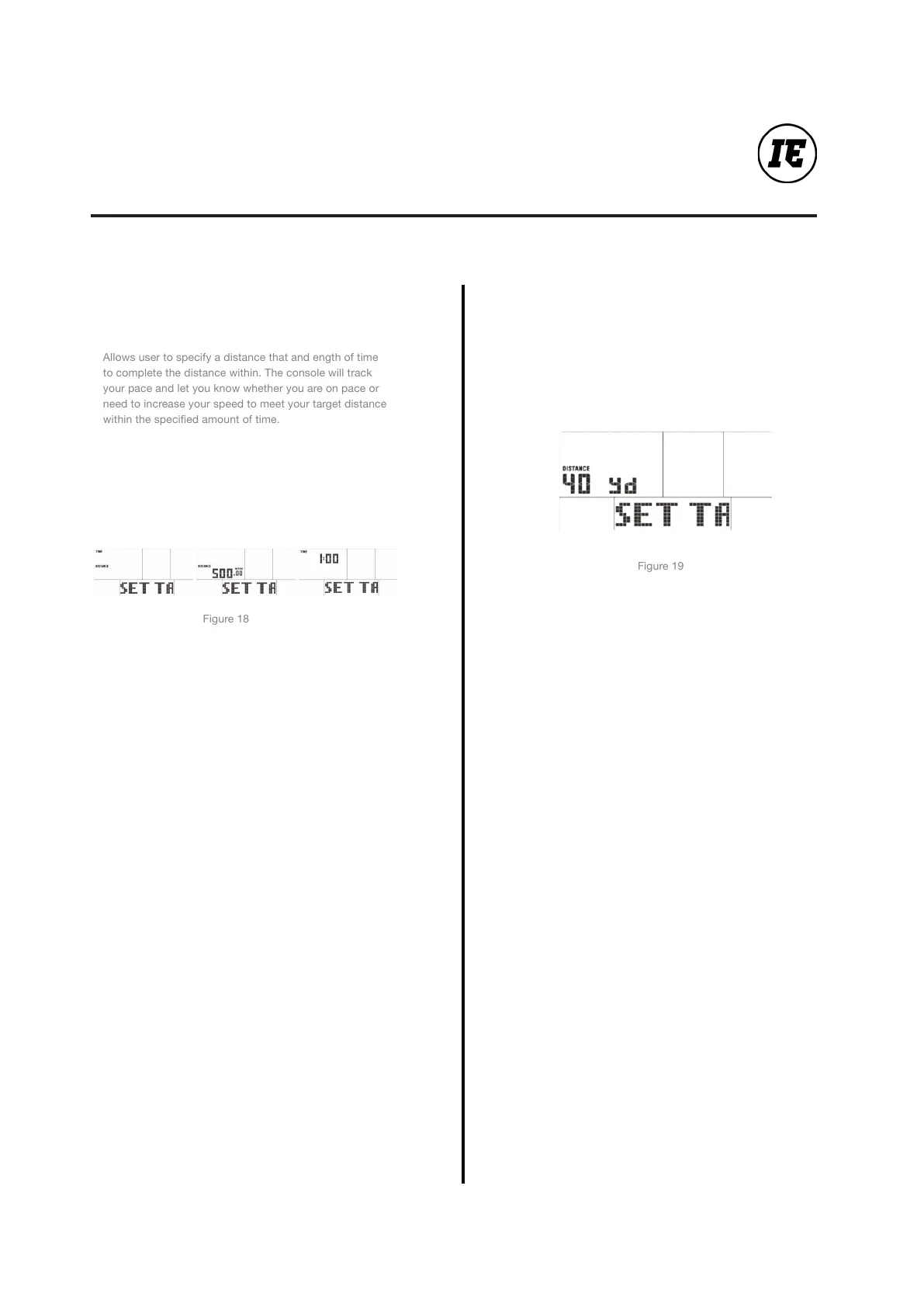
Congure: After selecting the program, the user will be
required to specify the distance and the amount of time.
Use the UP/DOWN keys to select a value, and press
ENTER to conrm.
Run: The display will track the progress of user toward
the goal entered. The console will display whether
the user is on pace or not on pace to reach the target
distance within the amount of time.
Finish: The program will continue to run until the
specied goal is achieved. To end the program at any
time, press the STOP key. Summary metrics in END
mode will be displayed.
5. 40 Yard Sprint
Start: Press the TARGET PROGRAMS key to
launch program. Use the UP/DOWN keys to select
“40 Yard Sprint”. Press ENTER or START key to
conrm your selection.
Congure: After selecting the program, the user will
be required to conrm the 40 yard sprint distance.
This distance is pre-set and cannot be changed
Run: The display will track the time it takes to
complete the 40 yard sprint.
Finish: The program will continue to run until 40
yards is reached. To end the program at any time,
press the STOP key. Summary metrics in END mode
will be displayed.


 To Next Page