9
3.3 LOCKING THE BUTTONS (“KEY-LOCK”)
You can deactivate the buttons to avoid undesired operation of the buttons:
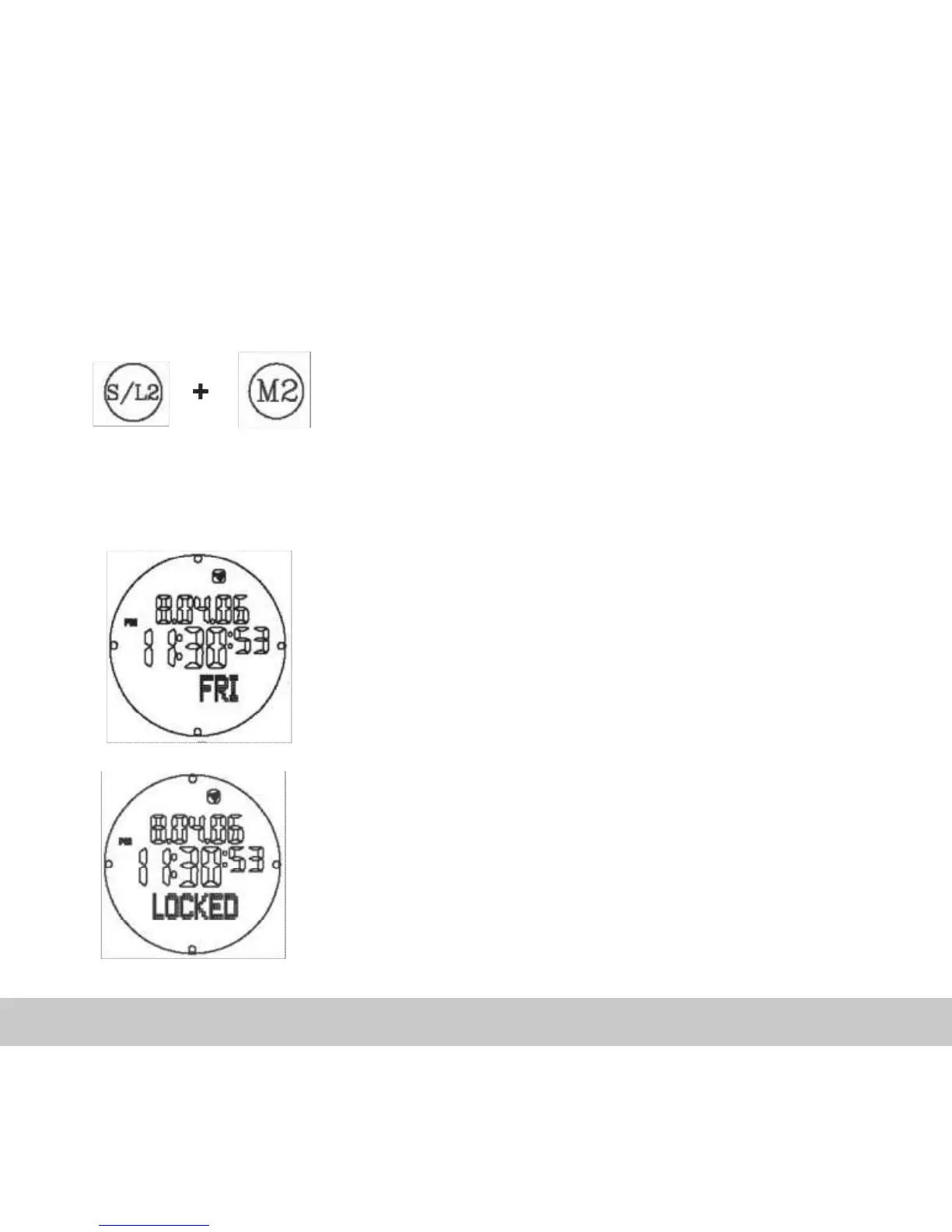
Activate “Key-Lock”:
Press the M and S/L buttons simultaneously for
at least 2 seconds.
Display for activated “Key-Lock”:
If the buttons are deactivated 4 dots will appear
on the border of the display.
If you press any button in this state, the
information “LOCKED” will appear at the bottom
of the display.



 To Next Page