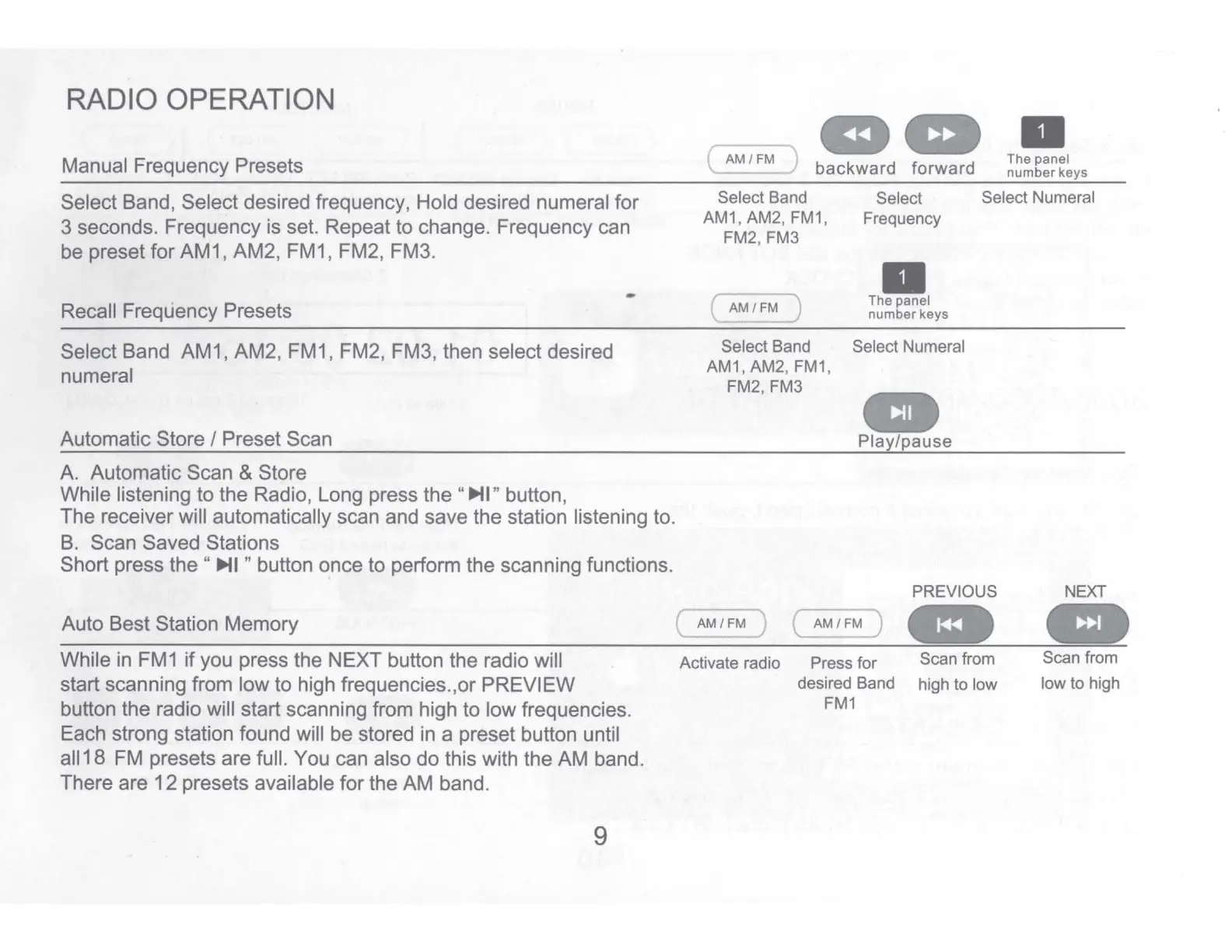
RADIO OPERATION
Manual Frequency Presets
Select Band, Select desired frequency, Hold desired numeral for
3 seconds. Frequency is set. Repeat to change. Frequency can
be preset for AM1, AM2, FM1, FM2, FM3.
Recall Frequency Presets
Select Band AM1, AM2, FM1, FM2, FM3, then select desired
numeral
Automatic Store I Preset Scan
A. Automatic Scan & Store
While listening to the Radio, Long press the
"IJi>II"
button,
-
The receiver will automatically scan and save the station listening to.
B. Scan Saved Stations
Short press
the
"
IJi>II
" button once to perform the scanning functions.
Auto Best Station Memory
While in FM1
if
you press the NEXT button the radio will
start scanning from low to high frequencies.,or PREVIEW
button the radio will start scanning from high to low frequencies.
Each strong station found will be stored in a preset button until
all
18
FM presets are full. You can also
do
this with the
AM
band.
There are
12
presets available
for
the
AM
band.
9
{
AM-;;;;-
) a
at
\ _
backward
forward
•
The
panel
number
keys
Select Band
AM1, AM2, FM1,
FM2, FM3
Select Select Numeral
Frequency
AM/~
•
The panel
number
keys
Select Band
AM1, AM2,
FM1
,
FM2, FM3
Select Numeral
..
Play/pause
PREVIOUS
~M
~
(
AM/FM
J
..
Activate radio
Press for
Scan from
desired Band
high to low
FM1
NEXT
..
Scan from
low to high


 To Next Page