Tips
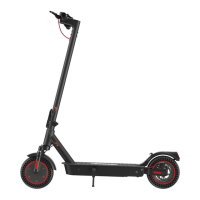
After powering on the scooter, press the
throttle to accelerate. During riding, keep both
feet on the deck.Or download the "iScooter"
app for more information and functions.
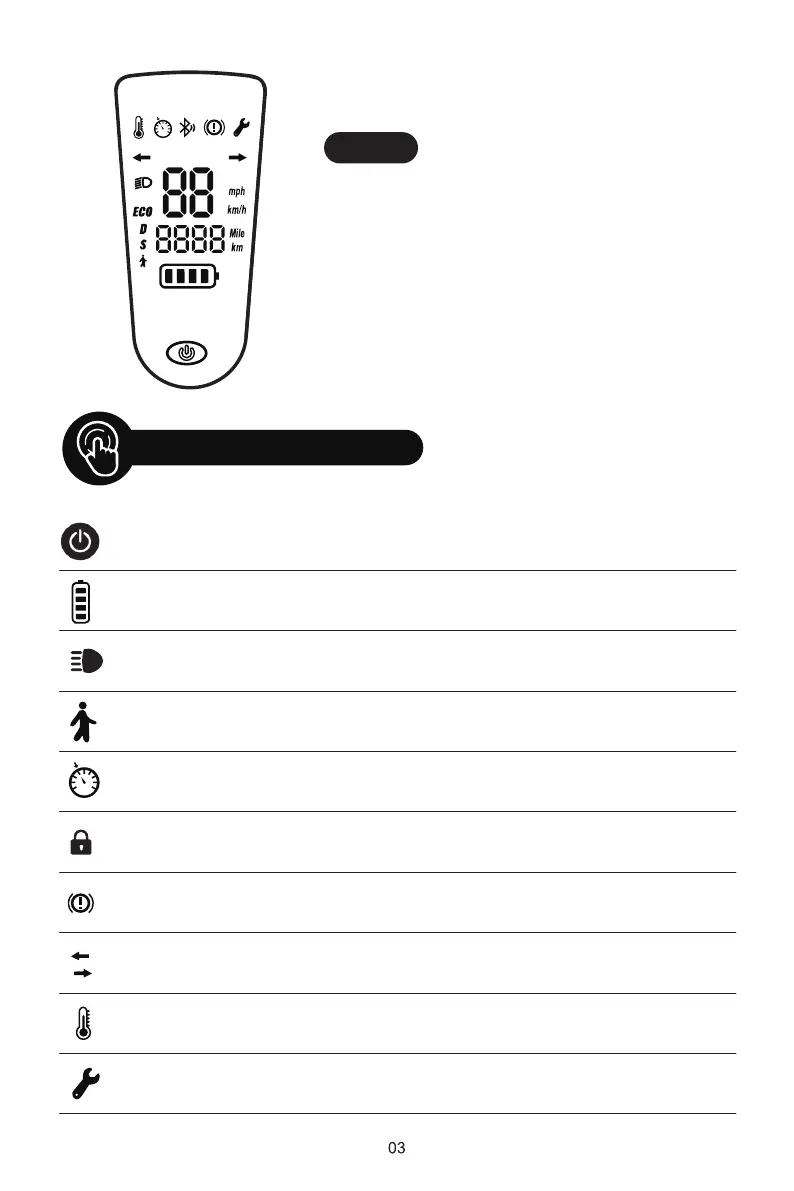
Control Panel
Long press for about 2 seconds to turn on / off.
The power level is indicated by four battery bar on the control panel.
Turn on your scooter, one-click to turn on / off the front light.
Double-click the power button to switch speed mode.
Keep same speed for 5 seconds, and it will beep and active the
cruise control
The scooter can be locked and unlocked by iScooter app.
When braking, the icon will light up
Turning tip
Turn left or right, and the icon will light up accordingly
Tempera-
ture tip
When the motor temperature is too high, the icon lights up
Vehicle
maintenance
When the vehicle breaks down, the icon lights up
Power
Button
Battery
Indicator
Light
Mode
Cruise
Control
Lock
Indicator
Brake tip


 To Next Page