EasyManua.ls Logo

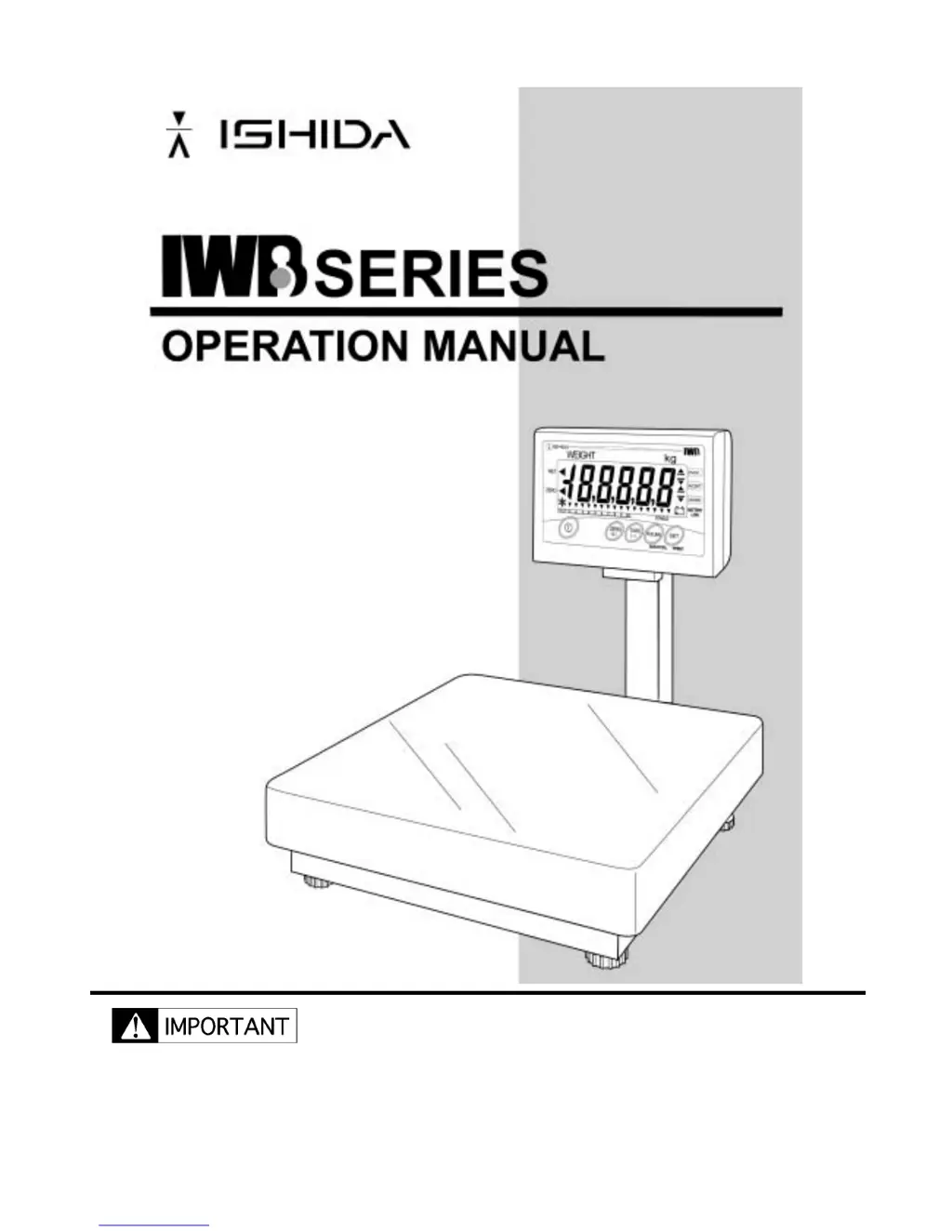
ISHIDA IWB Series - User Manual

ISHIDA IWB Series
3 pages
Print Icon
To Next Page IconTo Next Page
Loading...
Manual No. 0148A
Do not carry out installation, operation, service or mainte-
nance until thoroughly understanding the contents of this
manual.
Keep this manual available at all times for installation, oper-
ation, service, and maintenance.
ISHIDA CO., LTD.
Ishida IWB operation ManualIshida IWB operation ManualIshida IWB operation ManualIshida IWB operation Manual

Other manuals for ISHIDA IWB Series

Questions and Answers

  • D
    David CarterAug 18, 2025
    Why does the zero point and/or weighing value fluctuate on my ISHIDA Scale?
    • R
      Robert YoungAug 19, 2025
      Fluctuations in the zero point or weighing value of your ISHIDA Scale can be caused by several factors. It could be due to wind or vibration at the scale's location; if so, move the scale or install a screen. Check for any interference to the weighing platter, platter support, or load cell and remove it. There may be a defect in the A/D board or the load cell; perform Test Mode C1 to check the A/D value and replace components as necessary. Also, ensure the voltage of VEX+5V supplied to the load cell is correct by checking +5V between R-W of A/D board XJ2 using a multi-meter. If the voltage is low or fluctuated, the main board may be defective. Finally, electromagnetic waves can cause interference; identify and eliminate the source, or move the scale to another location.
  • E
    Eric WhiteAug 22, 2025
    What to do if my ISHIDA Scale printer is not reopening to printing?
    • P
      Peter James DDSAug 22, 2025
      If your ISHIDA Scale printer is not reopening to printing, first confirm that the power is ON, the cable is connected, and the printer is online. Also, ensure there are no errors and that the printer matches the scale's transmission specifications. If the issue isn't with the printer, check the scale side. Confirm the cable is connected and that the cause is other than setup item F11 0: no output. Check for a connection via the main board XJ4 connector and the internal cable harness C3 transmission. If problems persist, consider replacing the main board.
  • A
    Albert WhiteAug 27, 2025
    What to do if my ISHIDA Scale keys are not responding or hard to operate?
    • D
      Dawn MarshAug 28, 2025
      If the keys on your ISHIDA Scale are not responding or are hard to operate, it could be due to a defect in the key itself. In this case, replace the tactile key soldered to the main board. Alternatively, the gap between the key sheet and the key on the main board might be inappropriate; adjust the key sheet so it fits properly with the main board. If neither of these solutions work, the main board may be defective and should be replaced.
  • S
    smithcarlAug 31, 2025
    What does it mean when my ISHIDA Scale displays 'Err' when pressing the ON/OFF key?
    • W
      woodardchristineAug 31, 2025
      If your ISHIDA Scale displays 'Err' when pressing the ON/OFF key, it indicates that the E2ROM data is garbled. To resolve this, initialize Test Mode C6 E2ROM entirely. Note that span adjustment will be required after initialization. If the error persists, replace the main board.
  • K
    Kyle LindseySep 2, 2025
    Why is my ISHIDA Scale mis-printing (garbled)?
    • C
      christine94Sep 3, 2025
      Mis-printing (garbled) on your ISHIDA Scale is due to mis-matching transmission specifications. Confirm that the scale side and the printer side match. If the problem continues, replace the main board.
  • J
    johnsonjacquelineSep 5, 2025
    What does it mean when Test Mode “C1” displays when pressing ON/OFF key on my ISHIDA Scale?
    • V
      Vanessa KellySep 5, 2025
      When Test Mode “C1” displays when pressing the ON/OFF key on your ISHIDA Scale, it means the scale data is in the initialization state, requiring span adjustment.
  • J
    Jason SchwartzSep 8, 2025
    What to do if there is trouble in display such as no lighting, double lighting for digits or segments on my ISHIDA Scale?
    • K
      Kevin WilsonSep 8, 2025
      If you are experiencing display issues such as no lighting or double lighting for digits or segments on your ISHIDA Scale, this is due to a defect in the main board. Replace the main board to resolve this issue.
  • M
    Melissa PerrySep 12, 2025
    What to do if the buzzer is not sounding on my ISHIDA Scale?
    • G
      Gary SalazarSep 12, 2025
      If the buzzer on your ISHIDA Scale is not sounding, first check the set value of Setup Mode F15, as an incorrect setup could be the cause. Also, check the connector XJ3 (IWX), XJ5 (IWB) and internal cable harness C3 for contact or disconnection. Ensure the external cable connector from the loud buzzer is properly connected. If these steps do not resolve the issue, the main board may be defective and require replacement.
  • R
    Ronald TaylorNov 15, 2025
    Why does my ISHIDA Scale display '----' and the buzzer sound continuously?
    • L
      Lori GibsonNov 15, 2025
      This issue with your ISHIDA Scale may occur if the A/D value is outside the start range at the zero point, is unstable due to AD initial value drifts, or if there is a defect in the load cell. First, remove any items from the weighing platter. Then, check and adjust the A/D value. Perform Test Mode C1, and if the value is unstable, replace the A/D board and load cell in that order. If the value is outside the start range, perform the zero and span adjustment. If the weighing value reaches the lower limit under the weighing capacity at zero/span adjustment, replace the load cell. Alternatively, it could be due to an incorrect supplied voltage VEX+5V to the load cell, potentially caused by a main board defect. Check the +5V between R-W of A/D board XJ2 using a multi-meter. If the voltage is...
  • K
    Kimberly NovakNov 24, 2025
    What to do if nothing is displayed on my ISHIDA Scale even when pressing the ON/OFF key?
    • F
      Frank RiveraNov 24, 2025
      If your ISHIDA Scale displays nothing when you press the ON/OFF key, several issues could be the cause. First, ensure AC power is being supplied by confirming the voltage at the power outlet. Check the power cord and replace it if necessary. Confirm conduction between CN1 1-pin or 3-pin of the SW power supply and the plug, and check the voltage (100-240VAC) between these pins. Also, check for a low battery voltage, and replace the battery if needed. If using an AC adapter, confirm the voltage is within 2.4-10VDC. The ON/OFF key itself might be defective; check its conduction with a multi-meter and replace it if necessary. There could also be no VCC+5V supply; check the connection and conduction of harness C2 VCC and replace it if necessary. Check the SW power supply and replace it if nece...

ISHIDA IWB Series Specifications

General IconGeneral
BrandISHIDA
ModelIWB Series
CategoryScales
LanguageEnglish

Related product manuals