EasyManua.ls Logo

ISHIDA IWQ Series - User Manual

ISHIDA IWQ Series
55 pages
Print Icon
To Next Page IconTo Next Page
Loading...
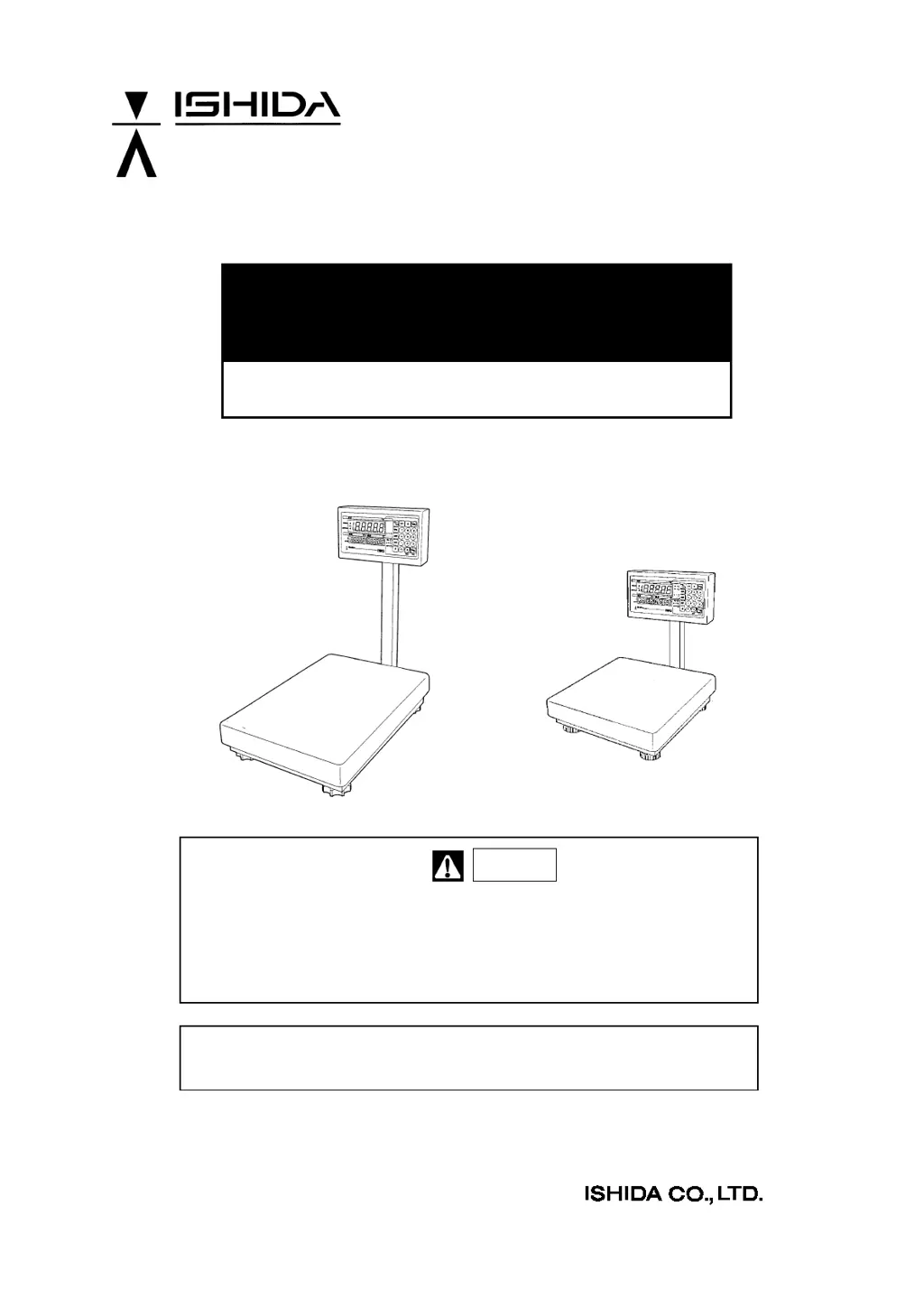
IWQ Series
Service Manual
First Edition
Manual No. 0153A
Read this manual thoroughly and do not perform installation, operation,
maintenance, or inspection unless you fully understand all contents.
Keep this manual in a safe place where you can refer to it easily while
installing, operating, and carrying out maintenance or inspections.
Warning
This manual is for use by service personnel of our company or qualified to
perform maintenance services for this machine.

Table of Contents

Questions and Answers

  • S
    shafferamberAug 14, 2025
    What to do if nothing is displayed on my ISHIDA IWQ when pressing the ON/OFF key?
    • B
      bruce90Aug 14, 2025
      If nothing is displayed on your ISHIDA Scales after pressing the ON/OFF key, here are a few things to check: * First, ensure that the scale is receiving AC power by confirming the voltage at the power outlet and checking the power cord for any damage (replace if necessary). * Next, test the ON/OFF key itself using a multimeter to see if it's defective and needs replacement. * Also, verify the VCC+5V supply by checking the conduction of harness C2 VCC and the SW power supply. * Finally, if none of these steps work, the main board may be defective, and you can confirm this by replacing it with a new one.
  • M
    melissabuckleyAug 17, 2025
    Why is the zero point or weighing value fluctuating on my ISHIDA IWQ Scales?
    • A
      amy60Aug 17, 2025
      Fluctuations in the zero point or weighing value of your ISHIDA Scales can stem from several factors. It could be due to wind or vibrations at the scale's location; try moving it to a more stable environment. Check for any interference with the weighing platter, platter support, or load cell, and remove any obstructions. A defect in the A/D board or load cell could also be the cause; running Test mode C1 can help diagnose this, and you may need to replace these components. Also, verify the VEX+5V voltage between R-W of A/D board XJ2 using a multimeter; if low or fluctuating, the main board might need replacement. Electromagnetic interference can also play a role; identify and eliminate the source or relocate the scale.
  • D
    Diane GrahamAug 20, 2025
    What does it mean when Test Mode 'C' displays on ISHIDA Scales?
    • H
      Heather BowersAug 21, 2025
      If Test Mode “C” is displayed when pressing the ON/OFF key on your ISHIDA Scales, it means the scale data is in the initialization state. To resolve this, perform a span adjustment.
  • J
    Joseph RamosAug 25, 2025
    How to fix a non-responsive key on ISHIDA IWQ?
    • C
      Christina SmithAug 26, 2025
      If a key on your ISHIDA Scales is not responding or is hard to operate, the issue could be due to a defect in the key itself; in this case, replace the tactile key soldered to the main board. Alternatively, there might be an inappropriate gap between the key sheet and the key on the main board; adjust the main board to properly fit with the key sheet. In some cases, the main board itself may be defective and require replacement.
  • E
    Eric GilmoreAug 28, 2025
    What to do if the printer is not reopening to a printing command from ISHIDA IWQ?
    • A
      ashleywatsonAug 29, 2025
      If the printer is not responding to printing commands from your ISHIDA Scales, verify that the printer is powered on, the cable is properly connected, and the printer is online. Also, ensure that there are no errors indicated by the printer and that its transmission specifications match those of the scale. On the scale side, confirm that the cable is connected and that setup item F11 is not set to 'no output'. Check the connection via the main board XJ4 connector. If problems persist, the main board may need to be replaced.
  • G
    Gregory WolfeSep 1, 2025
    Why is my ISHIDA Scales printer mis-printing garbled characters?
    • A
      Allison RobertsSep 1, 2025
      If you are experiencing mis-printing or garbled output from your ISHIDA Scales, ensure that the transmission specifications of the scale and the printer are correctly matched. If the problem persists, consider replacing the main board.
  • P
    Paul OrtegaSep 5, 2025
    Why is the buzzer not sounding on my ISHIDA IWQ?
    • M
      Monica MartinSep 5, 2025
      If the buzzer on your ISHIDA Scales is not sounding, first check the set value of Setup Mode F15 to ensure it is correctly configured. Then, inspect the XJ4 connector and harness C2 RS232C for proper contact and to rule out any disconnections. Also, check the cable coming from the loud buzzer for any disconnections or contact issues. If the problem persists, the main board may need to be replaced.
  • K
    Kelsey FischerSep 9, 2025
    What does 'Err' mean on ISHIDA Scales when pressing ON/OFF key?
    • C
      Courtney MuellerSep 9, 2025
      If “Err” is displayed when pressing the ON/OFF key on your ISHIDA Scales, it indicates that the E2ROM data is garbled. Try initializing Test Mode C6 E2ROM entirely. Note that span adjustment will be required after initialization. If the issue is not resolved, the main board may need to be repaired or replaced.

Summary

Chapter 1. Product Overview

1.1 Product Overview

Details about the IWQ Series waterproof electronic scale, its functions, and safety features.

1.2 Standard Specifications

Lists technical specifications like weighing capacity, accuracy, dimensions, power source, and environmental conditions.

1.3 Appearance

Illustrates the physical appearance of the IWQ-150 model, showing its main components.

1.4 Appearance of Operation Panel

Shows the layout and buttons of the operation panel common to IWQ-150 and IWQ-30.

Chapter 2. Installation, Placement and Setup

2.1 Outer Dimensions

Provides detailed dimensional drawings for both IWQ-150 and IWQ-30 models in millimeters.

2.2 Procedures of Installation and Placement

Details the step-by-step process for unpacking and mounting the display pole and other components.

Chapter 3. Each Setting Mode

3.1 Configuration of Modes

Outlines the different operational modes (Normal, Registration, Setup, Test) and their functions.

3.2 Setup Mode

Introduces the Setup Mode and its various settings for printer and RS232C configurations.

3.2.1 Setup mode list

Details the specific settings (F1-F16) available within Setup Mode, including their functions and values.

3.2.2 Start-up of Setup Mode, setup, and end of setup

Explains the procedure for entering, configuring, and exiting the Setup Mode.

3.2.3 Input command format

Describes the format for commands sent to the scale, including execution and data demand commands.

3.2.4 Output format

Details the available output formats for data transmission and printing, including specific patterns.

3.3 Test Mode

Introduces the Test Mode and its purpose for verification and setup during maintenance.

3.3.1 Start-up and end of Test Mode

Explains how to enter and exit the Test Mode, including specific key presses.

3.3.2 C1 Mode: Country No. Scale No. and Span Adjustment

Details the process for setting country number, scale number, and performing span adjustment.

3.3.3 C2 Mode.... Key check

Describes how to perform a key check to verify the functionality of each button on the operation panel.

3.3.4 C3 Mode.... Display check (1)

Explains how to check if all segments of the fluorescent indicator tubes and LEDs light up simultaneously.

3.3.5 C4 Mode.... Display check (2)

Details how to check each segment of the fluorescent indicator tubes for proper lighting, identifying potential short circuits.

3.3.6 C5 Mode.... Program No. display

Describes how to display the current program number on the scale.

3.3.7 C6 Mode.... E2 ROM initialization (Registration set data;all)

Guides through the process of initializing the E2ROM, including registration, setup, and scale data.

3.3.8 C7 Mode.... Individual setup of country specifications and weighing conditions

Explains how to individually set country specifications and weighing conditions.

3.3.9 C8 Mode.... E2 ROM data readout

Details how to read data from the E2ROM, specifying the address range and navigation.

3.3.10 C9 Mode A;D flickering check, I;F inspection mode

Covers A/D flickering checks and I/F inspection modes for factory testing.

3.4 Country No. List

3.5 Scale No. List

3.6 EEPROM Map

3.6.1 EEPROM (0 ~ 127) data format

Provides a detailed map of the EEPROM, listing addresses, data contents, and their ranges.

3.6.2 Measurement conditions setup table

Details the setup table for measurement conditions, including address, weight, data contents, and data range.

Chapter 4. Hardware Configuration

4.1 Mechanisms

Outlines the mechanical components of the scale, including the display, scale, and pole sections.

4.1.1 Display section (IWQ-30;150 common)

Details the parts and assembly of the display section common to both IWQ-30 and IWQ-150 models.

4.1.2 Scale section

Illustrates the parts and assembly of the scale section for both IWQ-30 and IWQ-150 models.

Load Cell

Describes the specifications and construction of the Load Cell AT-50 (IWQ-30) and AT-200 (IWQ-150).

4.1.3 Display pole section

Details the parts and assembly of the display pole section, including the bracket and adjusting knob.

4.2 Electric Concerns

Introduces the electrical aspects of the scale, covering main boards, A/D boards, and power supplies.

4.2.1 Block diagram

Presents a block diagram showing the interconnection of main board, A/D board, I/F board, and load cell.

4.2.2 Main board P-932-

Details the main board P-932, including its memory switch and connectors (XJ1, XJ2, XJ3).

4.2.3 A;D board P-933

Describes the A/D board P-933, including its major parts and connectors (XJ1, XJ2).

4.2.4 I;F board P-934-1 (option)

Details the optional I/F board P-934-1, its components, and connectors (XJ1, XJ2, XJ3, XJ4).

4.2.5 SW Power supply

Explains the specifications and connectors of the switching power supply unit.

Chapter 5. Maintenance

5.1 Periodical Replacement Parts

States that no periodical parts replacement is needed within a five-year product life, except for gasket packing.

5.2 Replacing and Adjusting Load Cell

Provides specifications for load cells and outlines the process for replacing and adjusting them.

5.3 Troubleshooting

Lists common phenomena, their causes, and suggested measures for troubleshooting issues.

Chapter 6 Others (Appendix)

6.1 RS-232 C Connecting Cables (Optional)

Introduces optional RS-232C cables for connecting the scale to other devices.

6.1.1 RS232 C cable DSUB9 Pin

Details the RS232C cable with a DSUB9Pin connector, including pinouts and part numbers.

ISHIDA IWQ Series Specifications

General IconGeneral
BrandISHIDA
ModelIWQ Series
CategoryScales
LanguageEnglish

Related product manuals