EasyManua.ls Logo

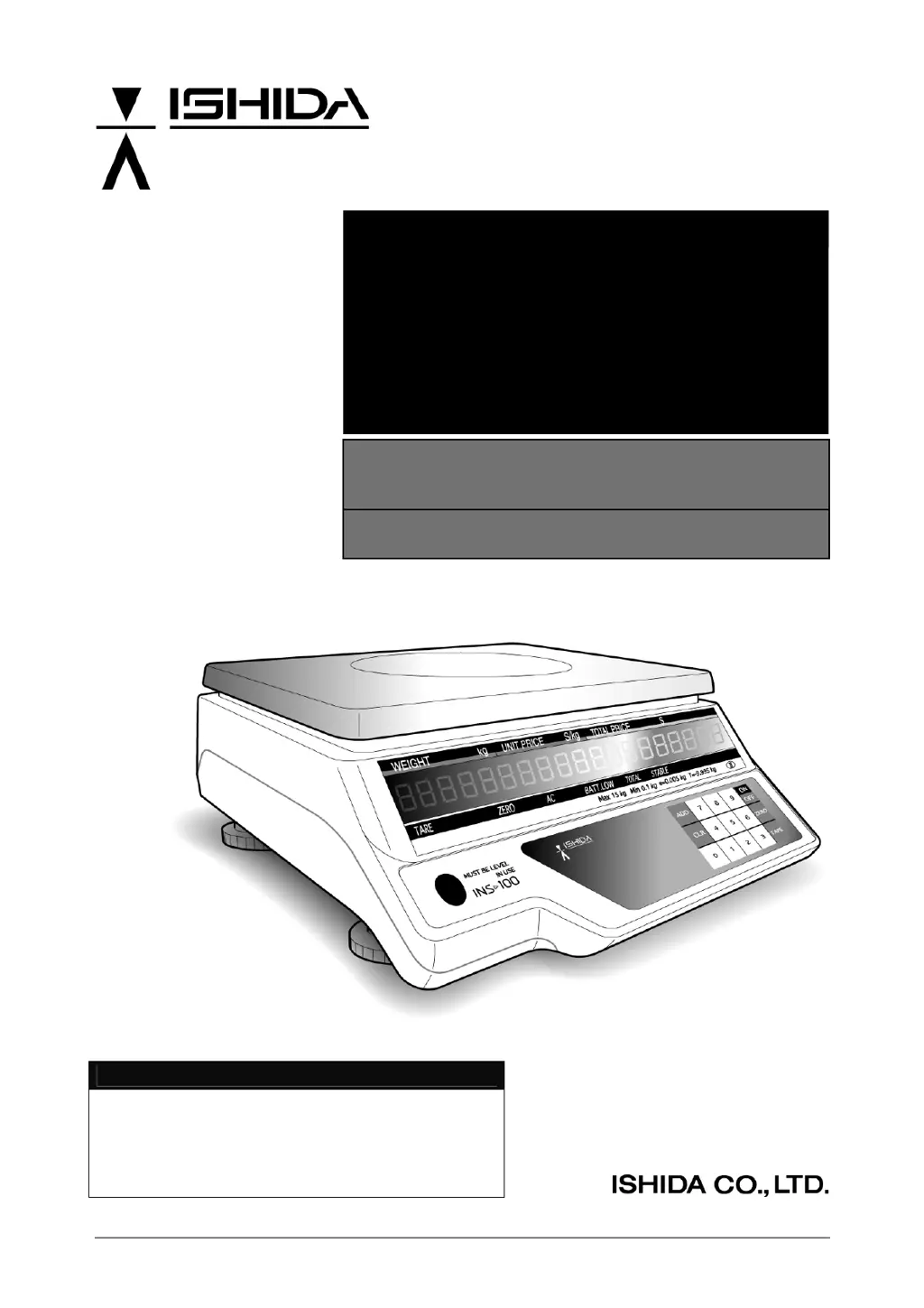
ISHIDA INS-100 - Service Manual

ISHIDA INS-100
45 pages
Print Icon
To Next Page IconTo Next Page
Loading...
INS-100 Service Manual No. 085-6692-09
BATTERY DRIVEN SCALE
INS-100
Service Manual
Second Edition
IMPORTANT
Do not carry out installation, setup, service, or
maintenance until thoroughly understanding the
contents of this manual.
Keep this manual available at all times for
installation, setup, service, and maintenance.

Other manuals for ISHIDA INS-100

Questions and Answers

  • L
    Lori SpenceAug 19, 2025
    What to do if the ISHIDA INS-100 Scales reading weight is unstable?
    • T
      Tiffany GutierrezAug 19, 2025
      If the ISHIDA Scales reading weight is unstable, ensure that nothing is touching the weigh platter from above, the side, or below. Also, verify that the scale is level and check for any air currents, vibration, or an unstable mounting surface.
  • S
    stephanie75Aug 21, 2025
    What to do if “OL” appears on the display of my ISHIDA INS-100?
    • A
      Alan DorseyAug 21, 2025
      If “OL” appears on the display, it means the item you are weighing exceeds the scale's capacity. Remove the item that exceeds the weighing capacity.
  • C
    Cassandra PerezAug 25, 2025
    What to do if my ISHIDA Scales do not start and the display is blinking?
    • C
      Charles MorganAug 25, 2025
      If your ISHIDA Scales do not start and the display is blinking, it could be due to something being on the weigh platter or the weigh platter not being placed correctly. Remove any items from the weigh platter and ensure the weigh platter is correctly placed.
  • R
    robert92Aug 26, 2025
    Why do “LLLL...” appear on the display of my ISHIDA INS-100 Scales?
    • C
      Cindy AllenAug 26, 2025
      If you see “LLLL...” on the display, it indicates that the charge is insufficient or the battery is deteriorated. Charge the battery, or, if the battery cannot be charged, replace it.
  • M
    martinezrobertAug 28, 2025
    Why does the display disappear quickly after turning on my ISHIDA INS-100?
    • R
      Rebecca BaxterAug 28, 2025
      The display disappearing quickly after turning on the ISHIDA Scales suggests that the charge is insufficient or the battery is deteriorated. Try charging the battery. If that doesn't work, replace the battery.
  • J
    Jordan TylerAug 30, 2025
    What to do if an error buzzer sounds when entering the tare weight on my ISHIDA INS-100 Scales?
    • W
      William GarrettAug 30, 2025
      If an error buzzer sounds when you enter the tare weight, and the operation is not accepted, it means that the data entered is outside the tare setting range or the last digit number does not match the minimum weight. Enter a tare weight within the allowable range and ensure it matches the minimum weight requirement.
  • G
    Gabriel BradySep 2, 2025
    Why does “- - - - - -” appear on the price display of my ISHIDA Scales?
    • M
      Melissa FordSep 2, 2025
      If you see “- - - - - -” on the price display, it indicates that the price is exceeding “999999”. Set the price within the allowed range.
  • G
    Gabriel BellSep 4, 2025
    What to do if after turning on the ISHIDA INS-100 there are no displays but buzzer sounds continuously?
    • D
      Debra GarciaSep 4, 2025
      If, after turning on the ISHIDA Scales, there are no displays but the buzzer sounds continuously, check the following: * Ensure the weigh platter is correctly mounted on the scale. * Confirm that no objects are touching the weigh platter from above, side, or below. * If the scale is out of calibration due to overload or shock load, contact a service representative.
  • L
    lunagilbertSep 6, 2025
    What to do if after turning on the ISHIDA INS-100 there are no displays and no beeps?
    • M
      Marvin JohnsonSep 6, 2025
      If after turning on the ISHIDA Scales there are no displays and no beeps, check that the scale is plugged into a live outlet. If it is, unplug the scale from the outlet and check the main fuse.
  • R
    Ryan MendozaSep 9, 2025
    Why am I unable to add numeric values on my ISHIDA INS-100 Scales?
    • G
      Gregory KeithSep 9, 2025
      If you cannot add numeric values, it means that the total price will exceed “999999” if the next addition is performed. Keep the total price within the allowed range.

ISHIDA INS-100 Specifications

General IconGeneral
BrandISHIDA
ModelINS-100
CategoryScales
LanguageEnglish

Related product manuals