EasyManua.ls Logo

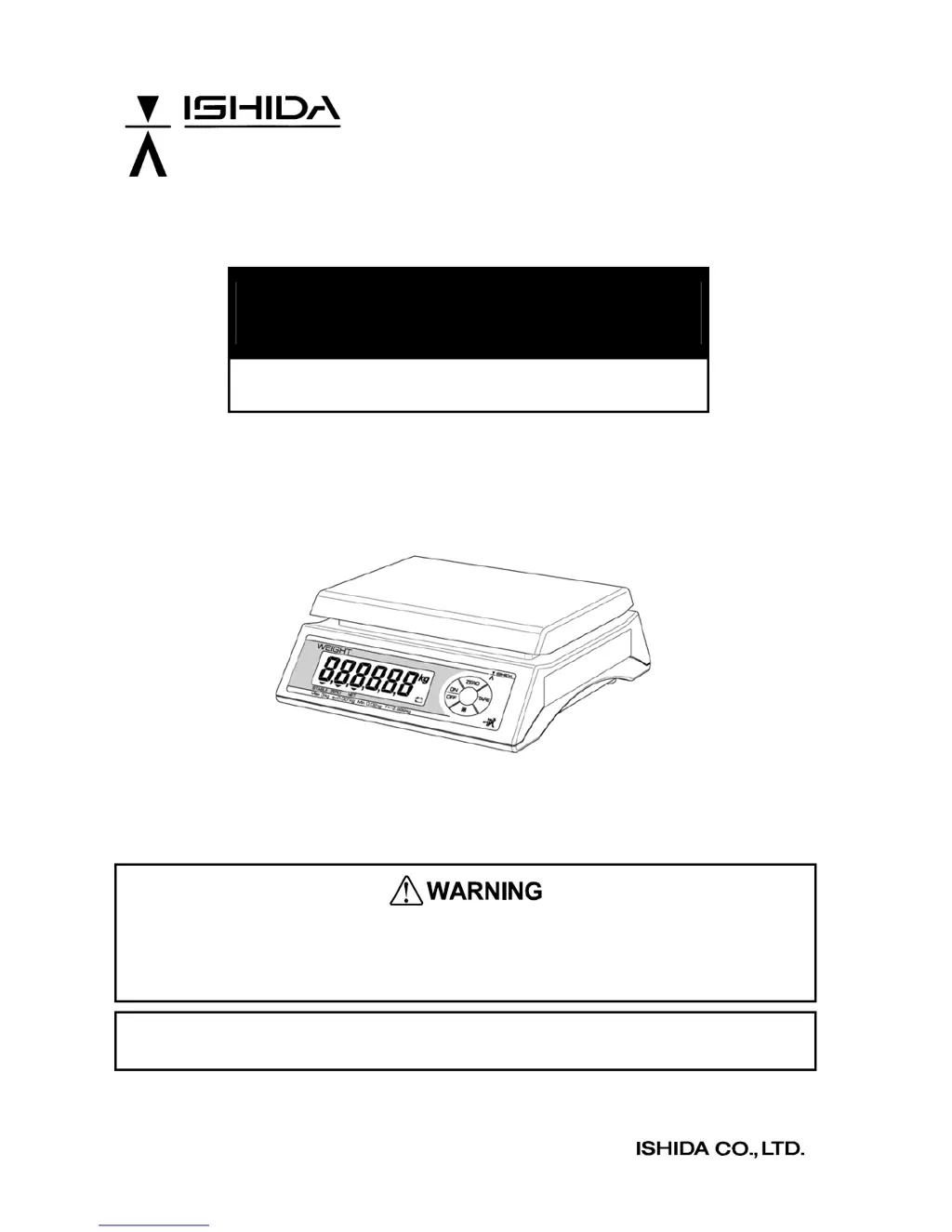
ISHIDA IPC 3kg - User Manual

ISHIDA IPC 3kg
29 pages
Print Icon
To Next Page IconTo Next Page
Loading...
IPC Series
Service Manual
The First Edition
Read this manual thoroughly and do not perform installation, operation, maintenance, or
inspection unless you fully understand all of the contents.
Keep this manual in a safe place where you can refer to it easily while installing, operating, and
carrying out maintenance or inspections.
This manual is for use by service personnel of our company or qualified to perform maintenance
services for this machine. Use by anyone except the above personnel is not permitted.
Manual No. 0183B

Questions and Answers

  • E
    Elizabeth MartinezJul 30, 2025
    What to do if the ZERO or TARE key does not function on my ISHIDA IPC 3kg Scales?
    • A
      Andrew MillerJul 30, 2025
      If the ZERO or TARE key isn't working on your ISHIDA Scales, first ensure that zero-adjustment or tare subtraction is within the specified range. Also, check for any contact with the platter and remove it if present. Wind or vibration near the machine might also be a factor, so try to avoid these.
  • B
    bennettrobertAug 3, 2025
    Why does “0”kg not appear on the display of my ISHIDA IPC 3kg after power ON?
    • T
      taylormarkAug 3, 2025
      If “0”kg doesn't appear on the display of your ISHIDA Scales after powering on, it might be due to an unstable weight value. Check for any contact with the platter and remove it if present. Also, check for wind or vibration near the machine and avoid these.
  • M
    Michael WalkerAug 8, 2025
    What to do if my ISHIDA Scales display "Err2" after power ON?
    • P
      peterjacksonAug 8, 2025
      If your ISHIDA Scales show "Err2" after powering on, it could be due to the weight value being outside the start range. Check if anything is placed on the platter and, if so, remove it.
  • N
    Nicholas CastilloAug 12, 2025
    What does "Err1" mean on my ISHIDA IPC 3kg and how to fix it?
    • B
      Brittney DukeAug 12, 2025
      If your ISHIDA Scales display "Err1" after powering on, it indicates garbled E2ROM data or an initialized state. To resolve this, initialize the scale, perform C1, C2, and C3 settings, and then push the memory switch.
  • R
    Robert HammondAug 16, 2025
    Why does the power supply cut off after some time on my ISHIDA IPC 3kg Scales?
    • J
      Jeffrey BowenAug 16, 2025
      If the power supply to your ISHIDA Scales cuts off after a period, the auto power OFF function might be enabled. Check if the auto power OFF function is working, the default setting is 60 minutes.
  • L
    Lisa CoxAug 20, 2025
    Why does the weight vary at the four corners of my ISHIDA IPC 3kg Scales?
    • J
      Justin RobinsonAug 21, 2025
      If the weight varies at the four corners of your ISHIDA Scales, ensure the scale is kept in a horizontal state. Also, check for any foreign objects between the platter and the case, and check if space of limit adjustment screw is narrow.
  • L
    Larry KnappAug 26, 2025
    How to fix ISHIDA Scales when the display check does not start?
    • N
      Nathaniel RogersAug 26, 2025
      If the display check doesn't start when you push the power switch on your ISHIDA Scales, check and replace the dry batteries. If you're using an AC adapter, check its output voltage (DC2.4-6.0V) and replace the AC adapter if necessary.

Summary

Chapter 1. Product Overview

1.2 Standard Specifications

Details technical specs like capacity, accuracy, power, and dimensions for various IPC models.

Chapter 2 Test Mode

2.1.6 C1 Mode - Country No. Setting

Details the Country No. table and the operation for setting the country number.

2.1.7 C2 Mode - Scale No. and Decimal point Setting

Explains tables for Scale No. and Decimal point, and the operation to set them.

2.1.8 C3 Mode - Span Adjustment

Describes the operation and steps for performing span adjustment in C3 mode.

2.1.9 F Mode - Setting measuring conditions and E2 ROM clear

Details how to set measuring conditions and clear E2ROM data.

Chapter 3 Hardware Configuration

Chapter 4 Maintenance

4.3 Troubleshooting

Guides on diagnosing and resolving common issues, listing symptoms, causes, and solutions.

ISHIDA IPC 3kg Specifications

General IconGeneral
BrandISHIDA
ModelIPC 3kg
CategoryScales
LanguageEnglish

Related product manuals