EasyManua.ls Logo

ISHIDA IGX-150 - User Manual

ISHIDA IGX-150
47 pages
Print Icon
To Next Page IconTo Next Page
Loading...
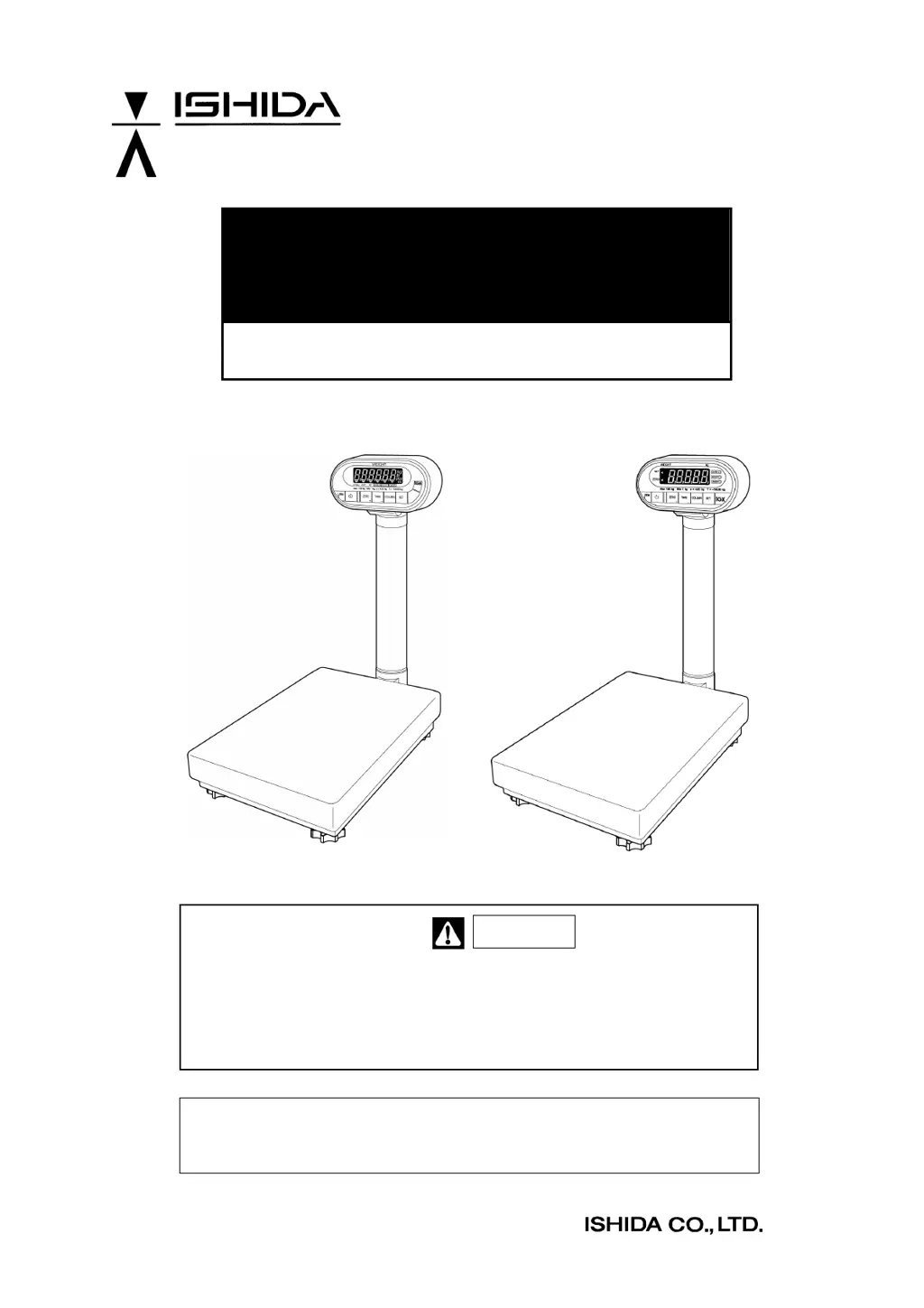
IGB/IGX Series
(Overseas Specifications)
Service Manual
The First Edition
IGB Series IGX Series
This manual is for use by service personnel of our company or qualified to
perform maintenance services for this machine. Use by anyone except the
above personnel is not permitted.
Manual No. 085-3435-07
Read this manual thoroughly and do not perform installation, operation,
maintenance, or inspection unless you fully understand all of the contents.
Keep this manual in a safe place where you can refer to it easily while
installing, operating, and carrying out maintenance or inspections.
Warning
86547

Questions and Answers

  • N
    Natasha ShepardAug 15, 2025
    Why is the zero point or weight unstable on my ISHIDA Scales?
    • K
      Kaitlin KnightAug 15, 2025
      If the zero point or weight on your ISHIDA Scales is unstable, it could be due to several factors. First, check for any vibration at the installation site or wind affecting the weighing platter, and move the scale to a more stable location. Inspect the weighing platter, platter support, and load cell for any interference. You can also perform Test mode C1 to check the A/D value, replacing the A/D board and load cell if necessary. Finally, identify and remove any sources of extraordinary electromagnetic waves, or move the scale away from these interferences.
  • D
    David ParkAug 18, 2025
    What to do if “Err” is displayed when pressing the ON/OFF key on ISHIDA IGX-150?
    • R
      Ryan SuttonAug 18, 2025
      If “Err” is displayed on your ISHIDA Scales when the ON/OFF key is pressed, it indicates that the E2ROM data is garbled. Try initializing E2ROM (all) in Test Mode C6. Note that span adjustment is required after initialization. If this doesn't work, the main board may be defective and need replacement.
  • A
    Angela DavisAug 21, 2025
    What to do if the display does not appear when pressing ON/OFF on ISHIDA Scales?
    • S
      simpsonfeliciaAug 21, 2025
      If the display on your ISHIDA Scales doesn't appear when you press the ON/OFF button, here's what to check: * For IGX Series: Ensure AC power is supplied by checking the main power outlet voltage, power cable, FUSE (1A 250V), TRANS ASSY, and the main board PS-016 connector XJ2. * For IGB Series: Verify battery voltage and replace if necessary. When using an AC adapter, make sure its voltage is within 3.2 to 6VDC. Additionally, test the ON/OFF key for conductivity and replace if defective. If these steps don't resolve the issue, the main board might be defective and need replacement (PS-016 for IGX or PS-018 for IGB).
  • M
    Martha WrightAug 25, 2025
    Why does my ISHIDA Scales display '-----' after pressing the ON/OFF key?
    • C
      Cameron RichardAug 25, 2025
      If your ISHIDA Scales display “-----“ after pressing the ON/OFF key, it could be due to a few reasons. First, remove any items from the weighing platter. The A/D value at the zero point might be outside the start range or unstable, or the load cell could be defective. Check and adjust the A/D value by performing Test Mode C1. If the value is unstable, replace the main board first, then the load cell. If the value is outside the start range, perform Zero and Span adjustments. If the weight that is less than the weighing capacity reaches the lower limit, replace the load cell. Another possible cause is a defective main board, which would require replacement.
  • J
    James HortonAug 28, 2025
    How to fix no response or input difficulty in key operation on ISHIDA Scales?
    • T
      Troy MolinaAug 29, 2025
      If you experience no response or difficulty inputting commands on your ISHIDA Scales, the issue might stem from a defective key. Try replacing the tact key soldered to the main board. Another potential cause is bad clearance between the keysheet and keys on the main board; ensure the main board is installed along the keysheet face. If neither of these solutions works, the main board itself might be defective and require replacement.
  • R
    Ryan WilliamsAug 31, 2025
    Why does my ISHIDA IGX-150 display test mode 'C1' when I press the ON/OFF key?
    • J
      Joseph HancockAug 31, 2025
      If test mode “C1” is displayed when you press the ON/OFF key on your ISHIDA Scales, it means the scale data is in an initialized state. To resolve this, perform a span adjustment.
  • S
    Shannon RoachSep 4, 2025
    What causes a non-displaying part, double display digit, or double segment on ISHIDA IGX-150 Scales?
    • P
      Patricia ThomasSep 4, 2025
      If you observe a non-displaying part, double display digit, or double segment on your ISHIDA Scales, the main board is likely defective and needs to be replaced.
  • M
    Melissa ConleySep 7, 2025
    Why do the weight results differ on my ISHIDA IGX-150?
    • K
      Kimberly RivasSep 7, 2025
      If you're experiencing inconsistent weight results with your ISHIDA Scales, ensure the scale is placed on a stable, flat surface or table. Also, make sure there is nothing on the scale when you turn it on. Use the level adjuster to stabilize the scale and protect it from strong winds.
  • J
    John PrinceSep 12, 2025
    What to do if '0' does not appear after finishing a display check on ISHIDA Scales?
    • J
      joshuawellsSep 12, 2025
      If '0' fails to appear after a display check on your ISHIDA Scales, ensure the scale is on a stable, flat surface and use the level adjuster to stabilize it. Protect the scale from strong winds and make sure that you don’t place the item close to the display pole.

ISHIDA IGX-150 Specifications

General IconGeneral
BrandISHIDA
ModelIGX-150
CategoryScales
LanguageEnglish

Related product manuals