27
* Press ZERO to initiate zero adjustment of the scale.
* Perform a weighing check.
* Press FEED. One label is issued.
* Call up a PLU and place the correct tray on the weighing table. Make sure the machine is wrapping, weighing, and printing correctly.
Original Position
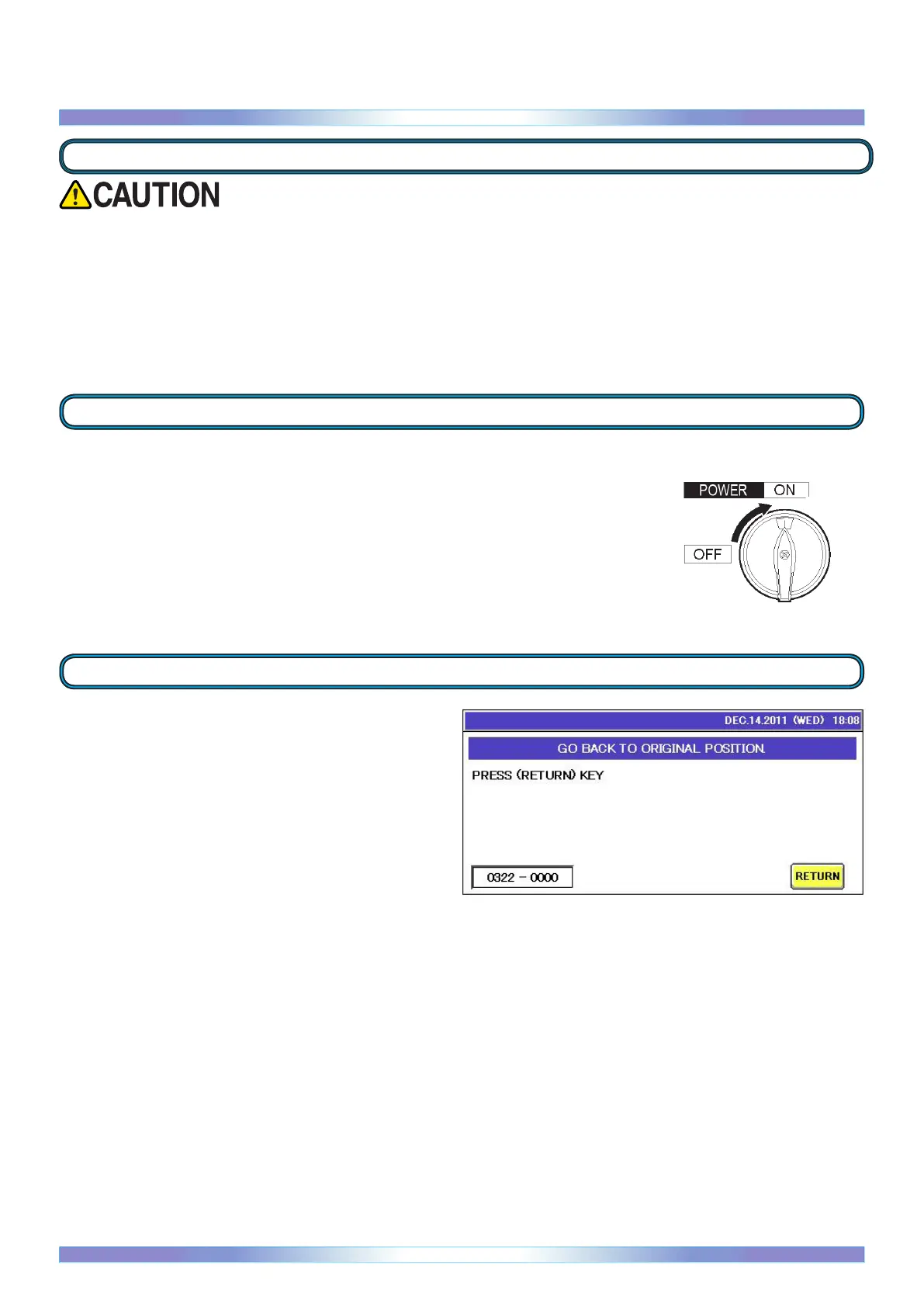
Touch RETURN on the screen. The infeed pushers, lift unit, and folders,
etc. return to their original position.
Turn on the main power switch.
Power supply
After cleaning the machine, carry out the procedures described in this section to check that the machine is operating correctly.
Basic Operation
Operation check


 To Next Page
 Loading...