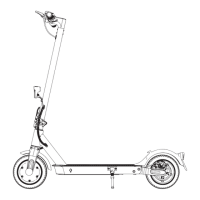
3. DISPLAY SCREEN & BUTTONS
03
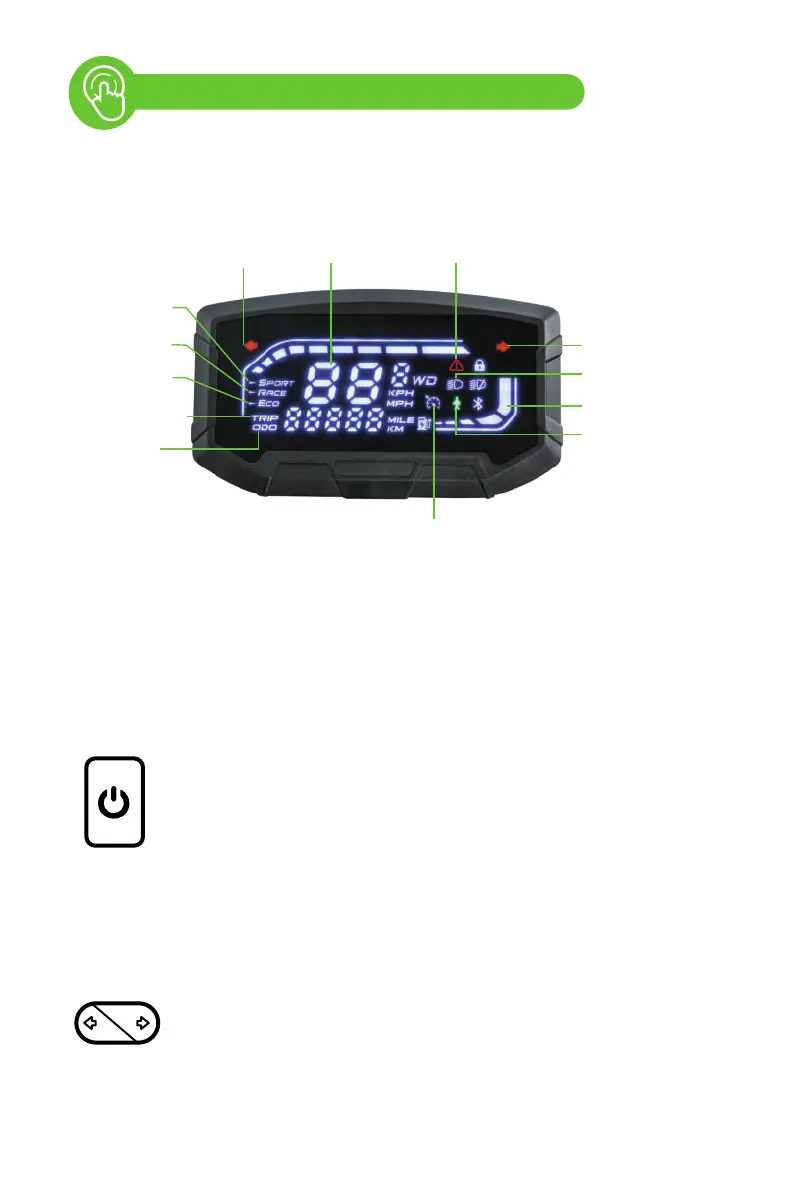
3.1 Screen
3.2 Function Buttons
* Cruise control is turned on by default. The scooter will move at a constant
speed after it maintains a speed for about 10 seconds.
* The default unit system is the imperial system.
• Press and hold for 2 seconds to power on/off the electric scooter.
• Press once to turn on/off the front light.
• Press twice to switch the riding mode.
• Press three times to switch between the metric system and imperial
system (default).
• Press four times to switch the start mode between zero start
(default) and non-zero start.
• Press five times to turn on/off cruise control (turned on by default).
Press the left arrow button to turn on/off the left turn signal light.
Press the right arrow button to turn on/off the right turn signal light.
Power Button
Turn Signal Switch
SpeedometerLeft Turn Signal Motor Overheat
Right Turn Signal
Battery Level
Front Light
9 mph Top
Speed Mode
Odometer
Trip odometer
15 mph Top
Speed Mode
21 mph Top
Speed Mode
28 mph Top
Speed Mode
Cruise Control



 To Next Page