ww w.islabikes.co.uk
Step 7 of 13
Installing the My SmartBike App
continued
To install the app, simply follow these steps:
1. Navigate to either the App Store or the Google Play Store depending on
whether your phone is an Android or Apple platform.
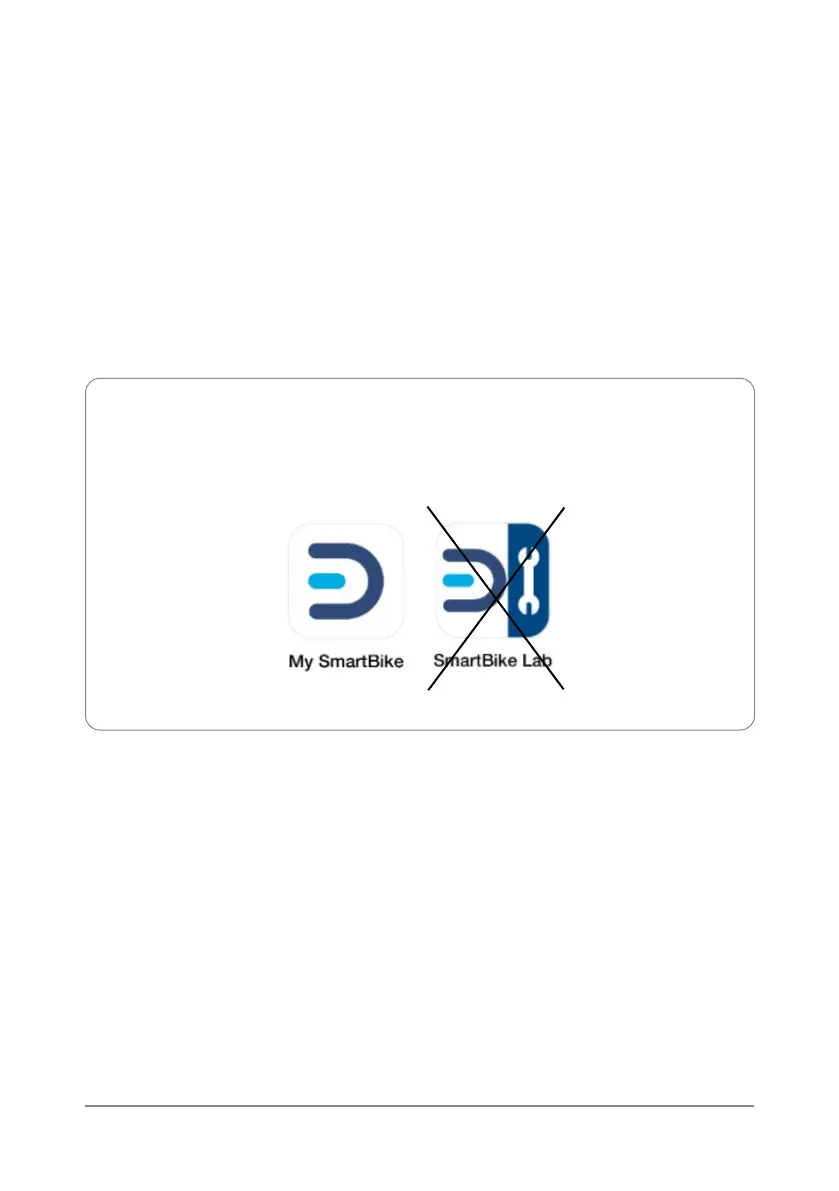
2. Enter ‘My SmartBike’ into the search bar and locate the following app:
3. Install the app.
4. Open the app and follow the prompts to setup a new ebikemotion
user account.
Please ensure that you read through the Privacy Notice shown during the setup
process and only accept if you are happy with the terms of the agreement.
Note: There are two Mahle SmartBike apps. The app that you will
need is ‘My SmartBike’; not the ‘SmartBike Lab’ app.



 To Next Page