18
Making Basic Measurements
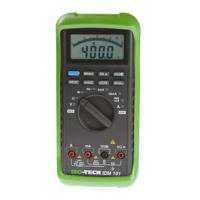
Measuring Hz / RPM
Note – Connect the red test lead to the “
VΩHz ” terminal
and the other (black) test lead to the “COM” terminal.
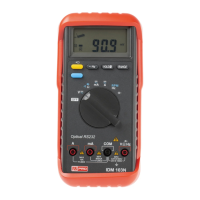
Set the rotary function selector to “Hz RPM” position to meas-
ure the frequency or RPM with the blue switch.
Connect the test leads to the circuit to be measured.



 To Next Page