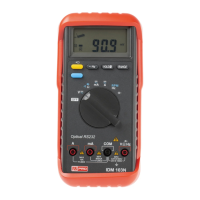
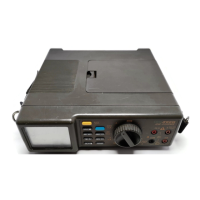
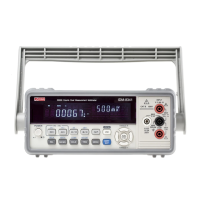
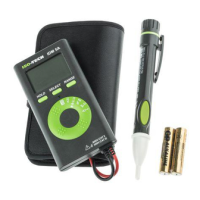
6
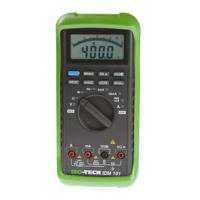
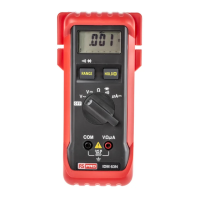
9. Hold button
— This button is used to freeze a measurement on the displa
. When it is pressed, "HOLD" appears
on the displa
. Measurements continue to be converted but the displa
is not updated.
10. "Delay hold" button
— This button is used to dela
the freezin
of measurements. The "HOLD" annunciator
does not appear until about six seconds after the button is pressed. To switch off the Hold function, either press
the Hold button or else the Dela
Hold button. In the latter case the annunciator will disappear from the displa
after a six second dela
. While "HOLD" is showin
, the conversion of the measurements continues but the
displa
is not updated.
When the Hold button is pressed the internal sounder operates, and when the Dela
Hold button is pressed it
will operate after a six second dela
.



 To Next Page