OPERATION
4
4-2 V8.5e Rev 2.2.2002
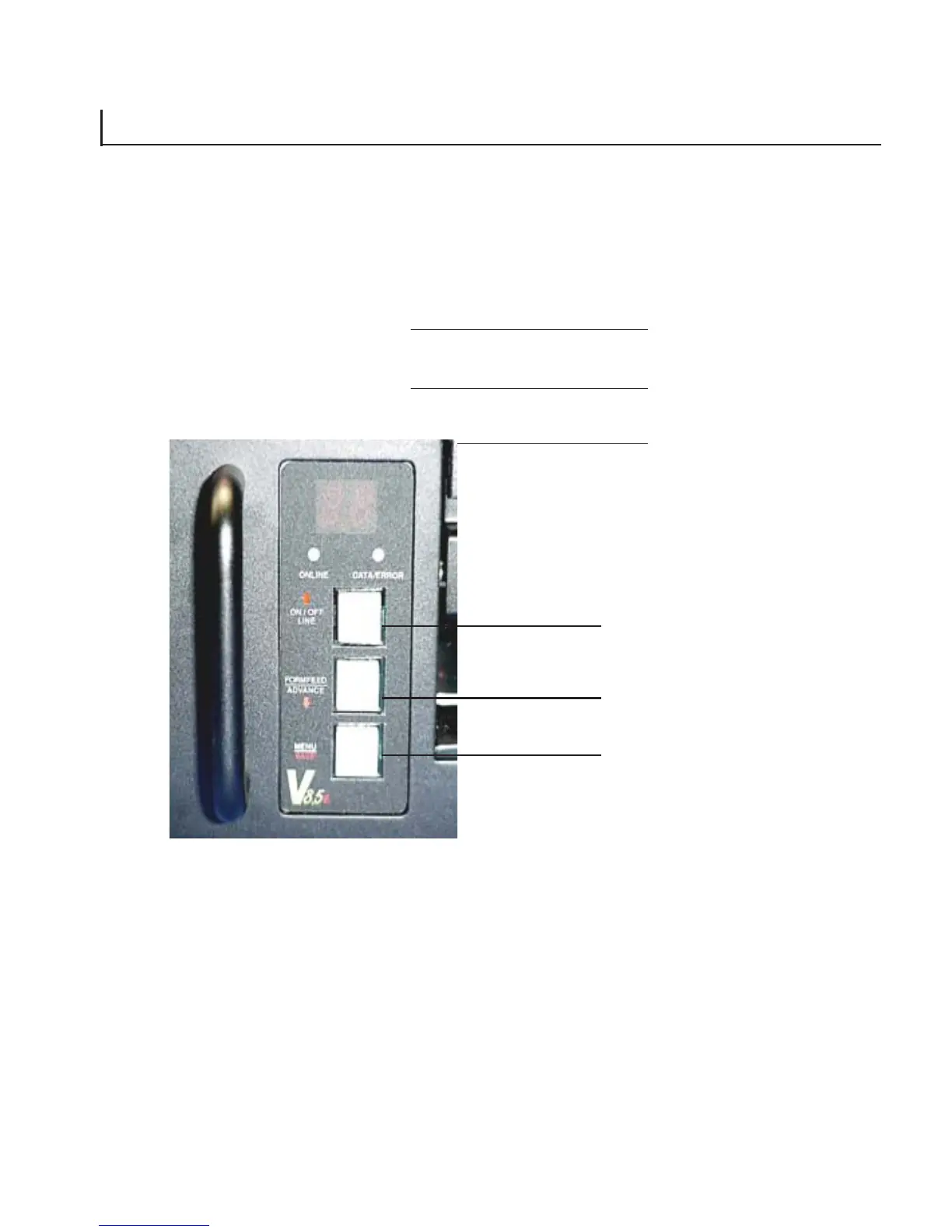
Figure 4-1. Control panel
The control panel is shown in Figure 4-1. It consists of an LED
display, two condition lights, and three buttons.
Button 1
Button 2
Button 3
4.2 USING THE CONTROL PANEL
To turn the plotter on, press the main power switch at the front of
the plotter. The LED display “moves in circular motion” during bootup,
followed by the ONLINE LED illuminating. When the ONLINE LED is
on, the plotter is ready to receive data from the host. Changes to the
plotter have to be made in offline mode.



 To Next Page