MAINTENANCE
6
6 -4 V8.5e Rev 2.2.2002
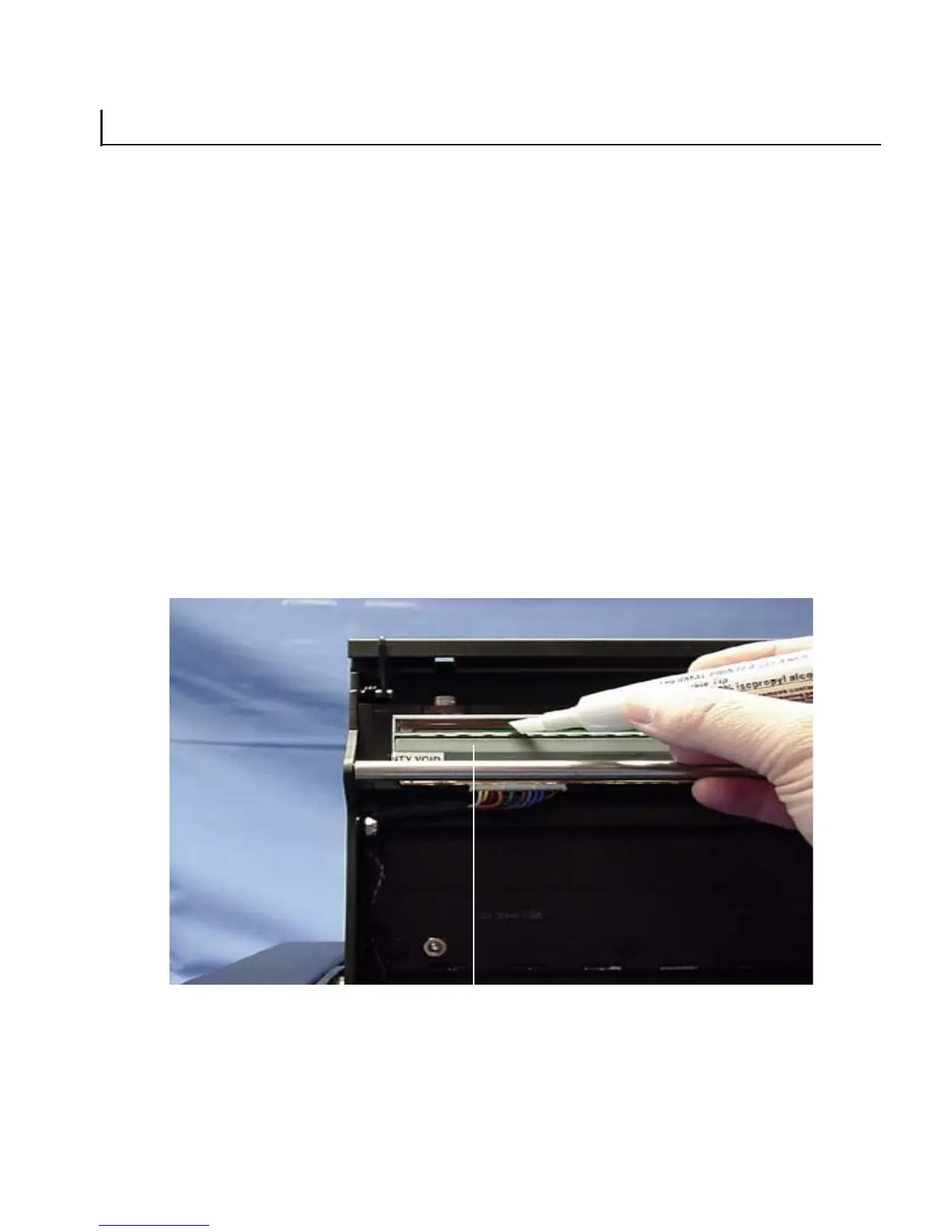
Cleaning the thermal printhead
After prolonged use, the thermal printhead picks up fibres from the
media passing under it. These fine fibres collect and compact on
portions of the printhead, blocking the contact it makes with the
paper during a plot and causing faded patches. Poor contact between
the printhead and paper may also cause the affected heating
elements (nibs) to fail prematurely because of improper heat
dissipation to the paper.
Clean the printhead every time you install a new roll of paper or
film.
1. Turn the plotter power off.
Figure 6-1
Print Head



 To Next Page