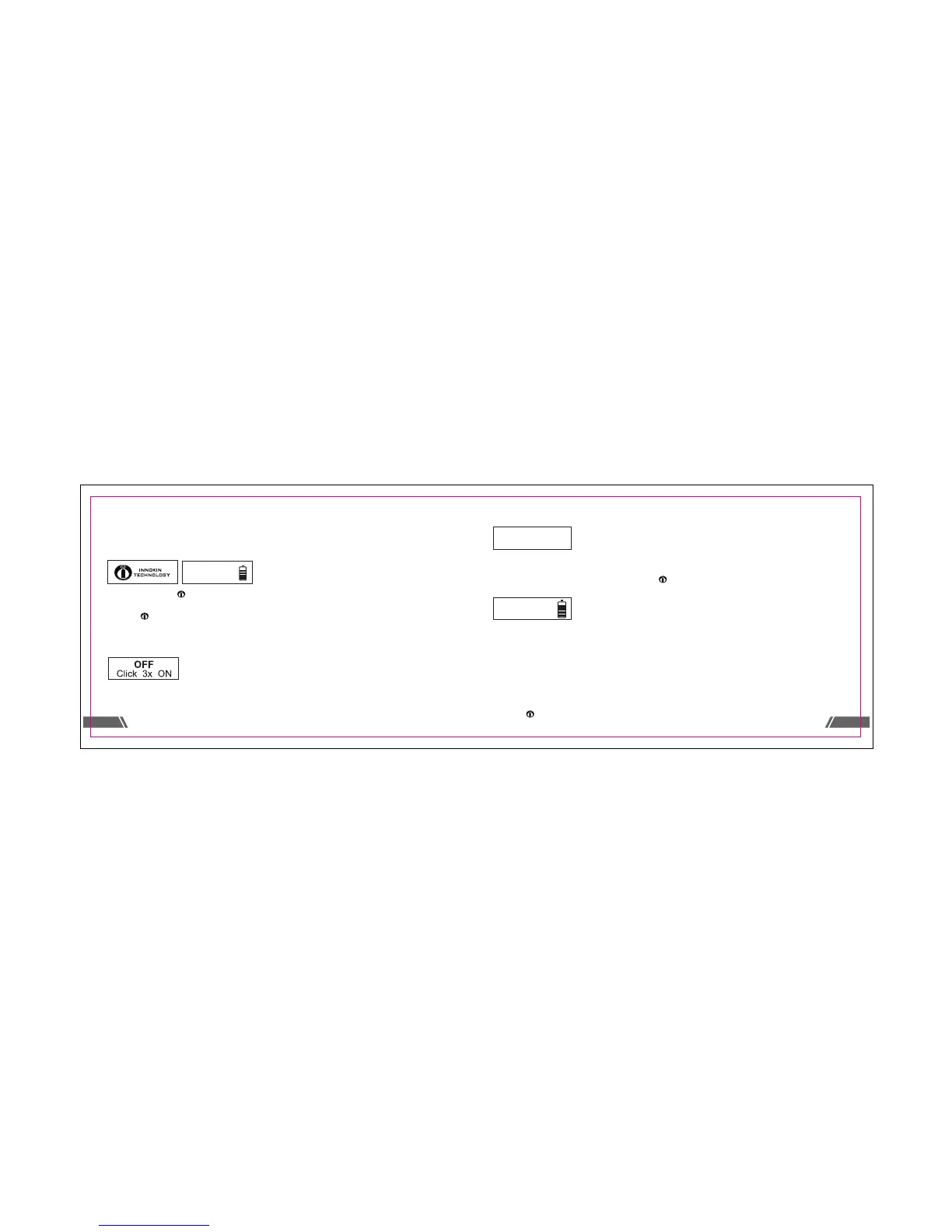
All iTaste MVP3.0 sengs can be easily changed without the use of a menu system. The large
OLED screen readily displays all important informaon.
To POWER ON the iTaste MVP3.0:
Press the buon “ ” three mes to power on the iTaste MVP3.0.
The LED light on the top will blink once to display the current baery charge. When the
buon “ ” is pressed (with a clearomizer aached) the OLED screen will display the aached
atomizer resistance, voltage and waage and remaining baery charge.
To POWER OFF the iTaste MVP3.0:
Ohms Meter & Baery Level Indicator & Puff Counter:
With an atomizer aached, hold both the “+” and “-” buons simultaneously and the screen
will display: the resistance of the aached atomizer, the baery voltage, the number of puffs
since the device was last turned off and the last set voltage or waage.
Enter Variable Waage Mode:
Press and hold the “+” buon and then the “ ” buon for 1 second to enter variable waage
mode.
Adjust Variable Waage:
When the iTaste MVP3.0 is in variable waage mode press the “+” or “-” buon one me and
then press it again to decrease the waage. Hold the buon down to quickly increase or
decrease the set waage.
The iTaste MVP3.0 waage can be adjusted from 6.0 to 30 was in .5 wa increments by
pressing the “+” or “-” buons. If the waage is decreased below 6 Was it will cycle up to 30
Was. If the waage is increased from 30Was it will cycle down to 6 was. Press the
buon “ ” to lock the set waage and fire the iTaste MVP3.0.
2 . 5Ω
3 . 7 V
10
13
12
2 . 5Ω
0.0W
10.0W
2 . 5Ω
0.0W
W
4.
0



 To Next Page