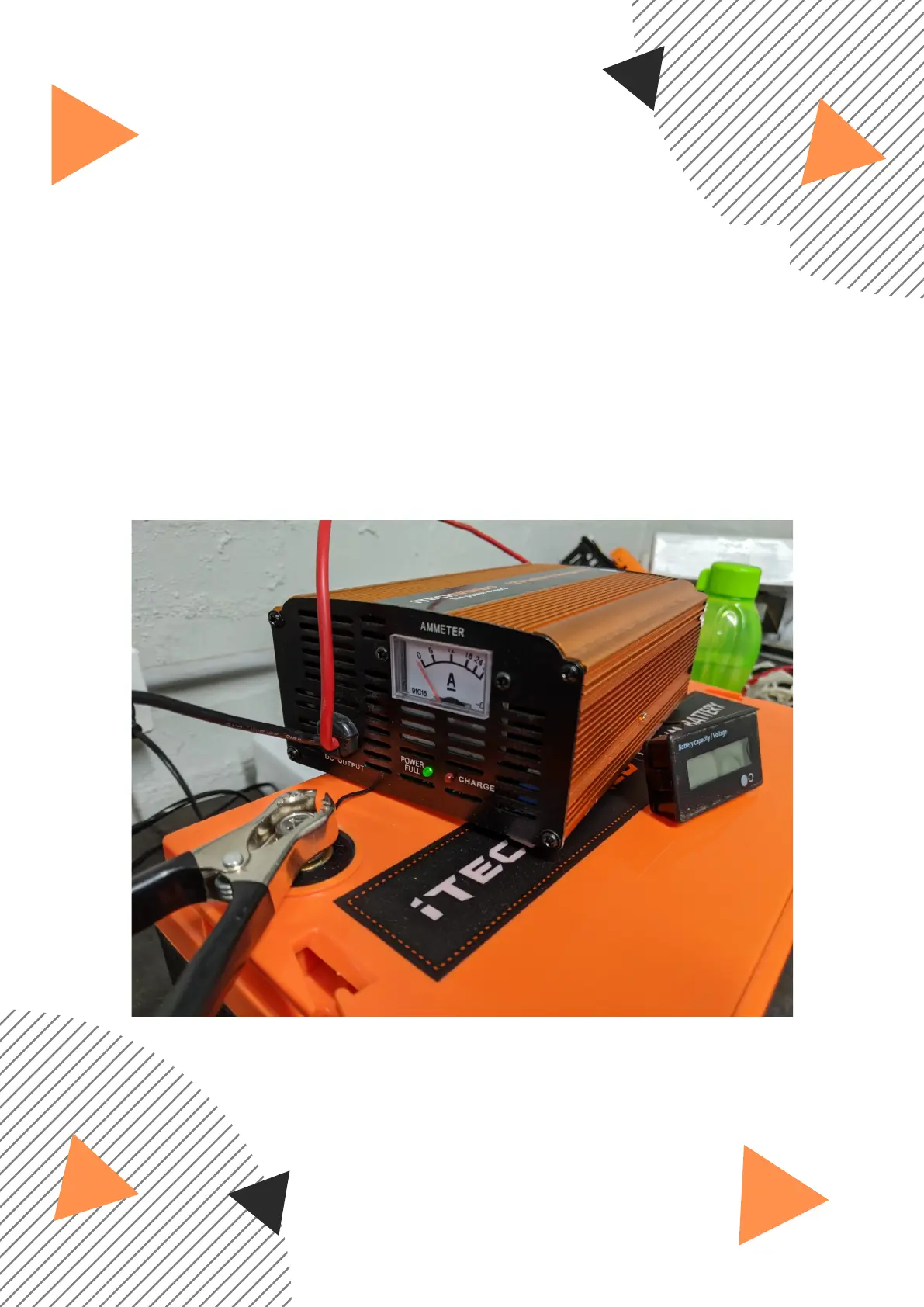
ITECHWORLD BATTERY CHARGER
USER GUIDE
Connect the charger positive battery clamp to the battery
positive terminal and the negative battery clamp to the negative
terminal, then turn on the battery charger. The battery charger
may not start charging when turned on, this would be indicated
on the charger by only a Green led illuminating and the
ammeter on 0 proceed to step 2 if this is the case.
1.
The battery can also be reset with our battery charger by following
the steps below.


 To Next Page